The 2026 Definitive Guide to School Poster Printers

Last updated:
How do you choose the right poster printer for your school? Schools have two real options: buy a commercial wide-format printer (HP or Epson hardware) and assemble the software, training, and support around it yourself — or choose a complete school poster system that bundles the printer with education design software, K-12 templates, training, onsite warranty coverage up to 5 years, and school-friendly purchasing (purchase orders and leasing). For most schools without dedicated print-shop staff, the complete system wins on total cost, teacher adoption, and uptime. This guide walks through the decision factor by factor.
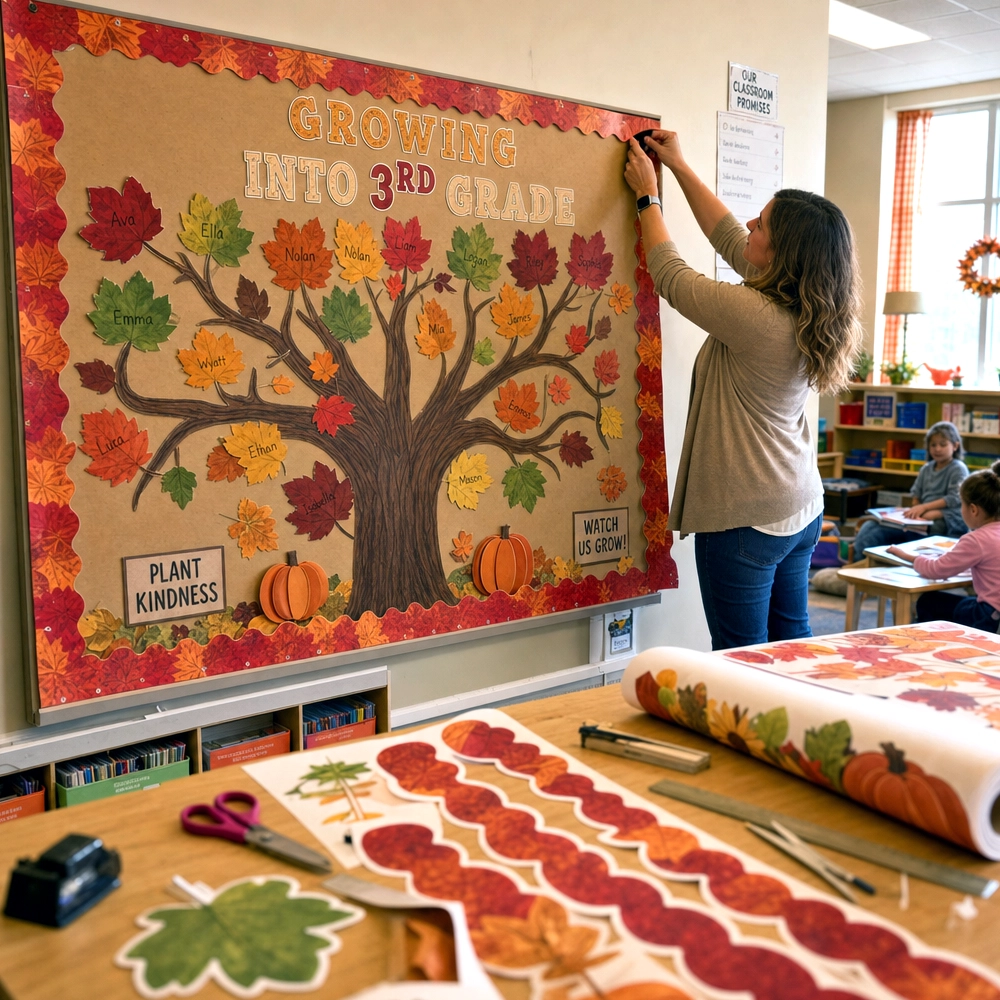
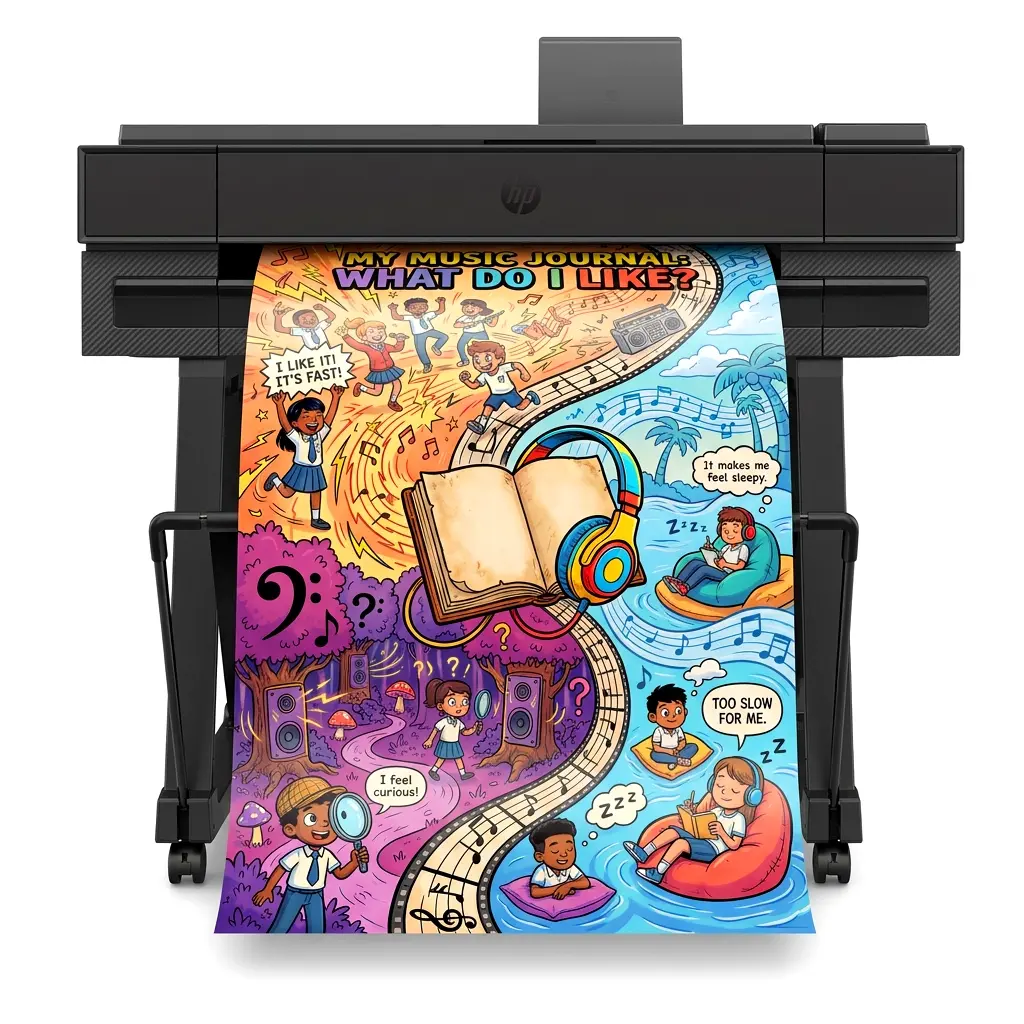
Visual learning in 2026 has evolved. Static, outdated bulletin boards have been replaced by vibrant, dynamic data walls, customized PBIS signage, and full-color student recognition banners. However, as the demand for high-quality classroom visuals increases, outsourcing these materials to local print shops has become a massive drain on district budgets. Just read our customer stories to see how real schools are reclaiming their time and their funding.
Bringing wide-format printing in-house is no longer a luxury for schools; it is a fiscal and educational necessity. This guide breaks down exactly what educators and administrators need to look for in school poster printers this year, from hardware capabilities to print cost intelligence and funding eligibility.
1. The Economics of In-House Printing & Cost Transparency
The days of paying $15 to $25 for a single laminated poster are over. Modern school poster printers are engineered for maximum efficiency, dramatically lowering your total cost of ownership. But the true game-changer in 2026 is cost transparency.
Costs Starting at Just $1.30
Depending on the design’s ink coverage, highly efficient ink and paper systems mean your print costs can start at just $1.30 for a standard 24″ × 36″ full-color classroom poster. This is a highly optimized starting point that scales based on exactly what you design. See the full math on our cost-per-print page.
See the Cost BEFORE You Print
This is where modern print software outshines basic commercial drivers. Our proprietary StudioCore Poster Design Software features a built-in PrintCents estimator. Before you ever hit the “print” button, the software analyzes your ink density and media type to show you the exact cost of your poster down to the penny. No surprises, no wasted budget.
Funding Eligibility
Because these systems directly impact visual accommodations, student motivation, and curriculum delivery, comprehensive education printer packages are commonly purchased with Title I and other instructional-materials funding. Your PSE consultant can help you match a package to the funding source your district uses.
2. Commercial Plotters vs. Turnkey School Poster Printers
One of the biggest mistakes a school can make is buying a commercial “off-the-shelf” wide-format printer without an education-specific ecosystem. Commercial hardware from major brands is fantastic, but without the right software and K-12 support, it quickly becomes an expensive paperweight in the teacher workroom.
| Commercial & Hardware Approach | The Drawbacks for Schools | The Poster Studio Express Solution | The PSE Advantage |
|---|---|---|---|
| Bare-Bones Commercial Plotters | Requires complex third-party RIP software. Standard 1-year warranty. No educational templates included. Designed for architects, not teachers. | Education Express Series | Powered by StudioCore. K-12 template library. Onsite warranty coverage up to 5 years. Instant Canva integration. Cost estimator included. |
| Upcharged “School” Bundles (Repackaged Off-The-Shelf Printers) | An out-of-the-box printer bundled with the free generic OEM software it already came with, upcharged by thousands of dollars. No proprietary education tools or tailored complete solutions. | Education Studio Series | A true, tailored complete solution. Eliminates middleman markups while allowing you to see the exact print cost (starting at just $1.30) before printing. |
| Standard Retail Epson / HP Printers (General Office 24″–44″ Printers) | No built-in scan-to-print workflow for student artwork. Relies on complicated driver settings for sizing, leading to wasted ink and ruined poster media. | Poster Magic Series | One-touch Scan-to-Poster AI upscaling. Built specifically for educational workrooms to eliminate sizing errors and wasted materials. |
3. Choosing the Right School Poster Printer Series
Poster Studio Express packages are categorized to fit the exact needs of your campus environment:
The Education Express Series (The Classroom Workhorses)
The Education Express Series is perfect for daily school life. Available in standard widths, these models are ideally sized for classroom posters, anchor charts, and hallway instructional aids. They are compact enough to sit on a workroom desktop while remaining powerful enough to serve an entire elementary or middle school.
The Education Studio Series (Premium Color & Speed)
When your school requires high-impact graphics, PBIS displays, and lightning-fast output, the Education Studio Series steps up. These wide-format school poster printers deliver superior ink density for vibrant colors that capture student attention instantly.
The Poster Magic Series (The Complete Workstation)
The Poster Magic Series provides the ultimate turnkey experience, featuring built-in scanning capabilities to instantly digitize and enlarge 8.5″ × 11″ hand-drawn student artwork into massive, crisp wall displays.
4. Which Poster Printer Fits Your School?
Best for elementary schools
Elementary campuses print anchor charts, center signage, and student recognition posters in steady daily volume. The Education Express Series covers that workload from a workroom desktop, and the Poster Magic Series adds one-touch scan-to-poster for enlarging hand-drawn student artwork — a feature elementary teachers use constantly.
Best for middle schools
Middle schools typically split printing between classroom materials and activity programs — athletics, clubs, and events. An Express Series machine handles the day-to-day, while schools with heavier color demands (spirit posters, banners) step up to the Studio Series for richer ink density and faster output.
Best for high schools
High schools are the heaviest users: athletics schedules, theater and band promotion, college-signing banners, CTE program displays. The Education Studio Series is built for that pace and impact, and pairs with our banner and photo media for gymnasium-scale output.
Best for districts and print-shop teams
Districts centralizing production for multiple campuses should look at Studio Series machines paired with StudioCore’s cost estimator, so every campus job is priced before it prints. District purchasing teams can buy by purchase order or lease — see purchasing options below.
5. The Software Advantage: See Your Costs with StudioCore
As the table above illustrates, a school poster printer is only as good as the software driving it. Historically, operating a commercial printer required relying on generic manufacturer software that hid print costs until it was too late. Today, that barrier has been entirely removed.
Every package we offer is driven by our proprietary StudioCore Poster Design Software, which provides:
- Cost Intelligence (PrintCents): See exactly how much ink a project will use and the total monetary cost before committing to the print.
- Real Canva Integration — 2 steps, not 8: StudioCore links to your teachers’ Canva accounts and prints designs directly — open the design, click Print, done. No PDF downloads, no file uploads, no sizing fights. It’s the only true Canva integration on the K-12 wide-format market.
- Curriculum-Trained AI: Type a prompt and get a print-ready, curriculum-aligned poster — trained on every U.S. state framework (Common Core, NGSS, TEKS, and more) with 100,000+ standards indexed. Nothing AI creates prints without teacher approval.
- 140+ Smart Tools and a 10,000+ template Design Library: anchor charts, word walls, science-of-reading sound walls, story maps, graphing calculators and more build themselves from your own words and numbers — plus standards-aligned templates that skip blank-canvas syndrome entirely.
6. Warranties and Long-Term Protection
School environments are tough on technology, and downtime is not an option. PSE packages include onsite warranty coverage of up to 5 years depending on the package — with full 5-year Next Business Day onsite coverage available on select Express Series packages. When covered hardware fails, HP dispatches a certified technician to your school after its remote diagnosis, covering parts and labor so your budget remains predictable. Compare that with the standard 1-year warranty on commercial plotters.
7. How Schools Buy: Purchase Orders & Leasing
Poster Studio Express is built around school purchasing. We accept school and district purchase orders, provide formal quotes and vendor documentation for your business office, and offer leasing for schools that prefer to spread the investment across budget years. See our purchase order & procurement page and leasing options for details.
Frequently Asked Questions
What is the best poster printer for schools?
The best poster printer for a school is a complete education package rather than a bare commercial plotter: hardware sized for school volume, bundled design software with K-12 templates, training, onsite warranty coverage, and PO-friendly purchasing. PSE’s Express, Studio, and Poster Magic Series are built to that standard; the right one depends on your volume and whether you need built-in scanning.
What is the easiest poster printer for teachers to use?
Ease of use comes from the software, not the printer. With StudioCore, teachers drag a PDF, Word doc, or Google Slide onto the app and it prints perfectly sized — or pick a Smart Tool, prompt the curriculum-trained AI, or print straight from Canva, seeing the exact cost first — no driver settings, no sizing math. The Poster Magic Series goes one step further with one-touch scan-to-poster for hand-drawn artwork.
What’s the difference between a school poster printer and a regular wide-format printer?
The hardware can be similar — the ecosystem is not. A regular wide-format printer (HP DesignJet, Epson SureColor class machines) arrives with generic driver software, a 1-year warranty, and no education templates or school purchasing support. A school poster system bundles education design software, curriculum templates, training, multi-year onsite coverage, and PO/leasing purchasing into one package.
Do school poster printers come with software included?
Commercial printers include only basic driver software. Every PSE package includes StudioCore at no extra cost — never sold separately, never on a subscription, with lifetime updates included. It brings curriculum-trained AI, real Canva integration, 140+ Smart Tools, a 10,000+ standards-aligned template library, and PrintCents cost tracking — so schools never buy design software separately.
Can schools buy a poster printer with a purchase order?
Yes. PSE accepts school and district purchase orders and provides quotes and vendor documentation for your business office — see our purchase order & procurement page. Leasing is also available. Start with a quote request and your business office can take it from there.
What does a school poster printer cost?
Package pricing is quote-based — request a quote and we’ll price the right configuration for your school. Operating costs are fully transparent: a standard 24″ × 36″ classroom poster starts at about $1.30 in ink and paper, and StudioCore shows the exact cost of every design before you print. See our cost-per-print breakdown.
What poster maker should a school buy?
Match the series to your campus: Express Series for everyday classroom printing, Studio Series for high-volume and high-impact color, Poster Magic for a complete workstation with built-in scanning. If you’re unsure, a quote request includes a consultation to size the right package.
The Bottom Line
Upgrading to modern school poster printers transforms how educators communicate with students. By avoiding the pitfalls of bare-bones commercial printers and upcharged repackaged bundles, your school can focus on turnkey ecosystems. With low starting print costs, the ability to see the exact price before you print via StudioCore, and onsite warranty protection up to 5 years, you can bring a true professional-grade print shop directly into the teacher workroom.
Ready to upgrade your school’s visuals?
Explore the Poster Studio Express School Poster Printers and find the perfect fit for your classroom, office, or district today.
Explore School Poster Printers →