How to Choose a Poster Printer for Your School
The sticker price is the easy part. This guide walks through the 7 things that actually matter when a school buys a poster printer — plus the size guide, real per-poster costs, and the exact questions to ask — so you pick a machine that's still saving you money and headaches years from now.
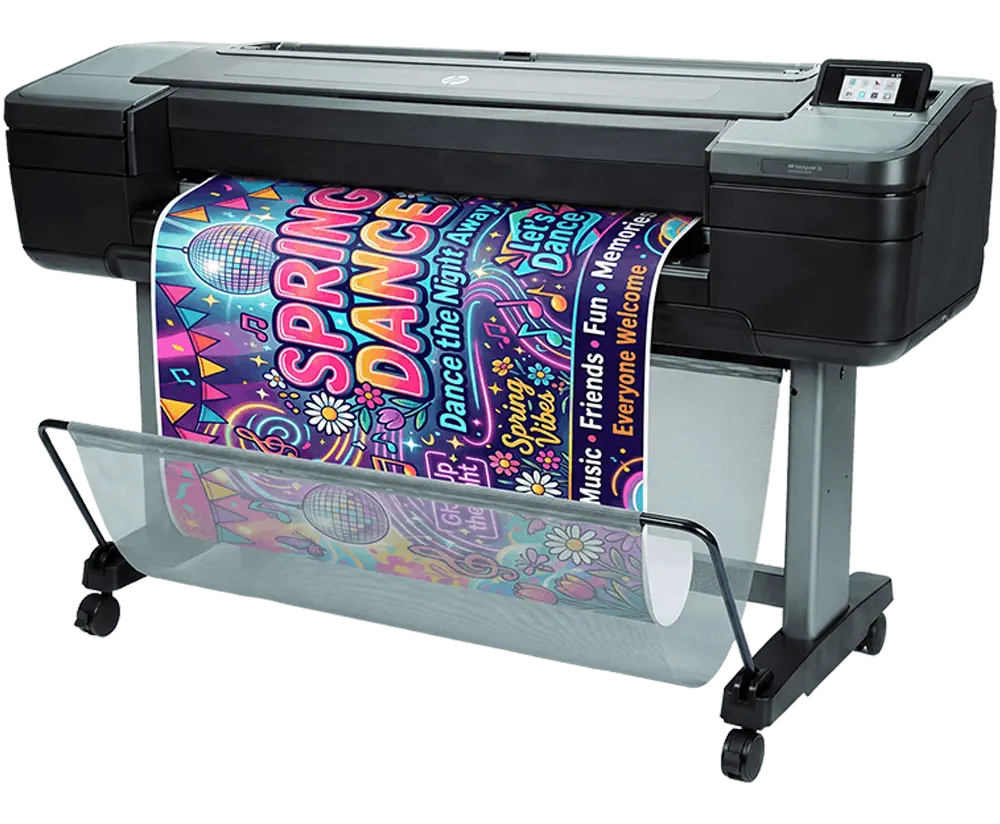
The Quick Answer
To choose a poster printer for your school, judge it on seven criteria, not the purchase price alone: print width, true cost per print (ink + paper), ink system & maintenance, software built for teachers, warranty & on-site support, design help, and how easily staff can print. The right machine wins on the years of running cost and support — not the day-one price tag.
- Print width: 24″ classrooms, 36″ hallway posters & banners, 44″+ gym-scale.
- Cost per print: compare ink + paper per poster, not sticker price.
- Ink & maintenance: a no-clog system that survives summer break.
- Software: made for K-12 teachers, with templates & Canva.
- Warranty: on-site (not ship-it-back) service with fast response.
- Design help & easy printing: support for non-designers, print from any device.
How to Choose a Poster Printer in 5 Steps
A simple path from "we need a poster maker" to a confident purchase order — no jargon, no guesswork.
Size it to your biggest poster
Start with the widest thing you'll ever print. Width is the one spec you can't add later, so let your largest job — a hallway banner, a gym backdrop — set the minimum width, then size up one step for headroom.
Compare the true cost per print
Get the all-in ink + paper cost for one finished poster on the paper you'll actually use. A low sticker price with thirsty ink can cost more within a single school year, so this number — not the purchase price — is the one to compare.
Check the ink & maintenance model
School printers sit idle over breaks. Confirm the ink system won't clog from sitting and doesn't need a daily upkeep routine — so it prints on the first try in August, not after a service call.
Vet the software, support & design help
Make sure the software is built for teachers (templates, Canva, prints from any device), the warranty is on-site, and design help is included — this is what gets the whole building using the printer, not just one person.
Line up funding & request pricing
Poster makers are commonly funded by Title I, Title IV, Perkins V, technology grants, and PTA/PTO. Request a quote (and a grant-letter template if you need one), then match the machine to your budget band.
The 7 Things That Actually Matter
Each one is a place schools either save money for years — or get stuck with a machine that costs more than it should.
Print width
The widest poster you'll ever print sets the machine you need. Width is the one spec you can't add later, so size up for your biggest job, not your average one.
True cost per print
A cheap printer with expensive ink costs more over its life than a pricier one that sips ink. The number that matters is the all-in cost of ink + paper for one finished poster.
Ink system & maintenance
School printers sit idle over breaks and summer. Some ink systems clog when they're not used, leading to wasted ink and service calls. The right one starts right up in August.

Software built for teachers
The software decides whether the whole staff uses the printer or just one tech-savvy teacher. Pro design tools sit unused; teacher tools get used every week.
Warranty & on-site support
When a printer goes down before a big event, shipping it away for a week isn't an option. The support model matters as much as the warranty length.
Design help for non-designers
Most staff aren't graphic designers, and a printer only earns its keep if people actually make posters with it. Built-in help closes that gap.
How easily staff can print
If only one computer can reach the printer, it becomes a bottleneck. The easier it is to send a file, the more your building uses what you bought.
Which Print Width Does Your School Need?
Match the width to your biggest job. When you're between two sizes, go wider — you can always print smaller on a wide machine, never the reverse.
Every width prints continuous-roll, so length is rarely the limit — width is. Compare sizes
Why Cost Per Print Beats Sticker Price
A poster printer is a multi-year purchase. What you spend per poster — times thousands of posters — dwarfs the day-one price. Here's what the numbers actually look like.
| Paper | Cost / 24×36 | Entry tier |
|---|---|---|
| Standard | $1.30–$1.55 | ~$2.19 |
| Coated | ~$2.84 | ~$4.51 |
| Satin photo | ~$5.84 | ~$8.09 |
| Gloss photo | ~$6.45 | ~$9.39 |
Per-poster figures (ink + paper) measured by the PrintCents™ tool. The "entry tier" column shows the same posters cost more to run on a lower-tier printer — proof the cheapest sticker price isn't the cheapest to operate. See the full breakdown → • Compare every poster paper and its real per-poster cost →
Owning vs outsourcing: printed in-house, a large 36″×48″ poster runs about $13.60. The same poster sent to an online or office-supply print service averages about $63 — so printing in-house costs roughly 80% less, and the printer often pays for itself inside the first year. See the full in-house vs outsourcing breakdown →
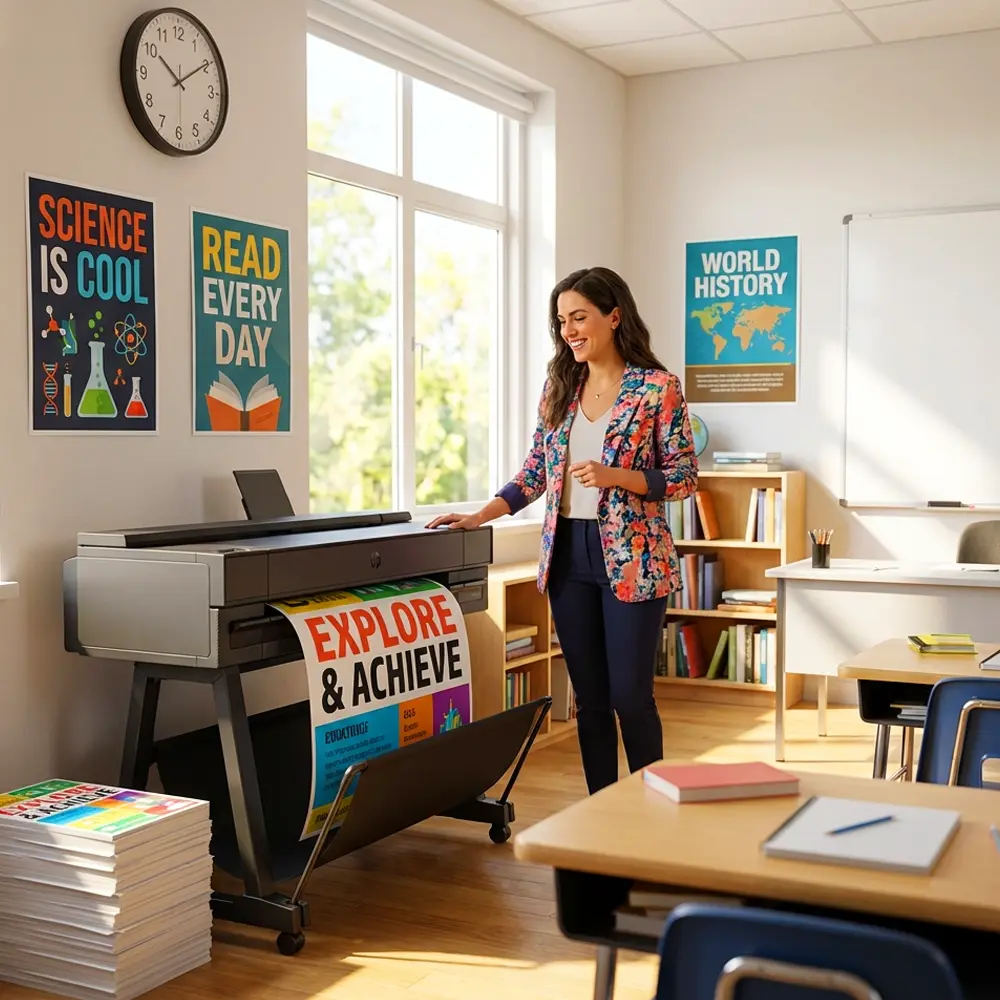
What a Great School Setup Actually Includes
The printer is only half the decision. These are the things that make a poster maker genuinely school-ready — and what to expect from a setup built for K-12.
No-maintenance ink
A cartridge ink system that won't clog when the printer sits over summer — no daily head-cleaning, no surprise service calls in August.
Teacher software, included
StudioCore ships free with every printer: real Canva integration, a curriculum-trained AI indexed to 100,000+ standards, and scan-to-poster — no subscription.
Works on any device
Print from Windows, Mac, Chromebooks and iPads over the network — no IT setup — so any teacher can send a poster from their own screen.
Cost shown before you print
Built-in PrintCents measures ink in real time and shows the exact dollar cost of a job before you hit print — no budget surprises.
On-site warranty + lifetime support
Next-business-day, on-site service up to 5 years — covering printheads, motors and boards — plus lifetime U.S.-based phone and chat support.
Funding help
Eligible for Title I, Title IV, Perkins V and tech grants, with a free grant-letter template — plus POs, financing and leasing.
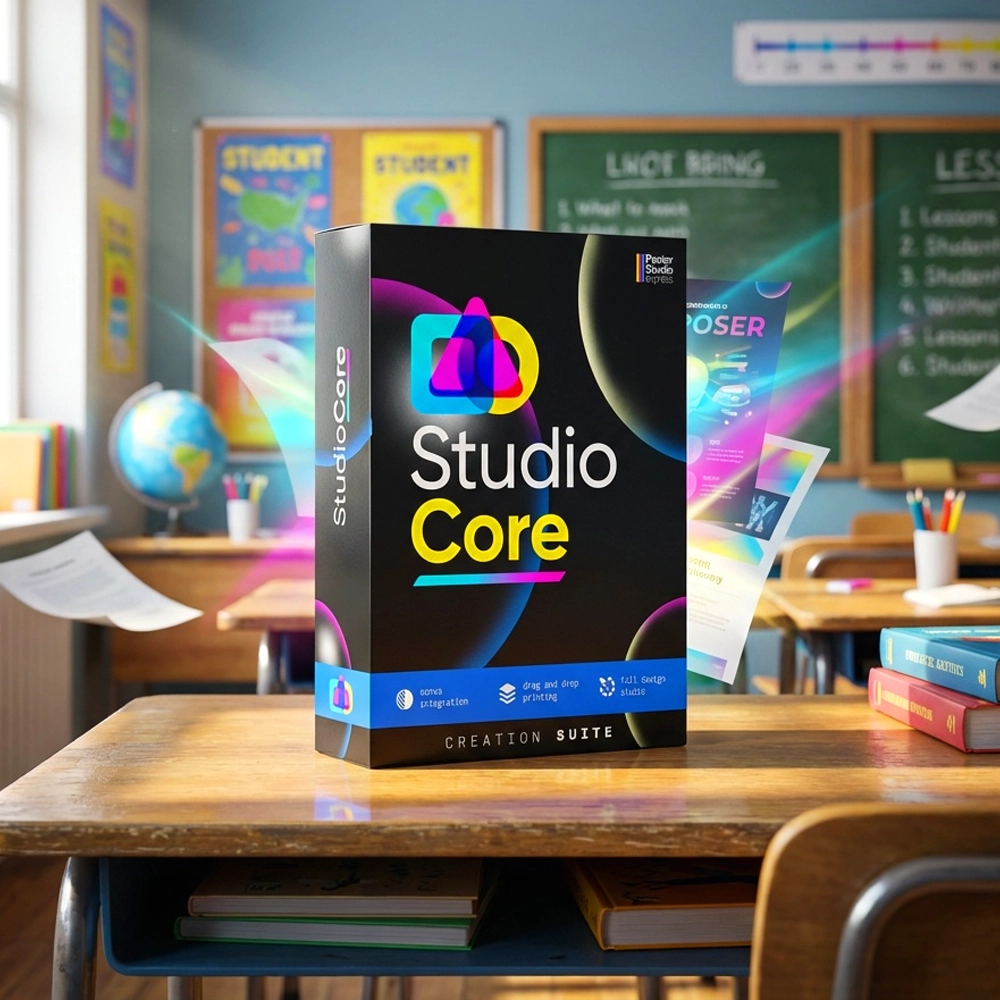
The software is half the decision — so we built it for teachers
A poster maker is only as good as the software in front of it. StudioCore ships free with every printer and is made for classrooms, not design studios — with no subscription, ever.
- Real Canva integration — print straight from a Canva design, no downloads or resizing.
- Curriculum-trained AI indexed to 100,000+ standards across all 50 states.
- Scan-to-Poster turns a worksheet into a print-ready 24″×36″ in seconds.
- Runs on Windows, Mac, Chromebooks & iPads — no IT setup.
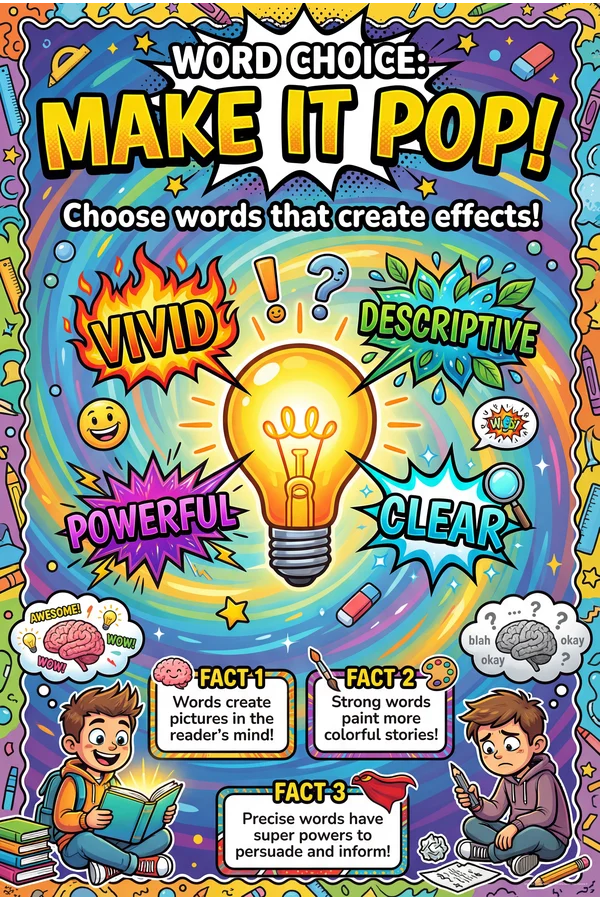
You don't need a designer — we are one
The criterion most buyers forget: who designs the posters? Templates and Canva get you far, but for the big stuff, a great school setup includes real design help — not just an AI prompt box.
- Real U.S.-based designers — not AI — build your fundraisers, event signage, banners and rubrics.
- Lifetime access, included free with select packages — share your idea, then just hit print.
- Anything a school needs: booster-club posters, security signage, graphic organizers and more.
8 Questions to Ask Before You Buy
Bring these to any vendor demo. The answers separate a true school poster maker from a repurposed office printer.
Choosing a Poster Printer FAQs
Found Your 7 Boxes to Check?
See instant pricing on the poster makers that tick every box — from $1.30 a poster, no-maintenance ink, teacher software, on-site warranty, and free design help included. Title I, Title IV & Perkins V eligible.