Wireless & Remote Printing for School Poster Makers
Network-Ready. Cable-Free. Driverless. Built for Schools.
Our Express and Studio Series school poster makers ship with built-in networking — so teachers, administrators, and students can send poster jobs straight from a laptop, Chromebook, tablet, or phone without ever walking to the printer. Place the machine in a media center, workroom, or classroom — and print to it from anywhere on your district network.
Powered by HP’s mobile printing technology — Apple AirPrint, Mopria for Android, and the HP Smart app — plus our proprietary StudioCore software, your school poster maker is driverless on modern operating systems — no per-machine installs, no compatibility headaches. Just connect, design, and send. It’s the modern way to run a school poster program.

Built for the Way Schools Actually Print
School poster makers don’t belong on a single workstation in a single classroom. Teachers print from their desks, librarians print from the front counter, principals print from their offices, and students print from the lab — all to the same machine. Wireless and remote printing is what makes that practical.
Place It Anywhere
Put your school poster maker in the media center, workroom, or shared print space. Network connectivity means it doesn’t need to live next to a computer — it lives wherever it serves your staff best.
No Messy Wiring
Skip the USB cables, the dedicated PC, and the workstation rats’ nest. A single network connection serves the whole building — clean, simple, and ready for any IT environment.
Mobile Printing Built-In
With HP’s mobile printing technology, teachers send posters straight from a phone or tablet — perfect for last-minute event signage, pep rallies, and quick classroom needs.
Job Accounting Built In
The printer’s embedded web server logs every job — file name, size, user, ink usage — so administrators get visibility into who’s printing what, ideal for departmental budgeting and funding reports.
Driverless Setup
Modern Windows, macOS, ChromeOS, iOS, and Android all recognize the printer natively over the network — no per-workstation driver installs required for everyday classroom printing.
District-Safe Security
Supports WPA2 Personal and WPA2-Enterprise (802.1X) Wi-Fi authentication, IPSec, SNMPv3, and HTTPS web management — so the printer passes through the same IT review as any classroom workstation.
Print From Any Device on Your Campus
Whether your district runs PCs, MacBooks, iPads, Android tablets, or Chromebooks, our school poster makers connect natively to everything. No specialized software, no per-device licenses, no exceptions.
From Idea to Printed Poster in 4 Steps
The entire workflow is designed for educators — not IT specialists. From the moment a teacher opens a design tool to the moment a poster lands in their hand, every step is wireless, intuitive, and fast.
Design Anywhere
Open StudioCore, Canva, Google Slides, PowerPoint, or any tool you already love. No new software to learn.
Connect Wirelessly
Your device discovers the school poster maker automatically over Wi-Fi or Ethernet. No drivers, no setup wizard, no IT ticket required.
Hit Print From Any App
Use your file menu, AirPrint, Mopria, or the HP Smart app — the poster maker appears as a network printer on every device on your school’s Wi-Fi.
Pick Up & Display
Your poster prints in minutes on the machine across the hall — full color, edge-to-edge, ready for the classroom wall or hallway.
Print Straight From Your Phone or Tablet
Skip the laptop. Skip the cable. Open a poster file on your phone, tap Print, and your school poster maker takes the job over the school Wi-Fi. AirPrint for Apple devices, Mopria for Android, and the HP Smart app for advanced features — all included on our Express and Studio Series.
Built-In Mobile Printing
Teachers and students on the school network see the poster maker automatically — no app downloads, no extensions, no setup. Just tap the share sheet, choose the printer, and send. It’s the same workflow as printing to any classroom inkjet.
- Apple AirPrint — print straight from iPhone, iPad, and Mac with zero setup on the device side.
- Mopria-Certified Android — works natively from Android phones and tablets without third-party software.
- HP Smart App — for advanced mobile features like scan-to-print, photo printing, and ink monitoring.
- PDF, JPG, PNG & documents — print the file types teachers actually use, no conversion required.
Wireless Printing on Our Express & Studio Series
Built-in networking, mobile printing (AirPrint, Mopria, HP Smart), and driverless connectivity are standard features on our Express Series and Studio Series school poster makers — not an upgrade, not an add-on. Choose the series that fits your school’s needs.
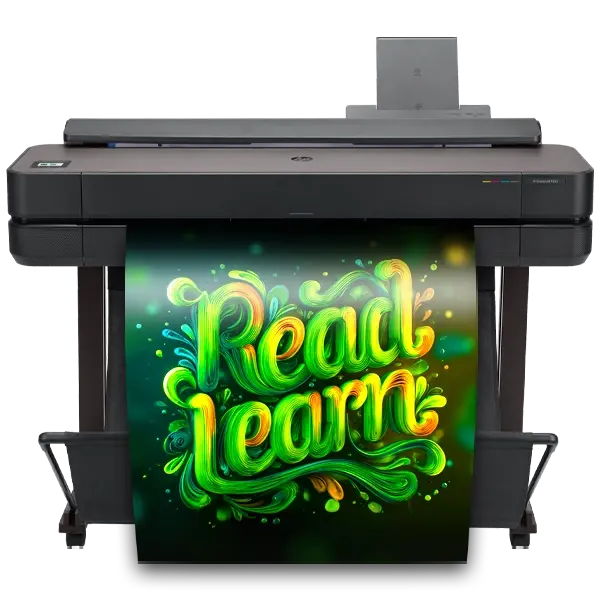
Education Express Series
24″ & 36″ indoor poster maker. Built-in Wi-Fi, Gigabit Ethernet, AirPrint, Mopria, and HP Smart app support.
Explore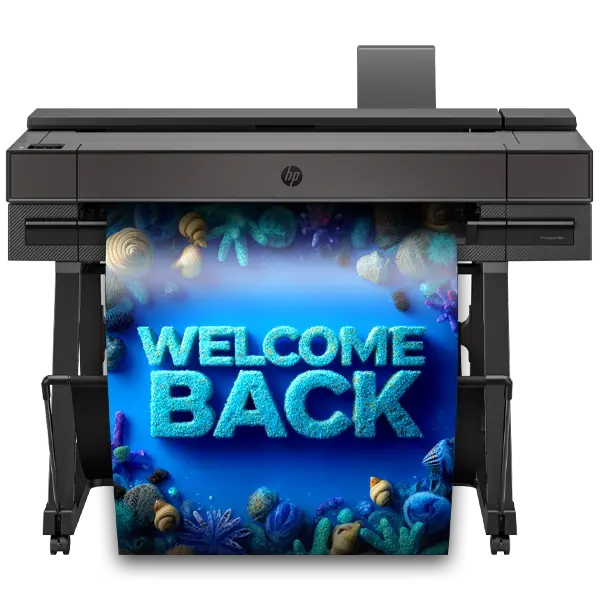
Education Studio Series
24″–64″ indoor & outdoor printing. Gigabit Ethernet standard, Wi-Fi built in or optional depending on model, full AirPrint and Mopria support.
ExploreWireless & Remote Printing FAQ
Get answers to the most frequently asked questions about wireless, mobile, and remote printing capabilities for Poster Studio Express school poster makers.
Can I print to my school poster maker over Wi-Fi or does it need a wired connection?
Do teachers need to install drivers or special software on every computer?
Can I print to my school poster maker from a Chromebook?
Can teachers print from a phone or tablet?
Is wireless printing secure enough for K-12 district networks?
Can I track which classrooms or teachers are printing posters?
How far can a teacher be from the school poster maker and still print to it?
Want to See Wireless Printing Live?
Call us for a free, no-pressure demo of how a Poster Studio Express school poster maker connects to your district network — and how teachers will actually use it day-to-day. Real specialists, no scripts.
Bring Wireless Poster Printing to Your School
Our Express and Studio Series school poster makers ship with built-in networking, mobile printing (AirPrint, Mopria, HP Smart), and driverless connectivity included — plus a minimum 1-year on-site warranty and lifetime U.S.-based tech support. Get a free quote today.