
The AI-Powered School Poster Maker Software Built for K-12 Teachers
StudioCore Is the Proprietary K-12 Workflow Software Included Free With Every Poster Studio Express Printer. Curriculum-Trained AI, Real Canva Integration, Scan-to-Poster, and PrintCents Cost Tracking — Engineered for Classrooms. Never Sold Separately. Never on a Subscription.
One Platform. Every K-12 Poster Workflow.
Canva Integration. Curriculum-Trained AI. Scan-to-Poster. PrintCents Cost Tracking. Wireless Print Routing. All in One Box.
Try StudioCore Free Today.
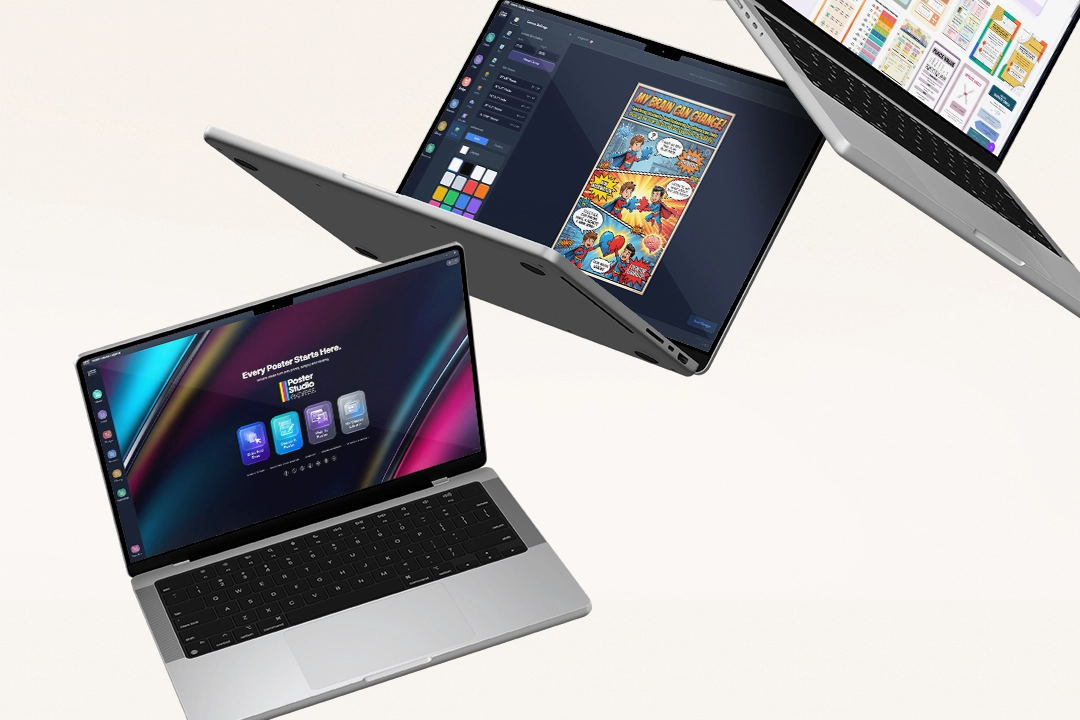
Meet StudioCore Connect.
StudioCore Connect Is Our Free Lite Version — for Any Teacher Running a Supported HP DesignJet or Canon Poster Printer. See for Yourself Why 4,600+ Schools Chose StudioCore.
Works With: HP DesignJet T230, T630, T650, Z6, XT870, T850 · Canon TM-205
Have a printer model we don't integrate with yet? Contact us and we'll try to get you set up with StudioCore Connect.

Our AI Doesn't Guess at Curriculum.
It Was Trained on It.
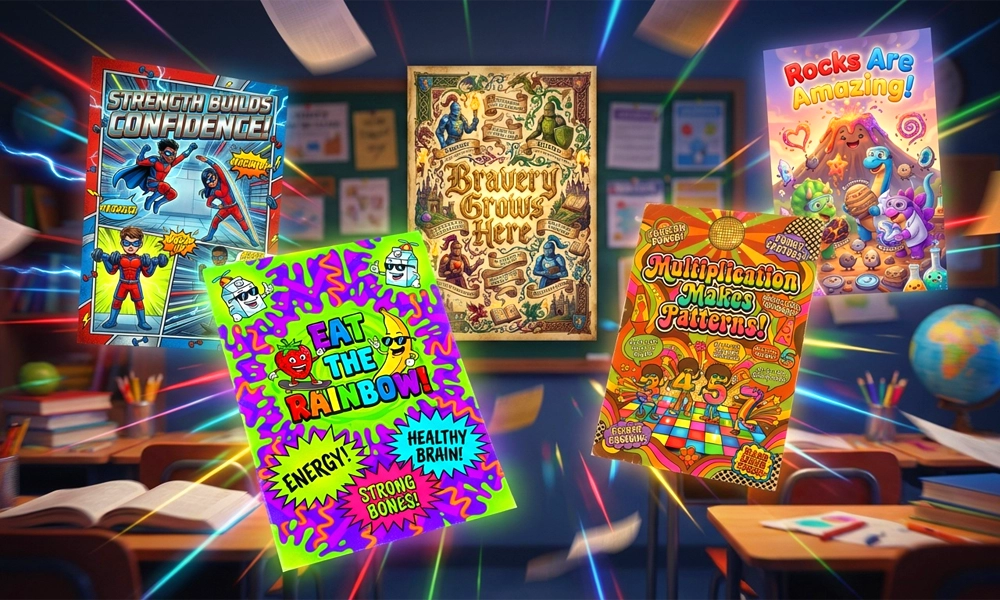
StudioCore Literally Knows Curriculum. We Embedded Every Educational Standard From All 50 States — Common Core, NGSS, TEKS, B.E.S.T., Virginia SOL, Florida BEST — and Trained an AI Model to Generate Posters That Target the Exact Standard, for the Exact Grade, for the Exact Subject.
I need a Grade 3 fractions anchor chart that fits our state framework.
- Identifies CCSS.Math.3.NF.A.1 (or your state's parallel standard) as the learning objective
- Selects Grade-3-appropriate vocabulary, visual language, and reading complexity
- Generates a print-ready, standards-aligned poster in seconds — sized to your paper roll automatically
Your Admins Control the Printer.
Everyone Gets to Create.
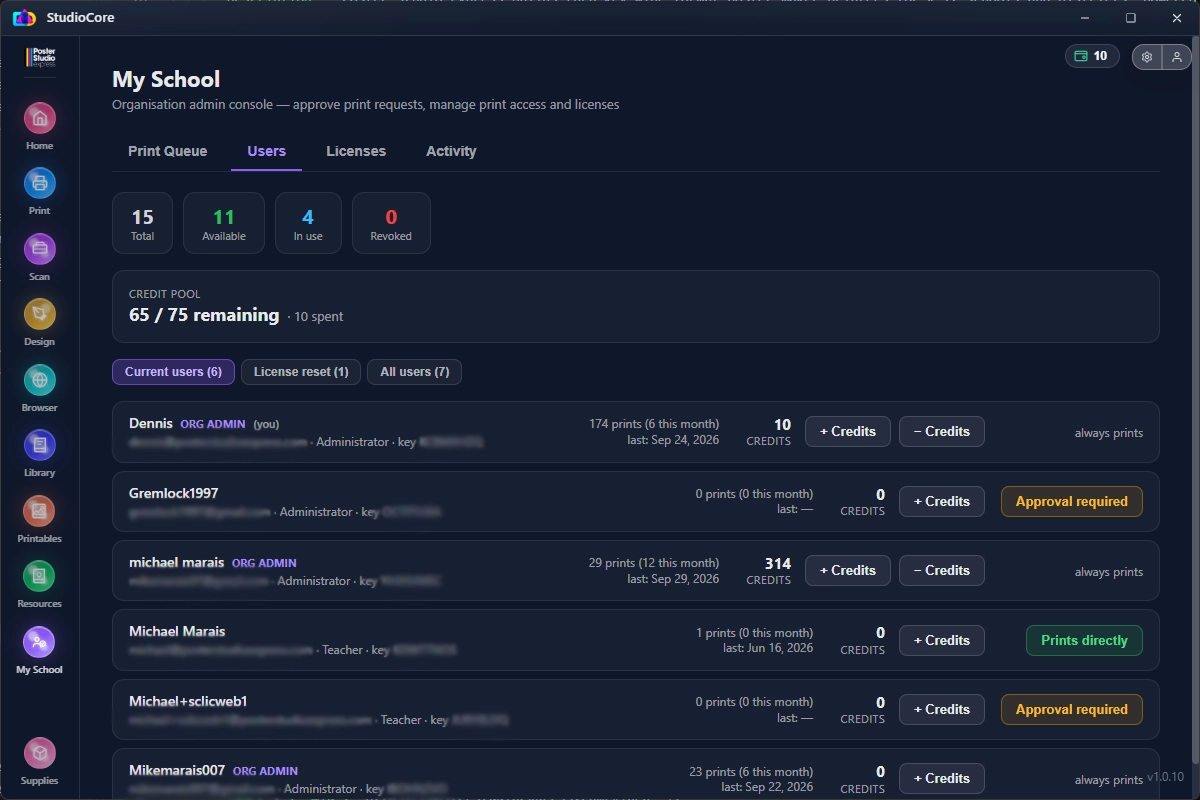
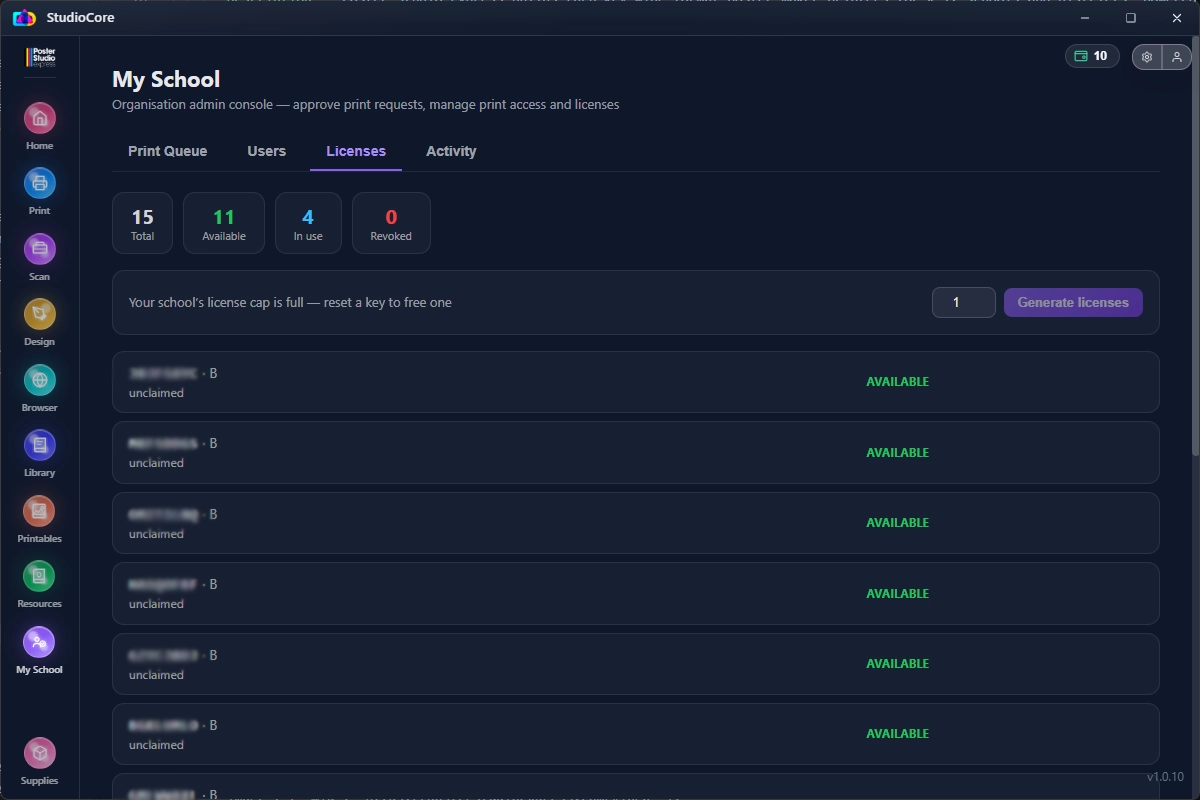
Every StudioCore package includes the My School admin console. Put one admin — or a few — in charge of your school's printing: a principal, library media specialist, tech coordinator, or lead teacher.
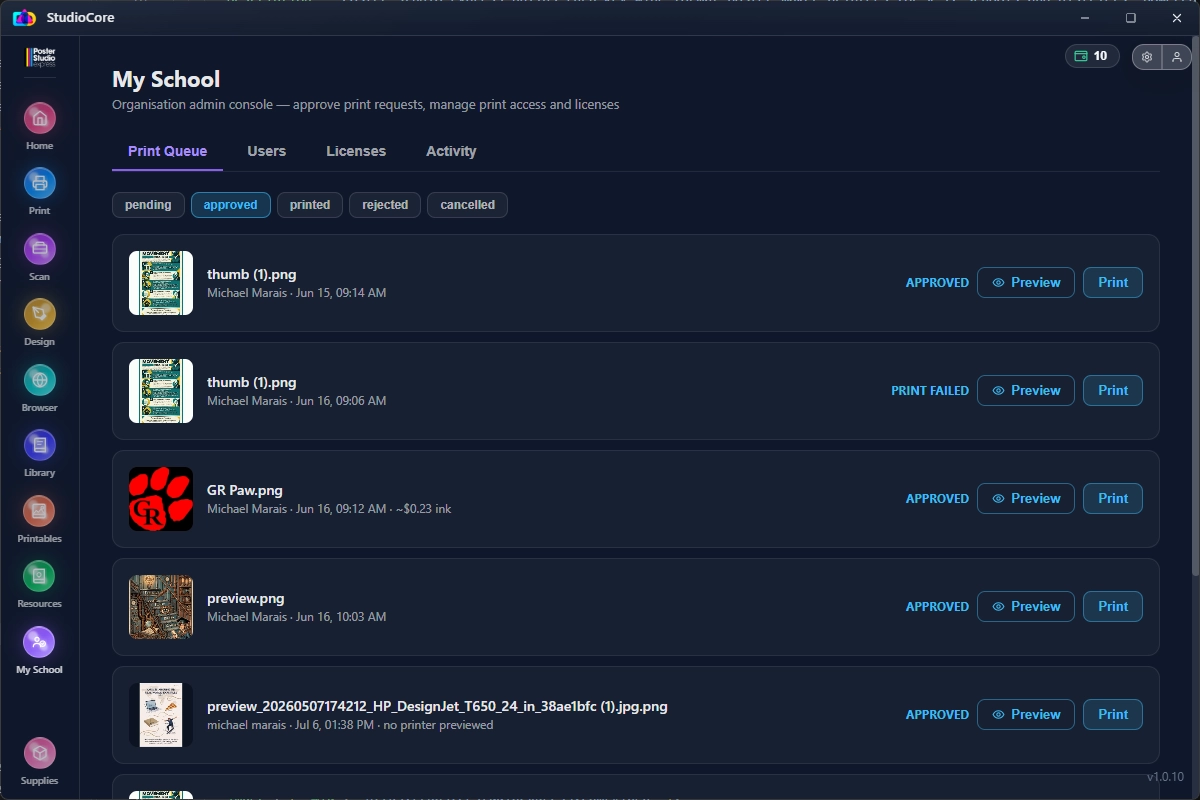
Staff get their own StudioCore licenses to design posters, but their print jobs go to the admin's Print Queue to be approved, printed, or rejected. Nothing prints without an admin's OK — unless an admin gives that person permission to print directly.
Your number of users comes from your package's included licenses, plus any extra licenses you add.
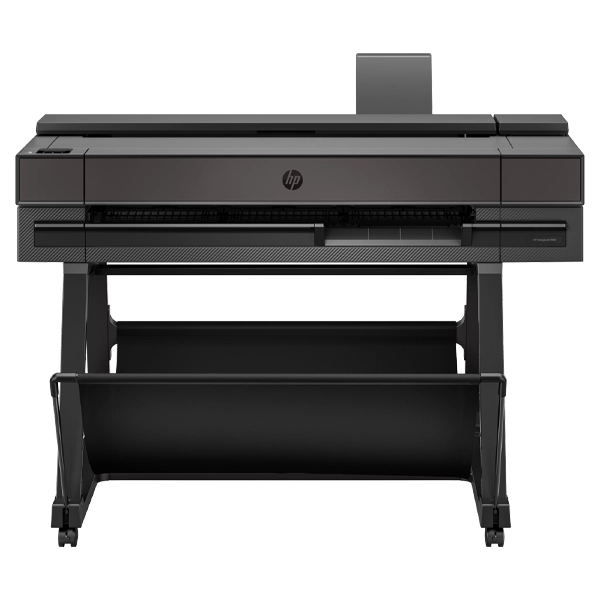 PSE Poster MakerOnly admins and direct-print users can send jobs here.
Level 1
Admin
One admin or a few, however your school wants to set it up. Admins approve, print, or reject staff print jobs, hand out the school's StudioCore licenses to anyone they choose, and decide who else can print.
Level 2
Direct-Print User
Staff the admin trusts to print on their own — a yearbook advisor, front office lead, or athletics director. The admin can turn direct printing on or off for any user.
Level 3
Standard User
Teachers and staff with a StudioCore license design posters with the full toolset, then send them to the admin's Print Queue. The job prints only after the admin approves it.
Examples of My School in Use
Example screens from the StudioCore admin console. Click any screen to enlarge it.
- No surprise prints or wasted paper and ink
- Your trained admins own the poster maker
- Every poster is reviewed before it hits the wall
- Your whole staff can still design in StudioCore
 +
+
Other Vendors Say "Canva Compatible."
StudioCore Actually Prints From Canva.
Every Other K-12 Poster Maker Claims a Canva Integration. None of Them Have One. They Force Teachers to Download Files, Fight With HP Click or Canon Print Artist, and Waste Hours Getting Sizing Right. StudioCore Is the Only Platform That Prints Directly From a Teacher's Canva Account.
"Canva Compatible" — 8+ Steps
- 1Design in Canva (separately)
- 2Download the file as PDF or PNG
- 3Open HP Click or Canon Print Artist
- 4Upload the file
- 5Fight with sizing settings
- 6Hope the color profile is right
- 7Print — see it's wrong
- 8Reprint. Wasted ink. Wasted time.
True Canva Integration — 2 Steps.
- 1Open your Canva design inside StudioCore
- 2Click Print. Done.
Design Faster. Create Smarter. Print Better.
StudioCore Replaces the Patchwork of Half-Broken Plugins K-12 Schools Settle For — and Bundles Every Workflow Your Teachers and Admins Actually Need Into One Purpose-Built Platform.
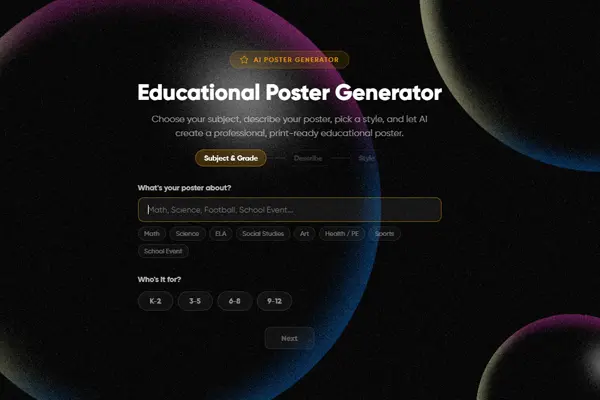 AI
AIAI Poster Generator
Type a prompt. Get a print-ready, curriculum-aligned poster in seconds — trained on every U.S. state standard.
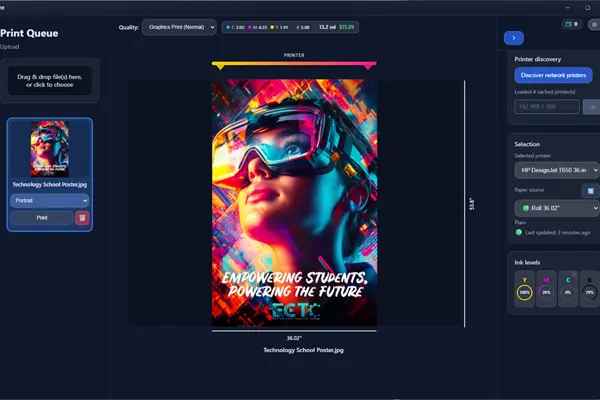
Drag-and-Drop From Any App
PDFs, JPGs, Word docs, Google Slides — drop anything onto StudioCore and it prints, perfectly sized.
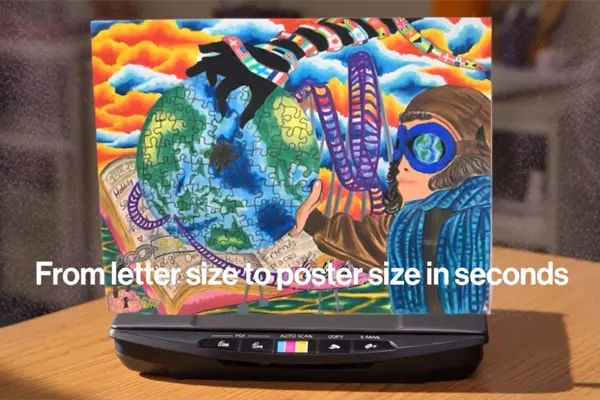 AI Upscale
Scan-to-Poster
Drop a worksheet on the scanner. StudioCore AI upscales it to 24×36, sharpens it, and prints — no redesign needed.
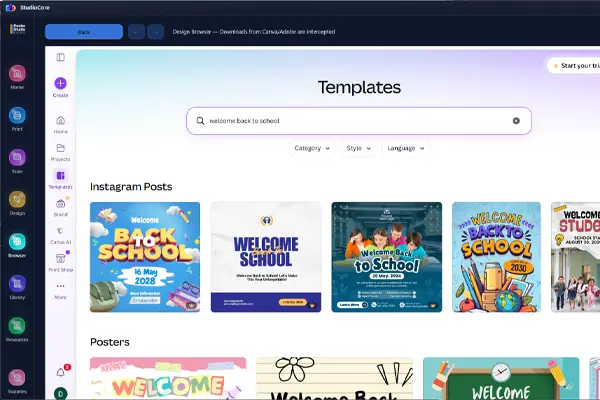
Web-to-Poster
Paste any URL, image, or article — StudioCore extracts the content and renders it as a polished classroom poster.
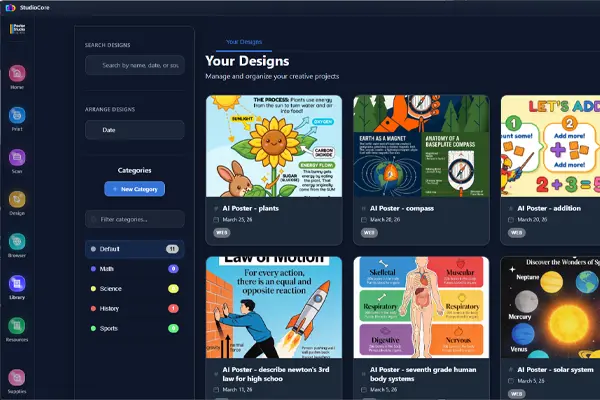 10,000+
Design Library
Every Canva file your team creates is auto-saved for reprint. Plus 10,000+ standards-aligned templates ready to print.
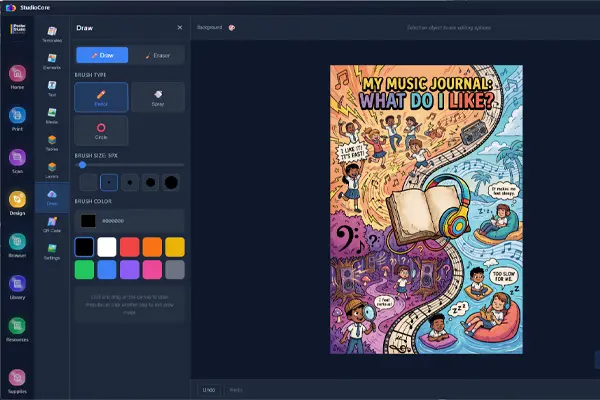
Design-a-Poster Editor
Full in-app editor when Canva isn't enough. Text, shapes, photos, layers — all teacher-friendly.
Software Features by Package
Compare Our Packages to Find the Perfect Fit for Your School.
Studio+ Packages
Our premium bundles with professional-grade printers, extended warranties, and advanced software features for high-volume printing needs.
Express Packages
Perfect for schools getting started with poster printing. Great value with essential features and our intuitive design software.
| Software Feature | Elite(A+ / A) | Advanced(B+ / B) | Lite(C+ / C) |
|---|---|---|---|
| Print Sizer / Drag and Drop | |||
| Design Software | |||
| Canva Integration | × | ||
| Scan To Print | × | ||
| AI Tools | × | ||
| Ink Management / Ordering | × | ||
| Admin Console / Print Approval | |||
| Included Licenses | 10 | 5 | 1 |
| Design Service | × | ||
| Extra License Cost | $99 / license | $99 / license | $49 / license |
- Print Sizer / Drag and Drop
- Design Software
- Canva Integration
- Scan To Print
- AI Tools
- Ink Management / Ordering
- Admin Console / Print Approval
- Design Service
- Print Sizer / Drag and Drop
- Design Software
- Canva Integration
- Scan To Print
- AI Tools
- Ink Management / Ordering
- Admin Console / Print Approval
- Design Service
- Print Sizer / Drag and Drop
- Design Software
- Canva Integration
- Scan To Print
- AI Tools
- Ink Management / Ordering
- Admin Console / Print Approval
- Design Service
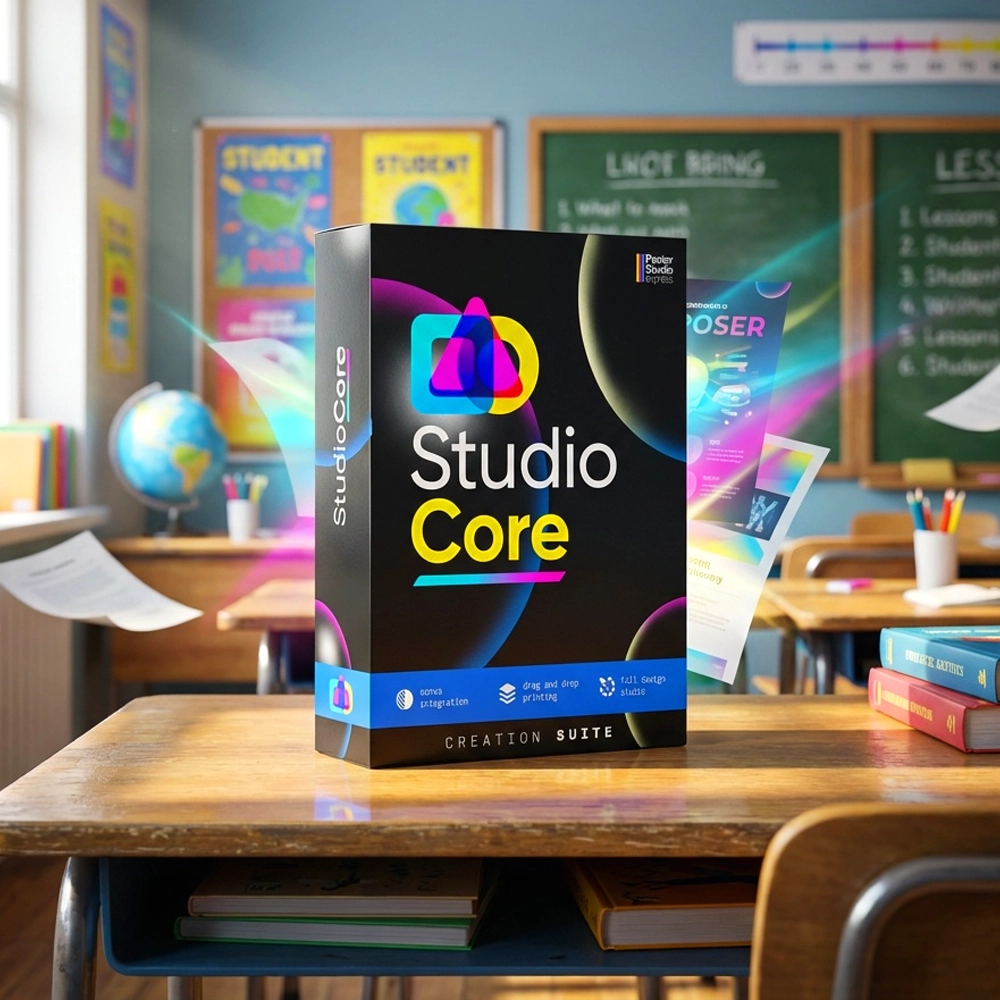
StudioCore™ is the proprietary hardware-driving software included exclusively with the purchase of a physical Poster Studio Express printer machine. It is not a standalone web app.
A Workflow Built for the Bell Schedule
Teachers Don't Have 45 Minutes to Design a Poster. StudioCore Gets It on the Wall in Under Four Minutes — Every Time.
Open StudioCore
Launch from any device on the school network — PC, Mac, Chromebook, iPad, phone. No IT setup, ever.
Pick Your Path
Canva, AI prompt, scan-to-poster, template library, drag-and-drop, or in-app editor. Six on-ramps. Your call.
Preview & Cost-Check
Poster Preview shows exactly what'll print. PrintCents shows exactly what it'll cost — before a drop of ink hits paper.
Click Print
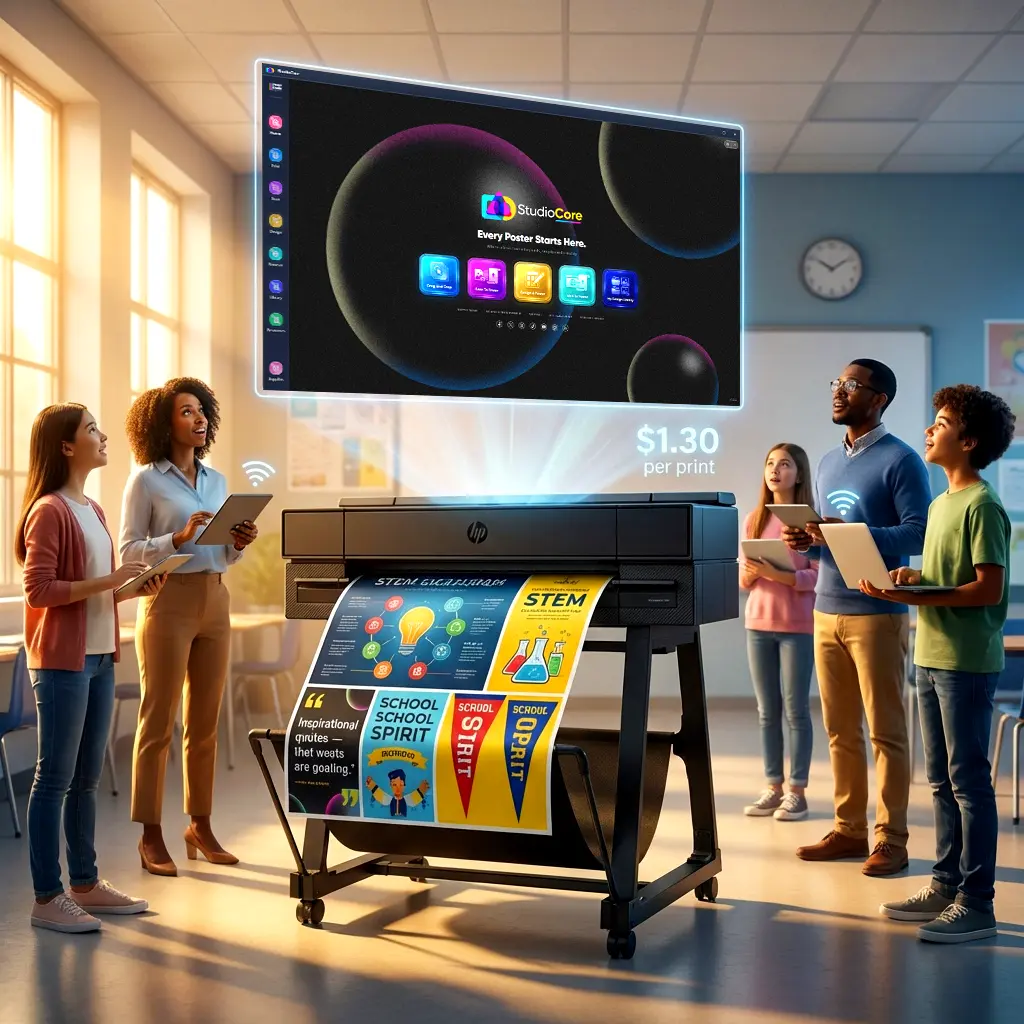
Driverless wireless routing to your PSE poster maker. Full-color 24×36 in your hand in under two minutes.
StudioCore Lives in 4,600+ Classrooms
From Single-Classroom Express Series Printers to District Print-Center Deployments — StudioCore Powers Every Workflow.

The Only K-12 Software That Shows What Every Poster Costs Before You Print
PrintCents Measures CMYK Ink Consumption in Milliliters for Every Print Job — and Estimates the Cost Based on Actual Ink Usage and Print Size. Live, On-Screen, Included With Every Copy of StudioCore.
A Dashboard Your Teachers Will Actually Want to Open
One Window. Every Tool. Every Canva Design, Every Template, Every AI Generation, Every Print Job — at a Glance.
AI Designer Pane
Type a prompt, pick a grade, pick a standard. StudioCore drafts three poster variations. Approve one and print.
Canva Account Linked
Every Canva design your team creates auto-syncs into StudioCore. Print straight from the design — no exports, no friction.
Print Queue + Cost Tracking
See every print across the building, what it cost, who ran it, what paper it used — all in one place, all the time.
"My district purchased a 36″ Studio B+ package and currently it has been a big hit here. The staff are able to design and print items around the school and print graphics for their bulletin boards without having to piece together pages. We as a district are very satisfied with this printer and Poster Studio Express!"
StudioCore, Explained
Is StudioCore Really Free With a PSE Printer?
What's the Difference Between StudioCore and StudioCore Connect?
Does StudioCore Really Integrate With Canva, or Is It "Canva Compatible"?
Which State Standards Does the AI Cover?
Does It Work on Chromebooks?
Can We Control Who Prints on Our School's Poster Maker?
Do My Teachers Need Design Experience?
Is StudioCore Connect Really Free Forever?
Ready to Bring StudioCore Into Your School?
StudioCore Is Included Free With Every Poster Studio Express Poster Maker. Explore Our Complete Lineup of K-12 Poster Printers — Plus On-Site Installation, 5-Year Warranty, Lifetime Poster Design Service, and a $1.30 Cost Per 24×36 Print. Find the Perfect Fit for Your School.
Download StudioCore Connect
Tell us where to send your free download link. We'll email it over right away and a member of our team will follow up to help you get set up on your supported HP DesignJet or Canon poster printer.
Or call 866-788-7900 to learn more.