Cold Lamination for Schools: Hot vs. Cold, Machines & Film

No heat, no warm-up, no risk of curling a photo or melting a thermal print — here’s when cold lamination beats hot for classroom materials, how to size a cold laminating machine, and what laminating a poster actually costs your school.
Quick Answer
Cold lamination protects paper, photos and posters with a clear adhesive film applied under pressure — no heat at all. The item feeds between a roll of laminate film and a roll of pressure-sensitive adhesive, which bond together instantly as they pass through rollers. Schools reach for cold lamination when heat is a risk — thermal-printed labels, glossy photos, construction paper, or anything on a large banner — and when a class set needs to be trimmed and hung right away, since cold-laminated items can be cut immediately without the laminate lifting or peeling. See real machines and film by width below, or compare cold to hot lamination in the full laminators buyer’s guide.
The Basics
What Is Cold Lamination?
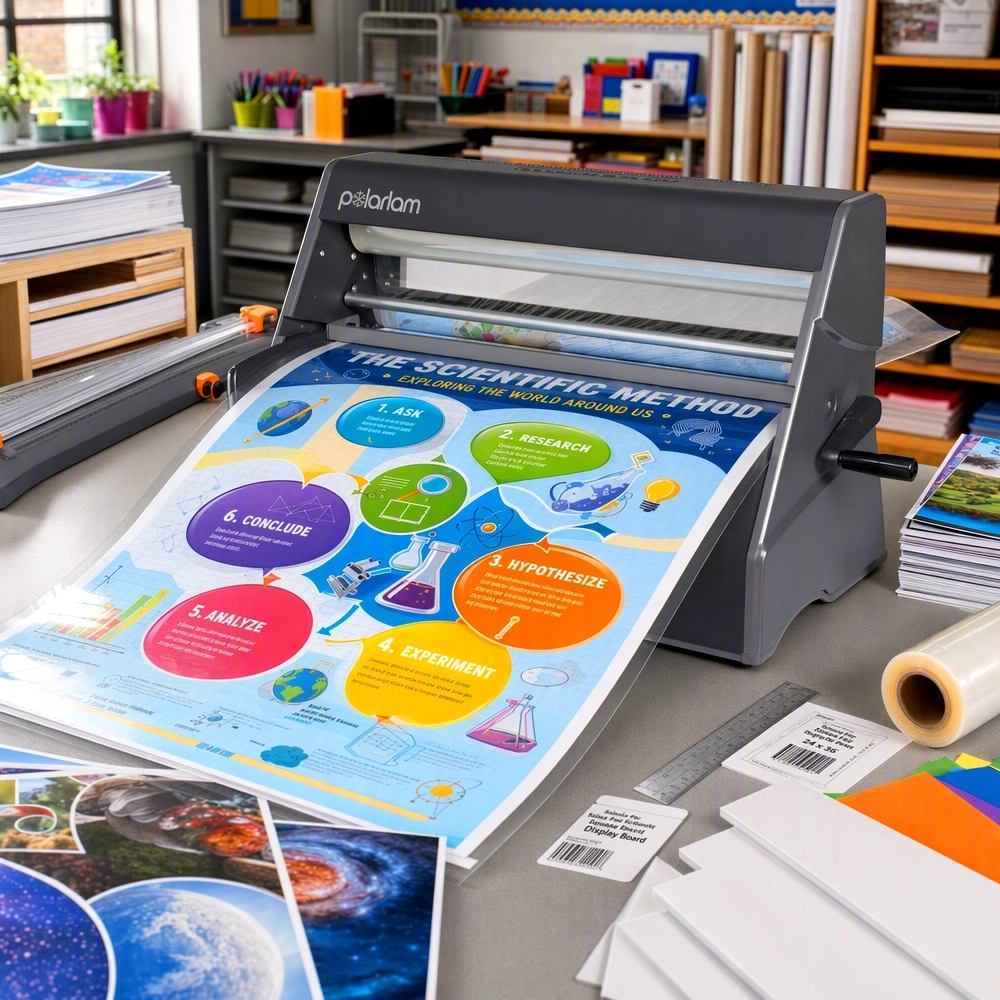
Cold lamination protects paper with a clear adhesive film applied entirely without heat. A cold laminator feeds the item between two rolls — one carrying the laminate film, one carrying a pressure-sensitive adhesive — and a set of rollers presses them together onto the paper as it passes through. The bond forms instantly from pressure alone, not from melting anything, which is the whole reason schools reach for it: it works on materials a hot laminator would rather not touch.
Cold film is available with laminate, an adhesive backing, or both applied in a single pass — useful for mounting a piece straight to a wall or foam board without a separate adhesive step.
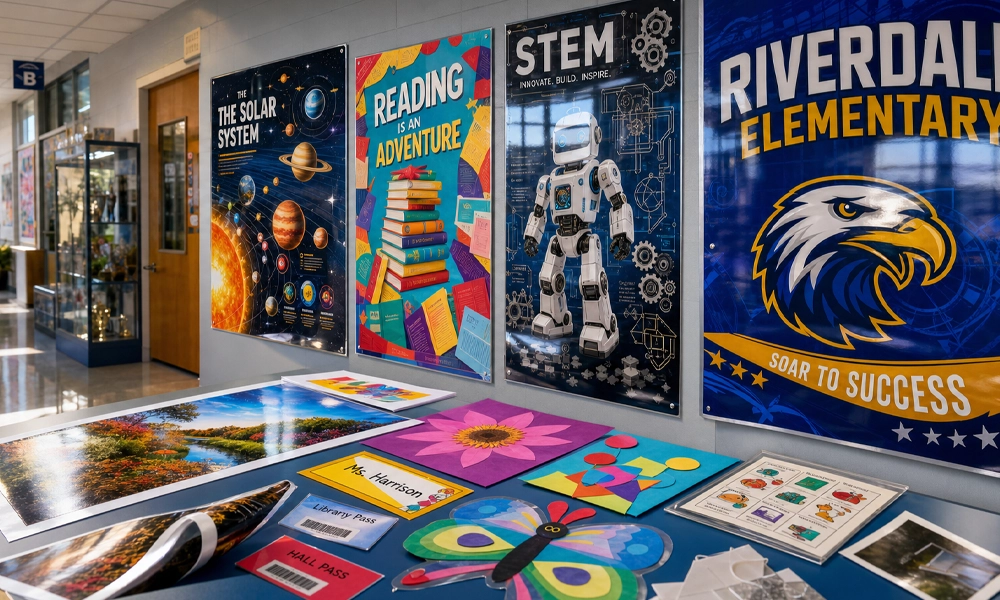
Cold-laminated posters, hall passes and classroom materials — trimmed and on the wall the same day.
Before You Buy
5 Things to Check Before Choosing a Cold Laminator
Match the width to your widest job
A 25″ machine handles most posters; a 42″ machine is what actually laminates a banner edge-to-edge in one pass.
Does it include laminate, or is it machine-only?
Some cold laminators ship with a starter roll set; others are the machine only, with film sold separately — check before budgeting.
Laminate, adhesive, or both?
If pieces get mounted straight to a wall or foam board, look for a machine that can apply an adhesive backing in the same pass.
Who’s operating it?
No heating element means no warm-up wait and nothing that gets hot to the touch — a real consideration if students or volunteers will run it.
Trim-to-edge capability
Cold-laminated pieces can be cut immediately after lamination — even right through the laminate edge — without the film lifting or peeling.
The Big Question
Cold vs. Hot Lamination: Which Is Better for Schools?
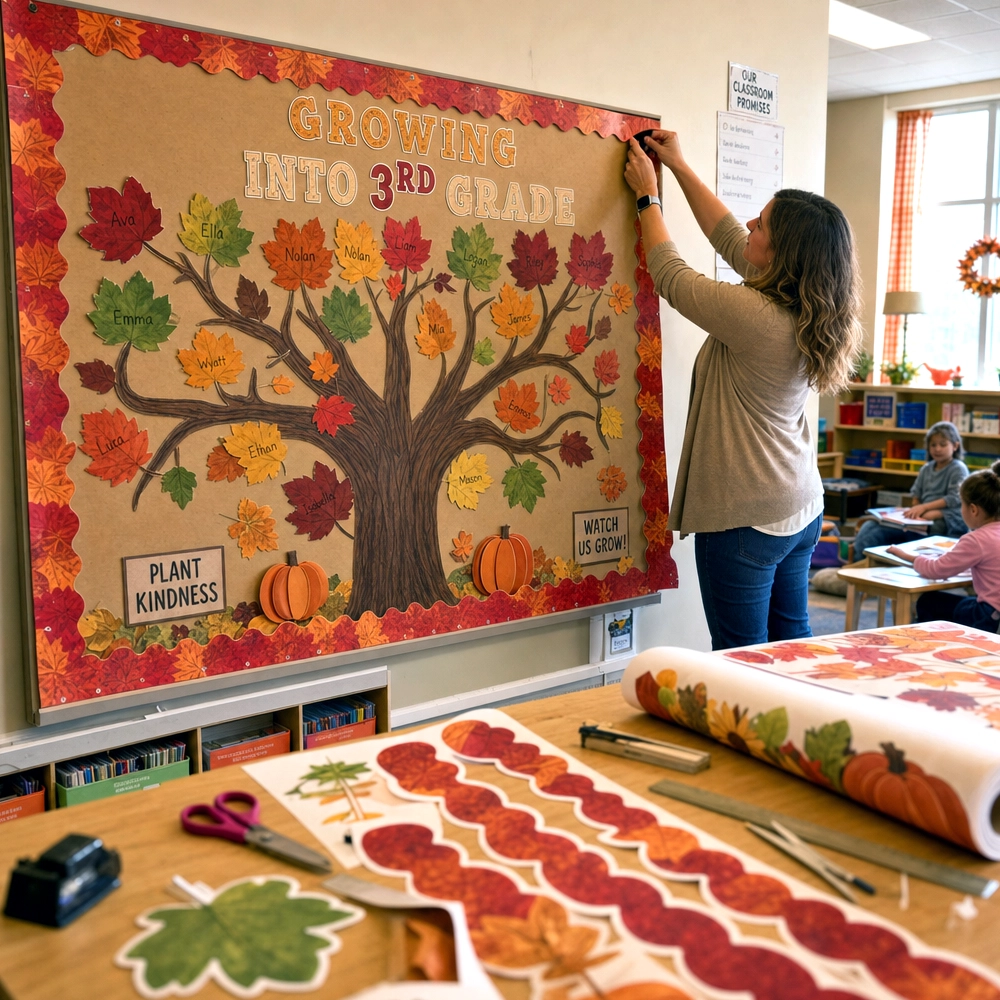
Neither format is universally “better” — they solve different problems. Hot lamination uses heated rollers to melt an adhesive layer onto the item, which typically runs at real speed for high-volume, everyday laminating of ordinary paper — library cards, worksheets, standard handouts. Cold lamination skips the heat entirely, which matters most whenever heat itself is the risk: thermal-printed labels and receipts (heat re-triggers the print and turns it black), glossy inkjet photos (heat can cause ghosting or warping), construction paper and other heat-sensitive craft materials, and large banners where an uneven heat pass can ripple thin vinyl.
| Hot Lamination | Cold Lamination | |
|---|---|---|
| Warm-up time | Yes — heating element must reach temperature | None — ready instantly |
| Safe for thermal-printed items | No — heat can re-trigger thermal print | Yes |
| Safe for glossy photos | Risk of ghosting/warping | Yes |
| Large banners & vinyl | Risk of heat ripple on thin material | Yes, edge-to-edge |
| Trim immediately after laminating | Usually needs to cool first | Yes, right away |
| Touching a hot surface (student/volunteer use) | Risk — rollers run hot | No heated surfaces |
| Best for | High-volume everyday paper (worksheets, library cards) | Photos, thermal prints, banners, heat-sensitive craft materials |
The Mechanism
How Does a Cold Laminator Work?
Place the item on the feed tray
No settings to dial in and nothing to preheat — a cold laminator is ready the moment the item feeds in.
Rollers draw it between film and adhesive
A roll of clear laminate film and a roll of pressure-sensitive adhesive feed in from opposite sides.
Pressure bonds it instantly
The rollers press the layers together edge-to-edge — no melting, no cooling period required.
Trim right away
Cut to size immediately, even through the laminate edge, without it lifting or peeling back.
Because the bond is pressure-based rather than heat-based, cold laminate is also acid-free and non-toxic in PSE’s own roll stock — a detail worth knowing for elementary classrooms and craft materials that younger students will handle directly.
One Machine, Two Jobs
PSE’s cold laminators can run laminate film, a repositionable adhesive backing, or both together in a single pass — useful when a poster needs to go straight onto a wall or foam board without a separate mounting step.
Edge-to-Edge Coverage
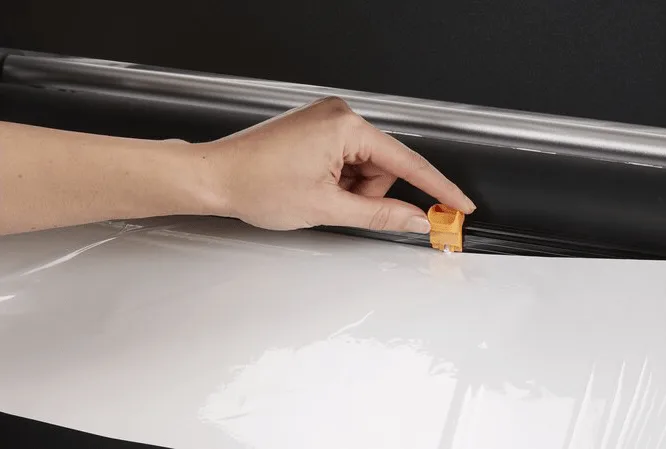
Laminate applies to the full sheet, corner to corner, with no dry spots along the border.
Cut Right Through It
Trim immediately after lamination — even through the laminate itself — without peeling or lifting.
Acid-Free, Non-Toxic
Safe for classroom materials that students will handle directly, with no heat and no fumes.
By Width
Choosing a Cold Laminator: 12.5″, 25″ or 42″
Sizing a cold laminator comes down to the widest thing you’ll actually run through it. Prices below are current live pricing as of August 2026 and are subject to change — check the supplies page for today’s price.
Compact 12.5″ Desktop
Machine OnlyA 12.5″-wide desktop cold laminator for everyday photos, handouts and small signs — bubble-free results at a small footprint, but it’s a machine-only purchase, so laminate film is sold separately.
Best for
- Individual photos and small handouts
- A front-office or single-classroom desk
Watch for
- Laminate film not included
- Too narrow for a poster or banner
25″ Cold Laminator
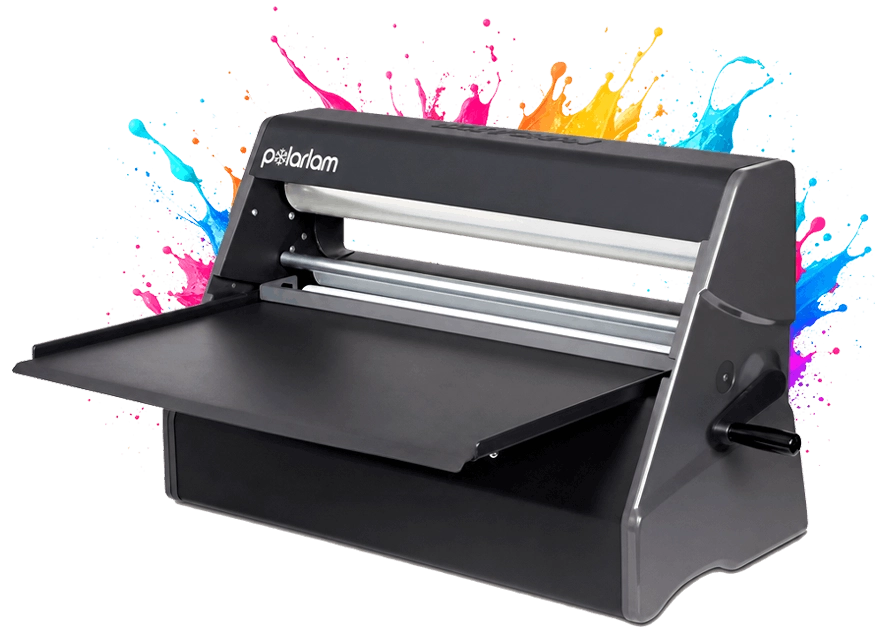
Includes LaminateHandles a standard 24×36″ poster width with room to spare, and ships with a starter set of cold laminate already included. Place the item on the feed tray and it’s ready — no separate film purchase required to get started.
Best for
- Most classroom and hallway posters
- Anchor charts, name tags, library materials
Watch for
- Too narrow for a full banner width
42″ Cold Laminator
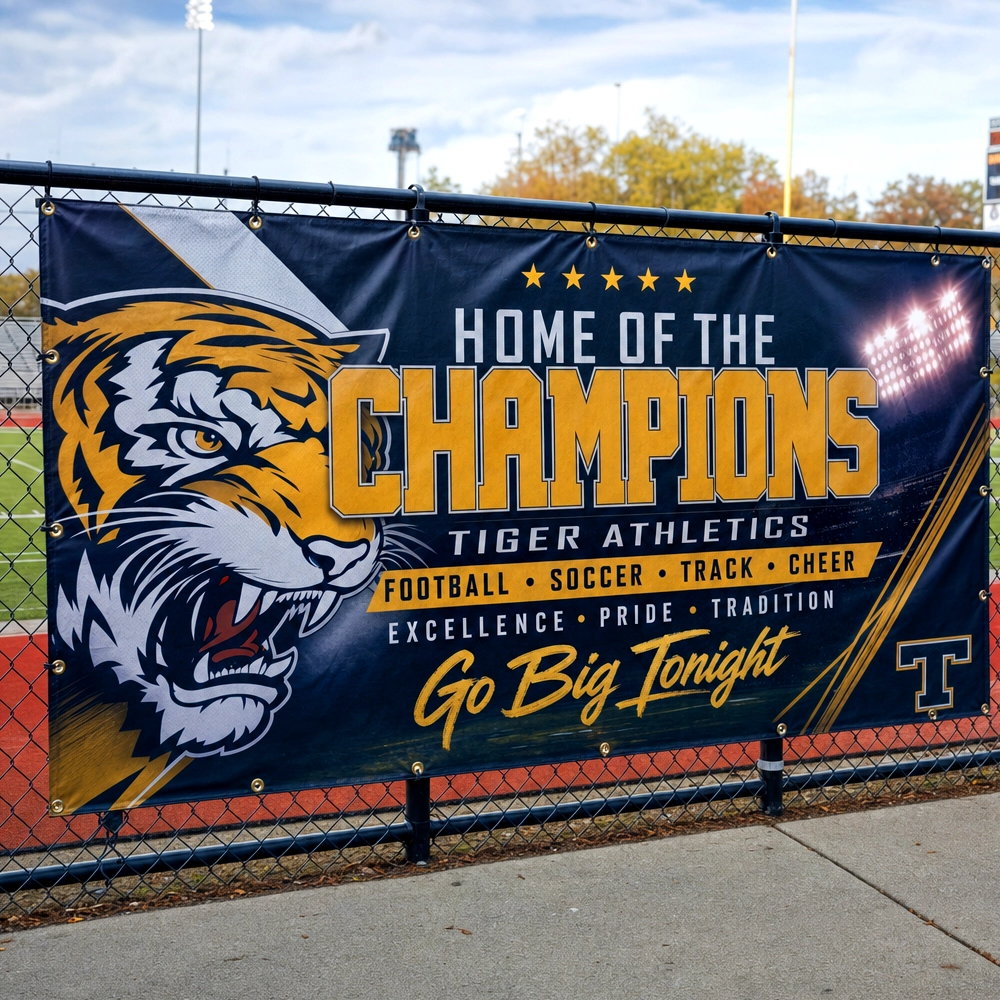
Includes LaminateWide enough to laminate a gym or hallway banner edge-to-edge in a single pass without seaming two runs together. Ships with a starter set of cold laminate included.
Best for
- Gym banners, championship banners, outdoor signage
- Any job wider than 25″
Watch for
- Larger footprint — plan the workroom space
The Math
What Does Cold Laminating Actually Cost Per Poster?
A 25″-wide roll of cold laminate runs $279.95 for a 300-foot roll. A standard 24×36″ poster needs about 3 feet of that roll length, which works out to roughly 100 posters per roll — call it about $2.80 in laminate per poster. Add that to PSE’s approved $1.30 per full-color 24×36″ poster print cost and a laminated, hallway-ready poster runs a little over $4 all-in, still well under what most print shops charge just to print one.
24×36″ posters per 25″×300ft roll of cold laminate
laminate cost per poster ($279.95 ÷ ~100 posters)
printed and laminated, all-in (using PSE’s $1.30/poster print cost)
See the full math on printing alone — before lamination — on the cost-per-print page, or browse laminate rolls and machines on the supplies page.
Our Take
When to Reach for Cold Instead of Hot
Cold, every time
Anything heat could damage — glossy photos, thermal labels, construction paper — belongs on a cold laminator.
Cold, for edge-to-edge coverage
A 42″ cold laminator covers a banner in one pass with no heat-ripple risk on thin vinyl.
Either works — hot is common at scale
For ordinary worksheets and library cards in real volume, a hot laminator is the more familiar everyday workhorse. See the full laminators guide for hot-laminator picks.
See Cold Laminators & Film
Browse cold laminators by width and shop replacement laminate rolls — or request a quote for a full poster maker and laminator setup for your school.
FAQ
Frequently Asked Questions
What is cold laminating?
Cold laminating protects paper with a clear adhesive film applied entirely without heat — the item feeds between a roll of laminate film and a roll of pressure-sensitive adhesive, which bond together instantly under pressure as rollers press them onto the sheet.
Cold vs hot lamination — which is better for schools?
It depends on the material. Cold lamination is the safer choice for thermal-printed labels, glossy photos, construction paper and large banners, since there’s no heat to warp, ghost or re-trigger thermal print. Hot lamination remains a fast, familiar workhorse for high-volume everyday paper like worksheets and library cards.
What is cold roll laminating film?
Cold roll laminating film is a roll-fed clear laminate designed for cold laminators — it applies edge-to-edge with no heat, can be paired with a repositionable adhesive backing in the same pass, and allows the finished piece to be trimmed immediately, even through the laminate edge, without lifting or peeling.
How does a cold laminator work?
An item is placed on the feed tray, then rollers draw it between a roll of laminate film and a roll of pressure-sensitive adhesive. The rollers press the layers together instantly through pressure alone — no heating element, no warm-up time, and no cooling period before it can be trimmed.
What size laminator does a school need?
Size it to the widest job you’ll actually run: a 12.5–25″ machine covers photos, handouts and most classroom posters up to a standard 24×36″ size, while a 42″ machine is needed to laminate a gym or hallway banner edge-to-edge in a single pass.
Cold lamination isn’t a replacement for hot — it’s the safer tool for the specific jobs heat puts at risk: photos, thermal prints, craft paper and banners. Size the machine to your widest job, keep the math above handy for budgeting, and see hot-laminator picks alongside cold in the full laminators buyer’s guide.
Written by Harper James, 1st-grade teacher and classroom technology writer for Poster Studio Express.
Last updated: August 24, 2026