Brightivity is the AI-powered poster maker software built for K-12 teachers
Brightivity is the K-12 poster workflow software that comes free with every Poster Studio Express poster maker. Curriculum-trained AI, real Canva integration, Scan-to-Poster, and PrintCents cost tracking, all built for classrooms. Never sold separately. Never on a subscription.
 Recognized by Education Technology InsightsTop Software Companies · Top Visual Learning Technology 2026
One platform. Every K-12 poster workflow.
Canva integration. Curriculum-trained AI. Scan-to-Poster. PrintCents cost tracking. Wireless print routing. All in one box.
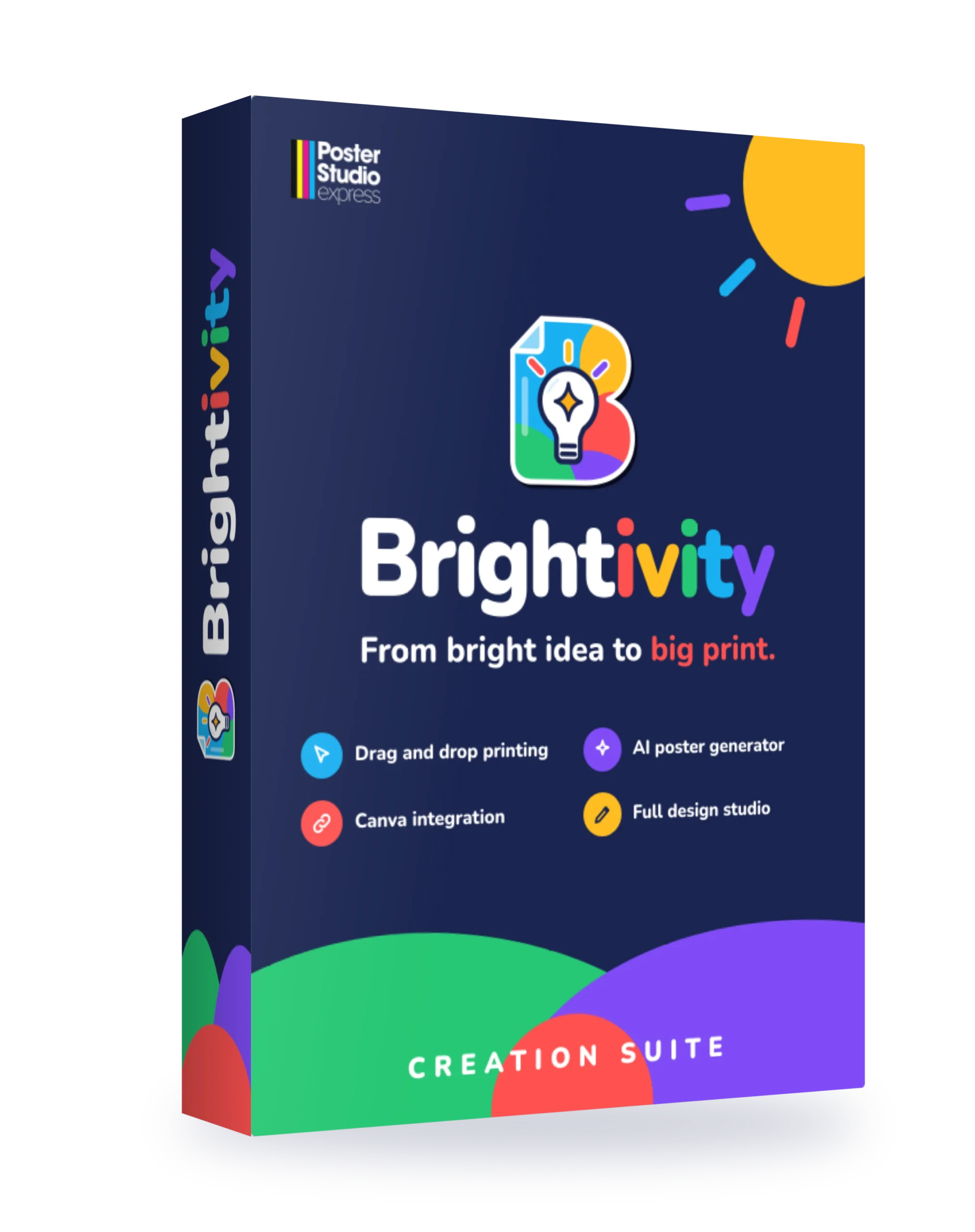
Brightivity at a glance
- What it is: poster design, AI, and print-management software made for K-12 schools.
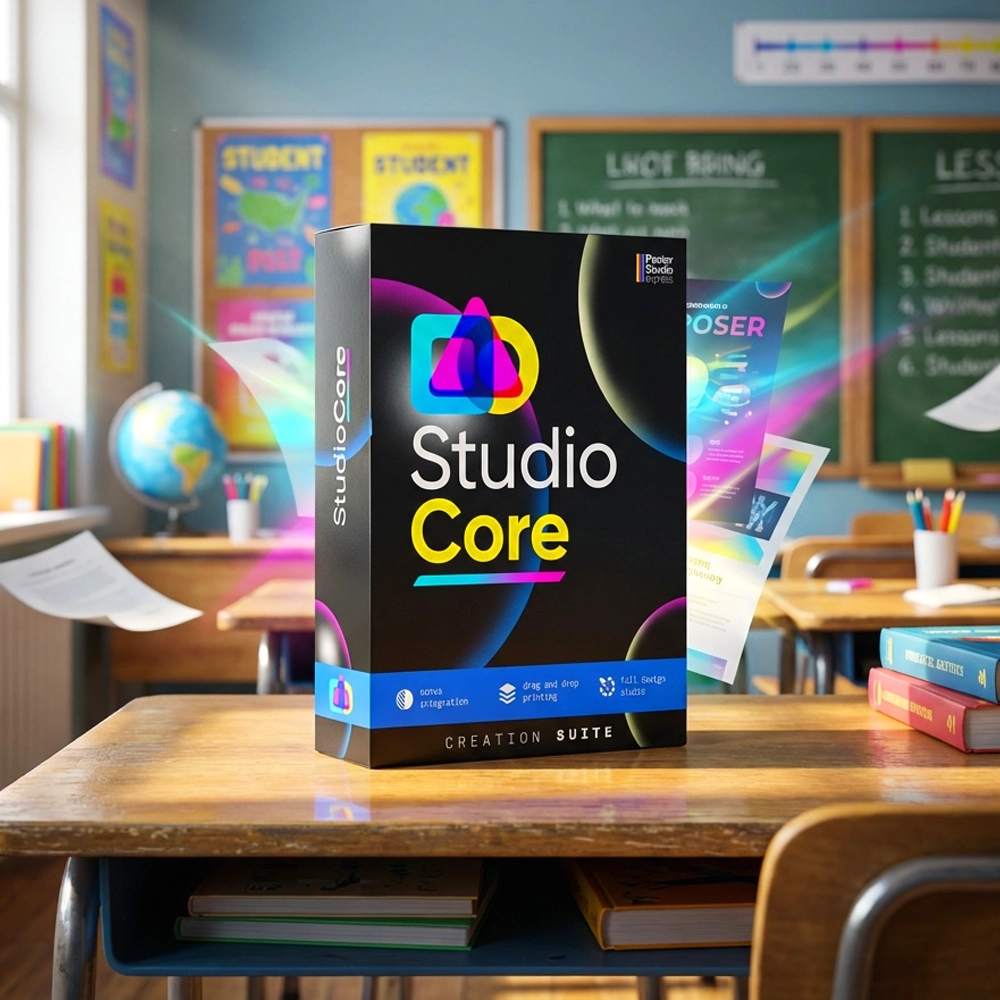
- Formerly called: StudioCore. All the features you trust, enhanced creative options for classroom creators, and a brighter new look. Read the announcement.
- Made by: Poster Studio Express, the K-12 poster maker company serving 4,600+ schools and 1,700+ districts.
- Cost: included with every Poster Studio Express poster maker. No subscription, and updates are free for life.
- Works on: Windows and macOS apps, plus a browser version for Chromebooks, iPads, and phones.
- Free version: Brightivity Connect, free for everyone. It works with supported HP DesignJet and Canon poster printers.
- Built in: Canva integration, AI Poster Generator, Scan-to-Poster, PrintCents ink and cost tracking, and the My School admin console.
Try Brightivity free today.
Meet Brightivity Connect.
Brightivity Connect is our free version, free for everyone. It works with supported HP DesignJet and Canon poster printers. See for yourself why 4,600+ schools chose our software.
Works with: HP DesignJet T230, T630, T650, Z6, XT870, T850 · Canon TM-205
Have a printer model we don't integrate with yet? Contact us and we'll try to get you set up with Brightivity Connect.

Our AI doesn't guess at curriculum.
It was trained on it.
Brightivity knows curriculum. We embedded every educational standard from all 50 states (Common Core, NGSS, TEKS, B.E.S.T., Virginia SOL, and more) and trained an AI model to generate posters that target the exact standard, for the exact grade, for the exact subject.
I need a Grade 3 fractions anchor chart that fits our state framework.
- Identifies CCSS.Math.3.NF.A.1 (or your state's parallel standard) as the learning objective
- Selects Grade 3 vocabulary, visual language, and reading complexity
- Generates a print-ready, standards-aligned poster in seconds, sized to your paper roll automatically
Standards covered: Common Core · NGSS · TEKS (TX) · B.E.S.T. (FL) · SOL (VA) · NJSLS · CA CCSS · NY P-12 · and every other state framework
Your admins control the printer.
Everyone gets to create.
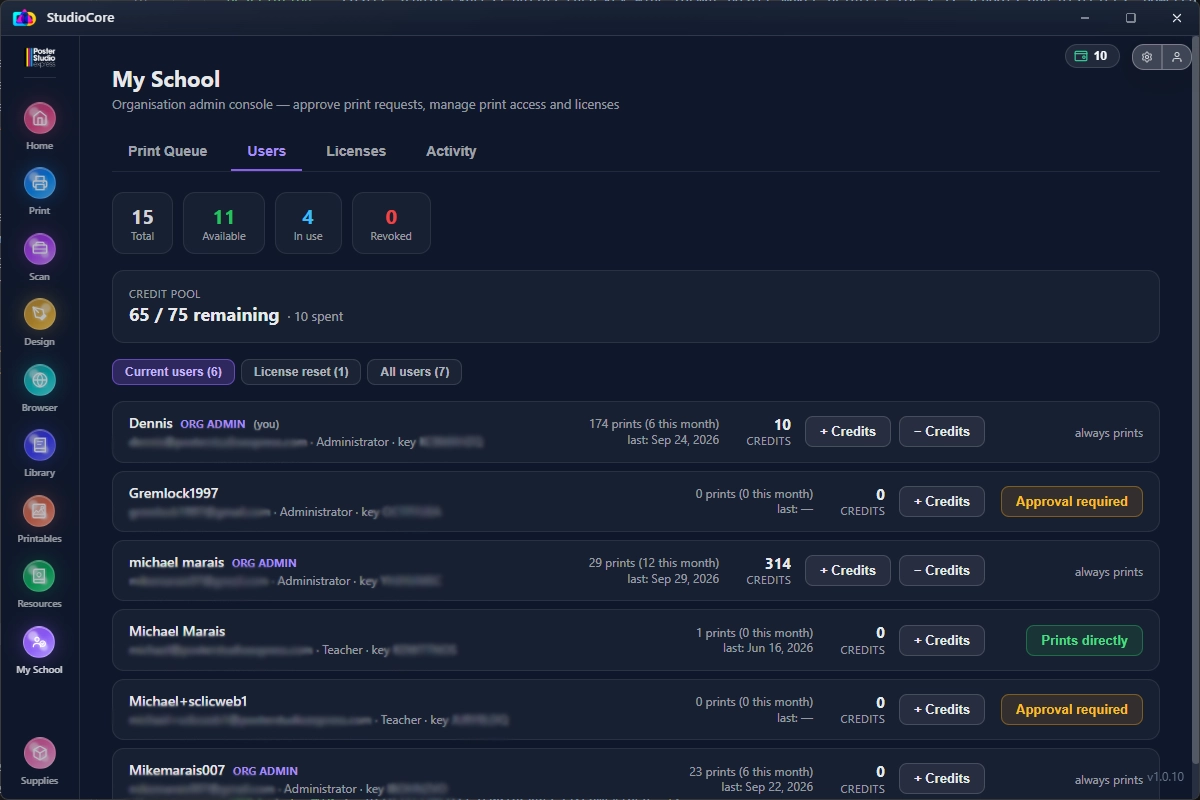
Every Brightivity package includes the My School admin console. Put one admin, or a few, in charge of your school's printing: a principal, library media specialist, tech coordinator, or lead teacher.
Staff get their own Brightivity licenses to design posters, but their print jobs go to the admin's Print Queue to be approved, printed, or rejected. Nothing prints without an admin's OK, unless an admin gives that person permission to print directly.
Your number of users comes from your package's included licenses, plus any extra licenses you add.
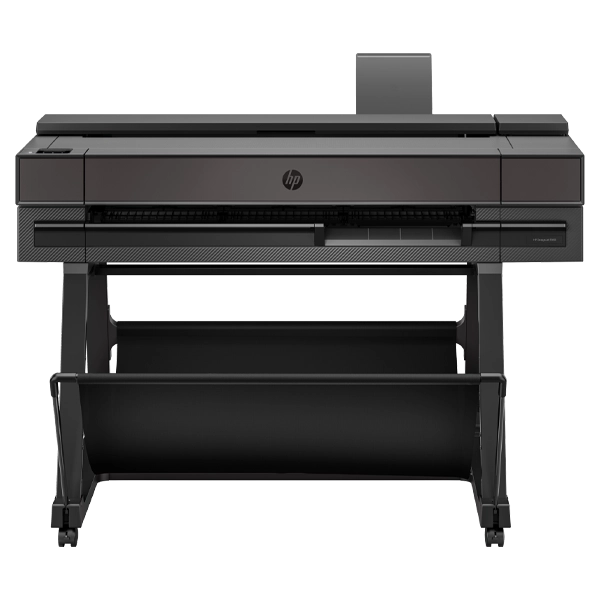 PSE Poster MakerOnly admins and direct-print users can send jobs here.
Admin
One admin or a few, however your school wants to set it up. Admins approve, print, or reject staff print jobs, hand out the school's Brightivity licenses to anyone they choose, and decide who else can print.
Direct-print user
Staff the admin trusts to print on their own, like a yearbook advisor, front office lead, or athletics director. The admin can turn direct printing on or off for any user.
Standard user
Teachers and staff with a Brightivity license design posters with the full toolset, then send them to the admin's Print Queue. The job prints only after the admin approves it.
Examples of My School in use
Example screens from the My School admin console. Click any screen to enlarge it.
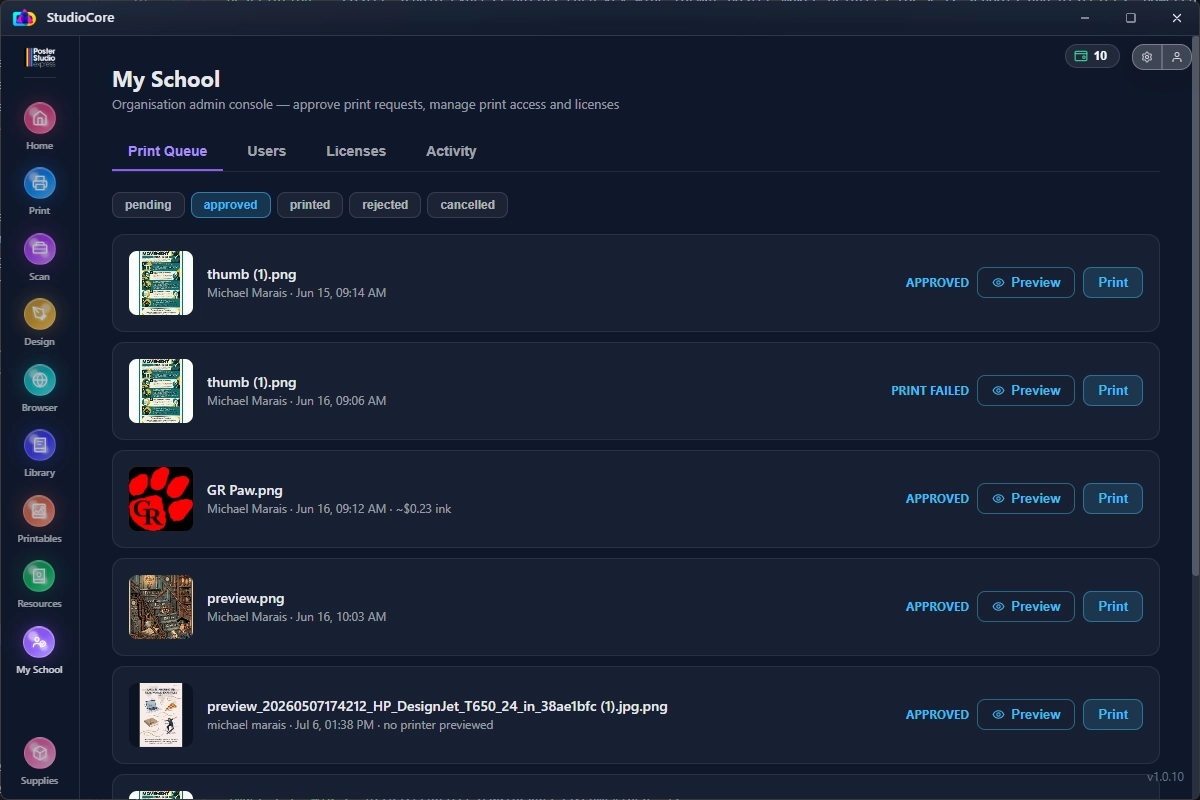
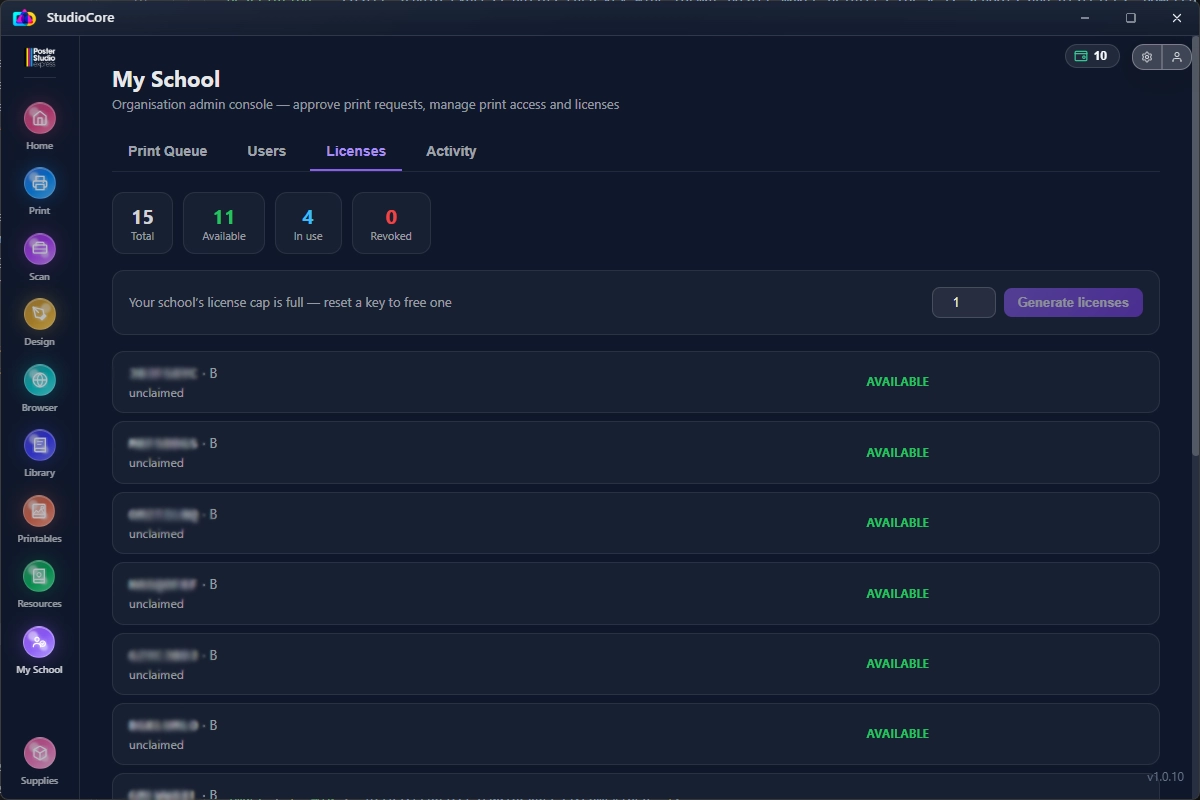
- No surprise prints or wasted paper and ink
- Your trained admins own the poster maker
- Every poster is reviewed before it hits the wall
- Your whole staff can still design in Brightivity
Other vendors say “Canva compatible.”
Brightivity actually prints from Canva.
Every other K-12 poster maker claims a Canva integration. None of them have one. They force teachers to download files, fight with HP Click or Canon Print Artist, and waste hours getting sizing right. Brightivity is the only platform that prints directly from a teacher's Canva account.
“Canva compatible”: 8+ steps
- Design in Canva (separately)
- Download the file as PDF or PNG
- Open HP Click or Canon Print Artist
- Upload the file
- Fight with sizing settings
- Hope the color profile is right
- Print, then see it's wrong
- Reprint. Wasted ink. Wasted time.
True Canva integration: 2 steps.
- Open your Canva design inside Brightivity
- Click Print. Done.
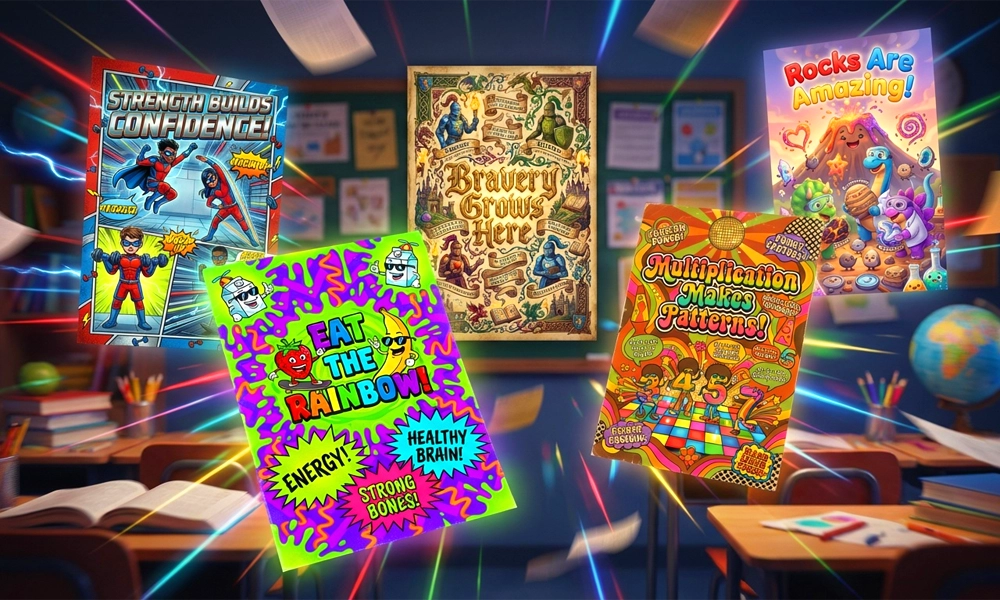
Plus: when Canva isn't the answer, switch to Brightivity's AI Poster Generator. Describe what you need (a place-value chart, a kindness poster, a vocab wall) and AI builds a print-ready, curriculum-aligned poster in seconds.
Design faster. Create smarter. Print better.
Brightivity replaces the patchwork of half-broken plugins K-12 schools settle for, and puts every workflow your teachers and admins actually need into one purpose-built platform.
AI Poster Generator
Type a prompt. Get a print-ready, curriculum-aligned poster in seconds, trained on every U.S. state standard.
Drag-and-drop from any app
PDFs, JPGs, Word docs, Google Slides. Drop anything onto Brightivity and it prints, perfectly sized.
Scan-to-Poster
Drop a worksheet on the scanner. Brightivity AI upscales it to 24×36, sharpens it, and prints. No redesign needed.
Real Canva integration
Log into Canva inside Brightivity, open any design, and click Print. Perfectly sized, with no downloading or exporting.
Design Library
Every Canva file your team creates is auto-saved for reprint. Plus 10,000+ standards-aligned templates ready to print.
Design-a-Poster editor
A full in-app editor for when Canva isn't enough. Text, shapes, photos, and layers, all teacher-friendly.
Software features by package
Compare our packages to find the perfect fit for your school.
Studio+ packages
Our premium bundles with professional-grade printers, extended warranties, and advanced software features for high-volume printing needs.
Express packages
Perfect for schools getting started with poster printing. Great value with essential features and our intuitive design software.
| Software feature | Elite(A+ / A) | Advanced(B+ / B) | Lite(C+ / C) |
|---|---|---|---|
| Print Sizer / Drag and Drop | Included | Included | Included |
| Design Software | Included | Included | Included |
| Canva Integration | Included | Included | Not included |
| Scan To Print | Included | Included | Not included |
| AI Tools | Included | Included | Not included |
| Ink Management / Ordering | Included | Included | Not included |
| Admin Console / Print Approval | Included | Included | Included |
| Included Licenses | 10 | 5 | 1 |
| Design Service | Included | Included | Not included |
| Extra License Cost | $99 / license | $99 / license | $49 / license |
- Print Sizer / Drag and Drop
- Design Software
- Canva Integration
- Scan To Print
- AI Tools
- Ink Management / Ordering
- Admin Console / Print Approval
- Design Service
- Print Sizer / Drag and Drop
- Design Software
- Canva Integration
- Scan To Print
- AI Tools
- Ink Management / Ordering
- Admin Console / Print Approval
- Design Service
- Print Sizer / Drag and Drop
- Design Software
- Canva Integration (not included)
- Scan To Print (not included)
- AI Tools (not included)
- Ink Management / Ordering (not included)
- Admin Console / Print Approval
- Design Service (not included)
Brightivity is the proprietary hardware-driving software included exclusively with the purchase of a Poster Studio Express poster maker. It is not a standalone web app and is not sold separately.
A workflow built for the bell schedule
Teachers don't have 45 minutes to design a poster. Brightivity gets it on the wall in under four minutes, every time.
Open Brightivity
Launch from any device on the school network: PC, Mac, Chromebook, iPad, or phone. No IT setup, ever.
Pick your path
Canva, AI prompt, scan-to-poster, template library, drag-and-drop, or the in-app editor. Six on-ramps. Your call.
Preview and cost-check
Poster Preview shows exactly what will print. PrintCents shows exactly what it will cost, before a drop of ink hits paper.
Click Print
Driverless wireless routing to your PSE poster maker. A full-color 24×36 in your hand in under two minutes.
Our software lives in 4,600+ schools
From single-classroom Express Series printers to district print-center deployments, Brightivity powers every workflow.
 Built in: PrintCents
The only K-12 software that shows what every poster costs before you print
PrintCents measures CMYK ink use in milliliters for every print job, then estimates the cost from actual ink usage and print size. Live, on-screen, and included with every copy of Brightivity.
24×36 full-color poster · Satin Photo 24"
A home screen your teachers will actually want to open
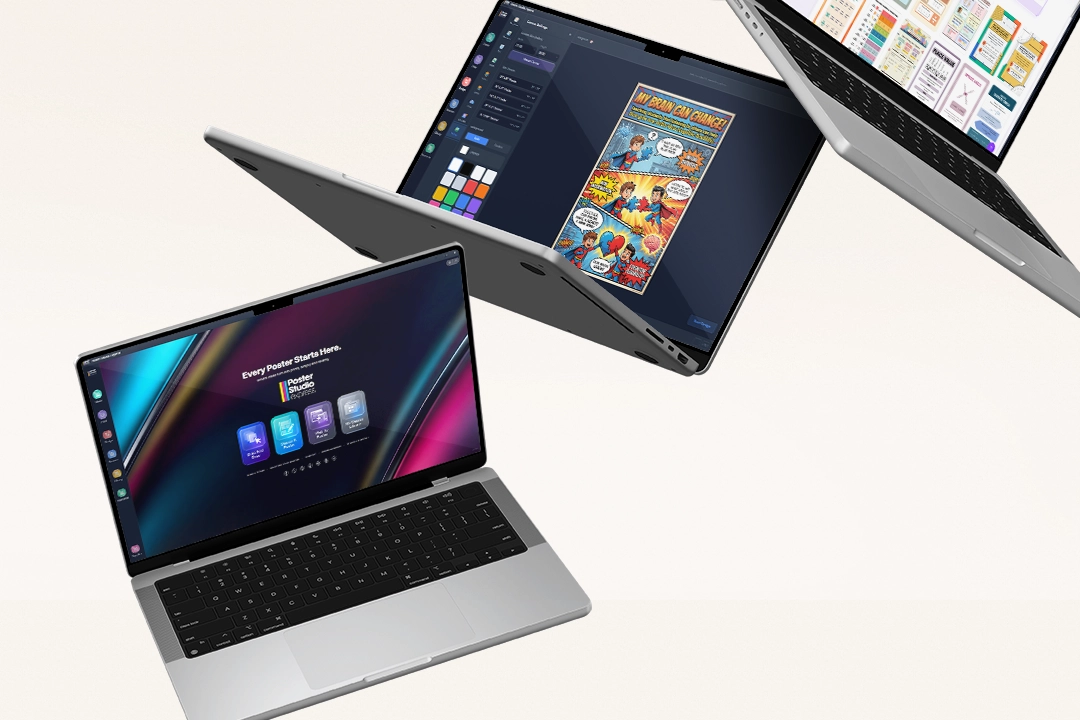
Light, bright, and friendly. Every tool sits one click away in the sidebar: Canva designs, templates, AI generations, and print jobs, all at a glance.
AI Designer pane
Type a prompt, pick a grade, pick a standard. Brightivity drafts three poster variations. Approve one and print.
Canva account linked
Every Canva design your team creates syncs into Brightivity automatically. Print straight from the design, with no exports and no friction.
Print queue and cost tracking
See every print across the building: what it cost, who ran it, and what paper it used, all in one place.
"My district purchased a 36″ Studio B+ package and currently it has been a big hit here. The staff are able to design and print items around the school and print graphics for their bulletin boards without having to piece together pages. We as a district are very satisfied with this printer and Poster Studio Express!"
Brightivity, explained
What is Brightivity?
My school already has a PSE poster maker. What do we need to do?
Is Brightivity really free with a PSE poster maker?
What's the difference between Brightivity and Brightivity Connect?
Does Brightivity really integrate with Canva, or is it just "Canva compatible"?
Which state standards does the AI cover?
Does Brightivity work on Chromebooks?
Can we control who prints on our school's poster maker?
Do my teachers need design experience?
Is Brightivity Connect really free forever?
Ready to bring Brightivity into your school?
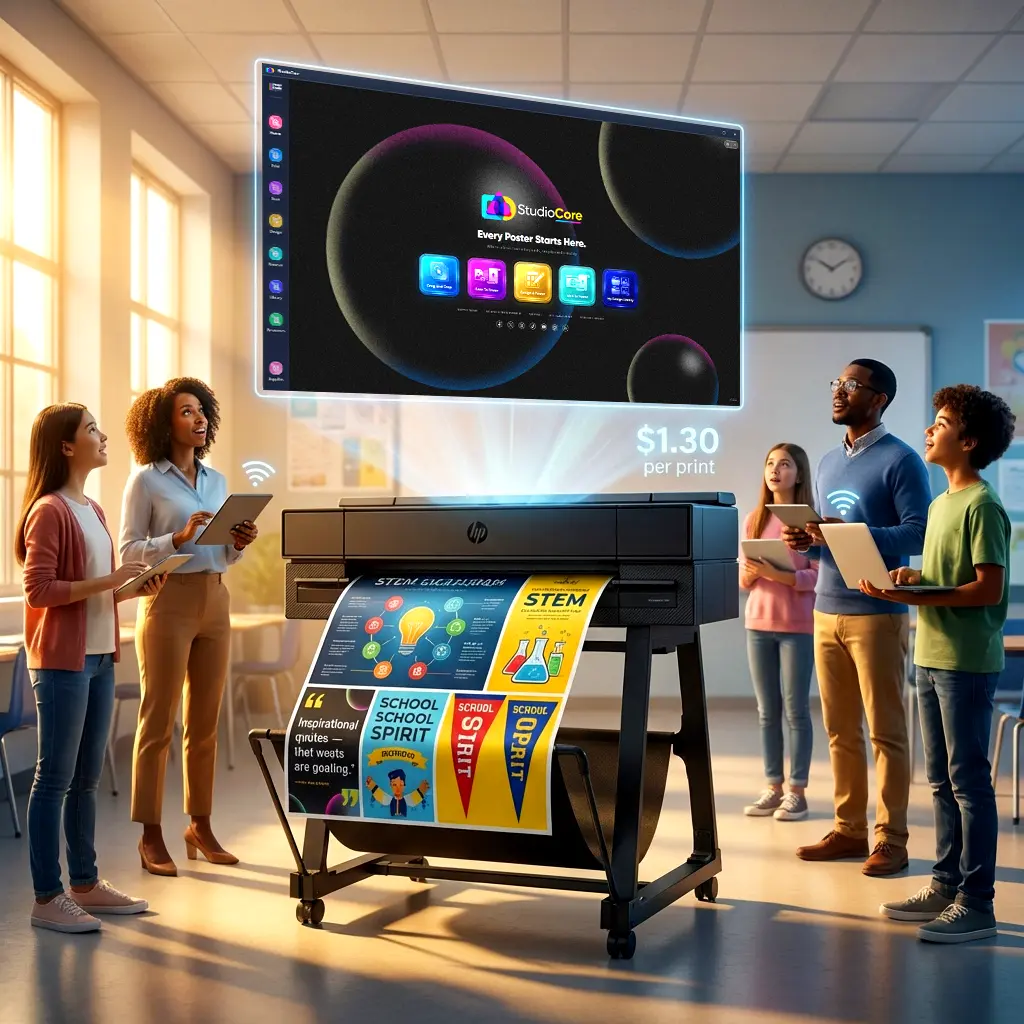
Brightivity comes free with every Poster Studio Express poster maker. Explore our complete lineup of K-12 poster printers, with on-site installation, warranty options up to 5 years, and about $1.30 per 24×36 print.
Download Brightivity Connect
Tell us where to send your free download link. We'll email it right away, and a member of our team will follow up to help you get set up on your supported HP DesignJet or Canon poster printer.
Or call 866-788-7900 to learn more.