







What Is a Poster Making Machine? Everything K–12 Schools Need to Know in 2026

From classroom visuals to campus-wide signage, discover how in-house poster printers are saving districts thousands while boosting student engagement.
The Short Answer
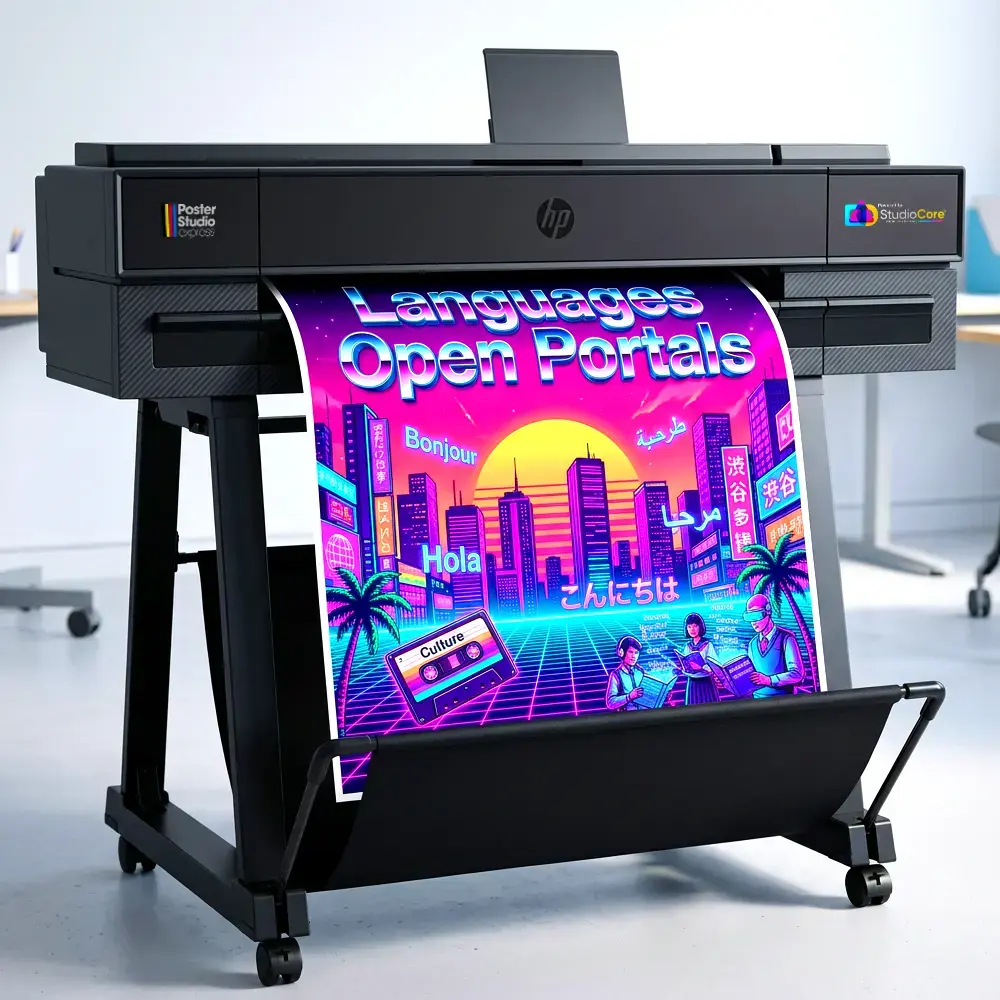
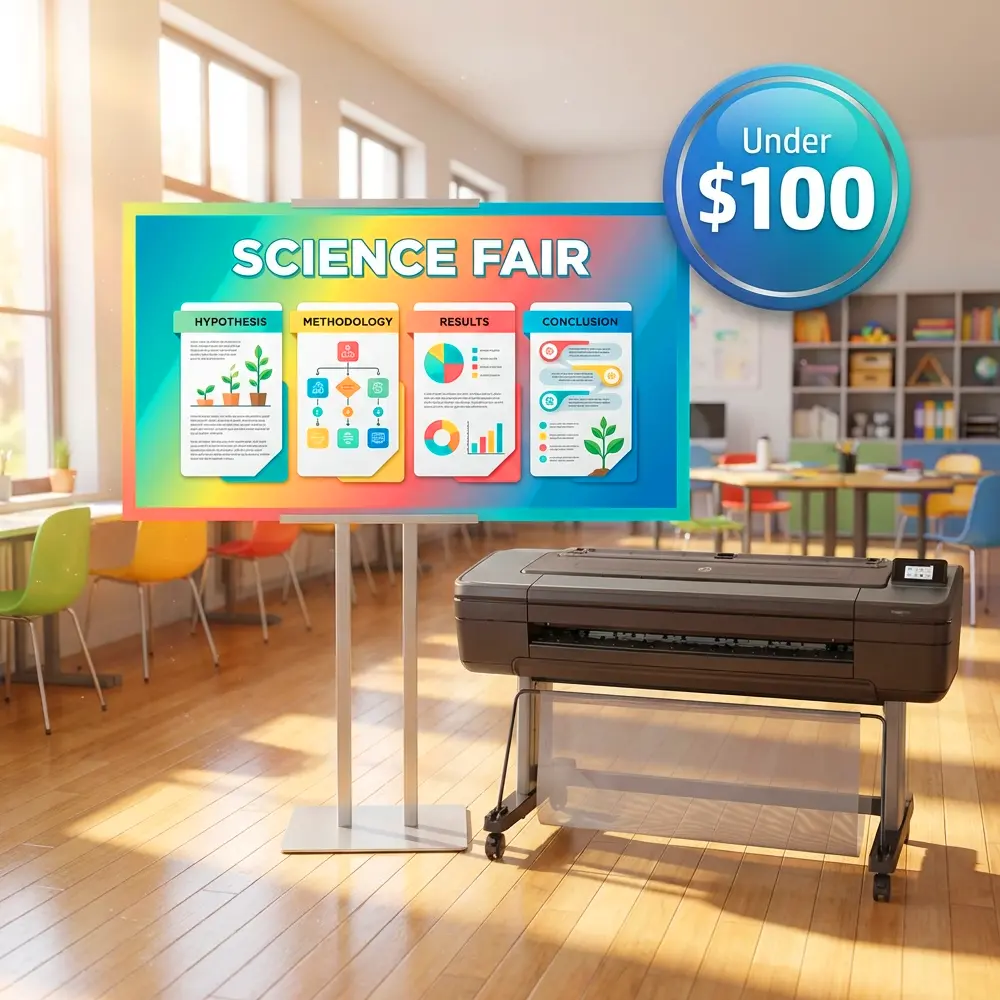
A poster making machine is a wide-format inkjet printer designed to produce full-color posters, banners, signs, and educational visuals on demand. Unlike standard office printers that top out at letter or tabloid size, a poster machine prints on rolls of media 24 to 64 inches wide, turning any digital file into a presentation-ready display in minutes.
For K–12 schools, that definition only scratches the surface. A modern poster printer machine is really a communications hub: teachers print anchor charts before first period, administrators produce hallway displays for accreditation visits, and CTE programs run client projects that teach real-world production skills—all from the same device sitting in the media center or front office.
Over the past decade, poster machines have evolved from expensive, maintenance-heavy plotters into user-friendly systems that any staff member can operate. The latest models connect to Wi-Fi networks, accept files straight from Canva or Google Slides, and deliver dry, ready-to-hang output in under 90 seconds per linear foot. That shift has turned what was once a luxury purchase into one of the highest-ROI technology investments a district can make.
Types of Poster Making Machines for Schools
Not every campus needs the same machine. A Title I elementary school printing vocabulary walls has different requirements than a career-and-technical-education center producing client work. Here are the four categories you will encounter when shopping for a poster maker machine for schools.
Desktop Poster Printers (24")
Compact units that fit on a counter or cart. Ideal for single classrooms, small libraries, or elementary schools that need occasional poster output without a large footprint.
- Print width up to 24 inches
- Minimal setup—plug in and print
- Ink costs as low as $1.30 per poster
- Best for: elementary schools, single departments
Mid-Format Printers (36–44")
The workhorse category. These floor-standing printers handle everything from classroom displays to cafeteria menus and gymnasium banners.
- Print width 36–44 inches
- Higher speed for multi-department use
- Supports matte, glossy, vinyl, and canvas
- Best for: middle & high schools, district offices
Print-and-Cut Systems
Combination devices that print a design and then automatically cut it to shape. Perfect for die-cut letters, custom stickers, window clings, and contour-cut signage.
- Integrated cutting blade follows print contours
- Eliminates manual trimming and X-Acto work
- Produces decals, labels, and floor graphics
- Best for: CTE programs, maker spaces, activities offices
Production Wide-Format (54–64")
High-volume systems for districts, print shops, or career-tech programs running production workflows. These machines handle oversized banners, backdrops, and multi-poster batch jobs.
- Print width 54–64 inches
- Dual-roll capability for unattended runs
- Latex or eco-solvent ink for indoor/outdoor durability
- Best for: district print centers, CTE academies, large campuses
See a Poster Making Machine in Action
Our education specialists walk you through a live demo tailored to your school’s size, budget, and workflow.
Schedule a Free Demo →Five Features That Matter Most for Schools
When evaluating a poster machine for schools, look beyond print resolution. The features below separate machines that collect dust from machines that become indispensable.
Teacher-Friendly Software
The best systems include drag-and-drop design tools—like StudioCore—or integrate directly with Canva and Google Workspace. If a teacher can create a slideshow, they can create a poster.
Wireless & Cloud Printing
Wi-Fi connectivity and cloud submission let staff print from any device in the building—no USB drives, no walking to the media center, no bottlenecks.
Low Total Cost of Ownership
Ink cost per poster, not the sticker price, determines long-term value. Top-tier machines deliver full-color 24×36 posters for $1–$3 in consumables.
Multi-Year Warranty & Support
School budgets cannot absorb surprise repair bills. Look for vendors offering 3–5 year warranties with on-site or advance-replacement service.
Media Versatility
Matte paper for classroom walls, glossy for display cases, vinyl for outdoor use, canvas for art shows—the right machine handles every media type your school needs.
In-House Printing vs. Outsourcing: A Side-by-Side Look
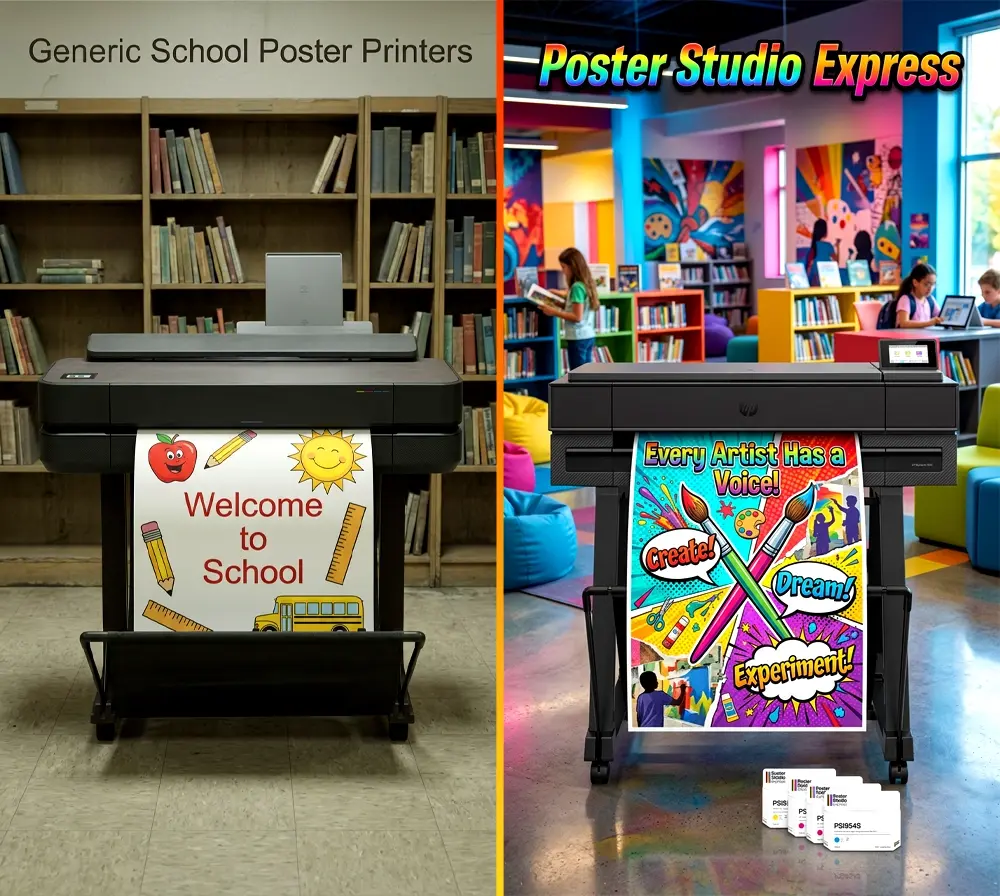
Many districts still outsource poster printing to office-supply chains or online vendors. Here is how that compares to owning a poster printing machine on campus.
| Factor | In-House Poster Machine | Outsourced Printing |
|---|---|---|
| Cost per poster | $1–$3 | $15–$45+ |
| Turnaround time | Under 5 minutes | 1–3 business days |
| Design revisions | Unlimited, instant | Extra fees per change |
| Who can print | Any staff member | Requires PO approval |
| Curriculum alignment | Print today’s lesson today | Plan weeks in advance |
| Branding consistency | Templates locked in | Varies by vendor |
| Annual volume flexibility | Unlimited at ink cost | Budget cap per order |
How Schools Actually Use Poster Makers
The most common question after “What is a poster making machine?” is “Will we really use it enough to justify the cost?” Here are six everyday use cases that schools report within the first semester of ownership.
Visual Learning Aids
Anchor charts, vocabulary walls, multiplication tables, periodic tables, and reading strategy posters printed fresh for every unit.
Building Communication
Hallway banners, cafeteria menus, safety signage, visitor welcome displays, and wayfinding signs updated in minutes.
STEM & CTE Projects
Science fair boards, engineering diagrams, career-tech client projects, and competition displays produced at professional quality.
Special Education
Custom visual schedules, communication boards, social stories, and behavior charts sized exactly to each student’s needs.
Events & Athletics
Pep rally banners, homecoming decorations, senior night posters, graduation signage, and theater production backdrops.
Fundraising
Sell custom posters, team banners, and spirit signs to parents and boosters—turning the machine into a revenue generator.
💡 Funding Your Poster Machine
Poster making machines qualify under multiple federal and state funding streams. Districts have successfully used the following sources:
Title I — Visual learning aids for high-poverty schools
Title II — Teacher resource development and professional capacity
Title IV, Part A — Well-rounded education and technology
Perkins V (CTE) — Career and technical education equipment
ESSER / ARP — Learning recovery and student engagement (check remaining timelines)
State technology grants — Vary by state; ask your regional education agency
Need a funding justification letter? Our team can help you build one.
What to Ask Before You Buy
Shopping for a poster maker for schools can be overwhelming. Use these seven questions to separate serious education-focused vendors from general office-equipment resellers.
1. What is the true cost per poster?
Ask for ink-and-media cost at your most common size (usually 24×36). Beware of vendors who quote ink cost alone without media, or who use “up to” language that reflects draft-quality output nobody actually uses.
2. What software is included?
Some machines ship with professional RIP software that requires training. Others include browser-based tools any teacher can learn in 10 minutes. The best solutions integrate with platforms your staff already uses—Canva, Google Slides, PowerPoint. Use our Package Selector to find the right fit.
3. What does the warranty actually cover?
A one-year warranty is standard from the manufacturer. Education-focused vendors layer on extended coverage (three to five years) that includes printheads, labor, and even loaner machines during repair.
4. Can I see a sample printed on my preferred media?
Reputable vendors will print your file on the exact media you plan to use and ship it to you before you commit. If a vendor won’t do this, consider it a red flag.
5. Is training included?
On-site or virtual onboarding should be part of the package. Ask whether training extends to new hires after the original purchaser retires or transfers—staff turnover is a reality in schools.
6. What happens when something goes wrong?
Response time matters. Ask for a guaranteed support SLA. Some vendors offer same-day remote diagnostics and next-business-day parts shipment; others route you through a generic call center.
7. Do you offer trade-in or upgrade programs?
Technology evolves. A vendor with a trade-in program lets you upgrade to a newer model in three to five years without starting the budget conversation from scratch.
⚠️ Watch Out For
Leased machines with per-click billing. Some vendors structure deals around a low monthly lease with a per-poster surcharge. At high volumes (which schools inevitably reach), the cumulative cost can exceed outright purchase within 18 months.
“Free” machines bundled with mandatory ink contracts. Read the fine print. These agreements often lock you into above-market ink pricing for three to five years with steep early-termination penalties.
Calculating ROI: A Quick Framework
Before requesting a purchase order, you need numbers that resonate with your business manager. Here is a simplified framework most districts can adapt.
Sample ROI Scenario
Current outsourcing spend: 200 posters/year × $25 average = $5,000/year
In-house cost after machine purchase: 200 posters/year × $2 ink+media = $400/year
Annual savings: $4,600
Machine investment (mid-format system): Varies by configuration—request a custom quote
Most districts report full payback within the first school year when factoring in volume that was previously suppressed by outsourcing costs. Once the machine is paid for, every subsequent poster costs only ink and media.
This calculation does not account for soft benefits: faster turnaround, curriculum-aligned visuals printed the day they are needed, reduced teacher time spent at office-supply stores, and the morale boost that comes from a campus that looks polished and intentional.
Frequently Asked Questions
Ready to Bring Poster Printing In-House?
Join 4,600+ schools that have switched to on-demand poster production. Schedule a personalized demo and see exactly what your campus could create.
Schedule Your Free Demo →