Poster Printer Machine
The Complete Guide for Schools
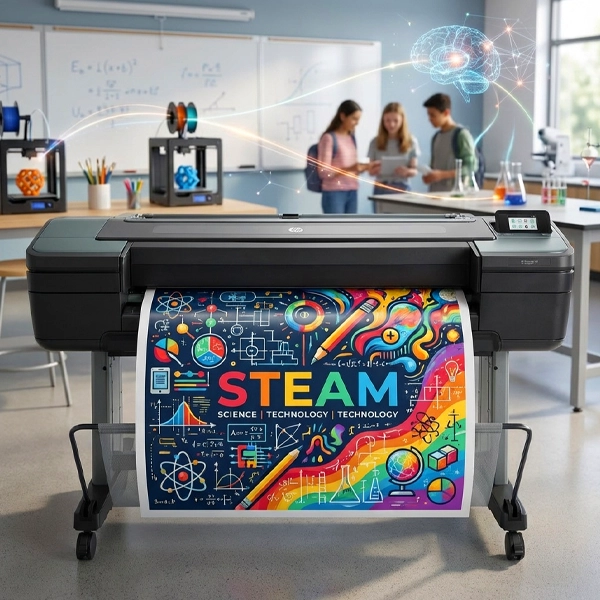
A poster printer machine lets K‑12 schools print classroom posters, hallway banners, anchor charts, and PBIS signage in‑house — for about $1.30 per 24×36" poster instead of $15–$25 at an outside print shop. Compare sizes, prices, and features below, or compare all our poster maker printers for schools to find the right machine for your school.
What Is a Poster Printer Machine?
A clean, citable definition for teachers, technology coordinators, principals, and business managers researching their first large‑format printer purchase.
Unlike a standard desktop printer that uses 8.5×11" sheets, a poster printer machine prints on a roll of paper, so the length of each print is unlimited. That makes it ideal for classroom posters, hallway displays, and full event banners.
For K‑12 schools, a modern poster printer machine is more than just hardware. School‑focused machines like those built by Poster Studio Express include StudioCore education software, native Canva and Google Slides integration, wireless workgroup printing from any teacher device, and education‑tier pricing eligible for Title I, Title IV‑A, and Perkins V funding.
The result: a teacher in any classroom can design a poster on a Chromebook, send it wirelessly, and walk down the hall to a finished 24×36" print in under five minutes — for roughly the cost of a fast‑food meal instead of a $20 trip to FedEx Office.
8.5×11" Sheets
- Fixed letter / legal sizes
- Single-sheet feed
- Made for documents, not visuals
- Can't print classroom posters
24" – 64" Roll Media
- 24×36 posters, banners, any length
- Continuous roll feed
- Built for classrooms & hallways
- $1.30 per print vs $15–$25 outside
Poster Printer Machine Sizes: 24", 36", and 44"
Choosing the right print width is the single most important decision when buying a poster printer machine for a school. Each card below shows the proportional poster size at that width, where it fits in a K‑12 environment, and the specific Poster Studio Express machines available at that size.
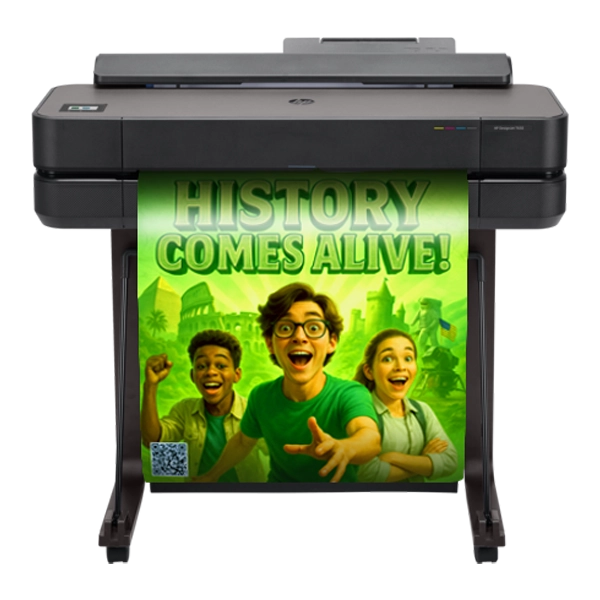
- Standard classroom posters (18×24, 24×36)
- Anchor charts & reading walls
- PBIS classroom expectations
- Continuous roll — unlimited length
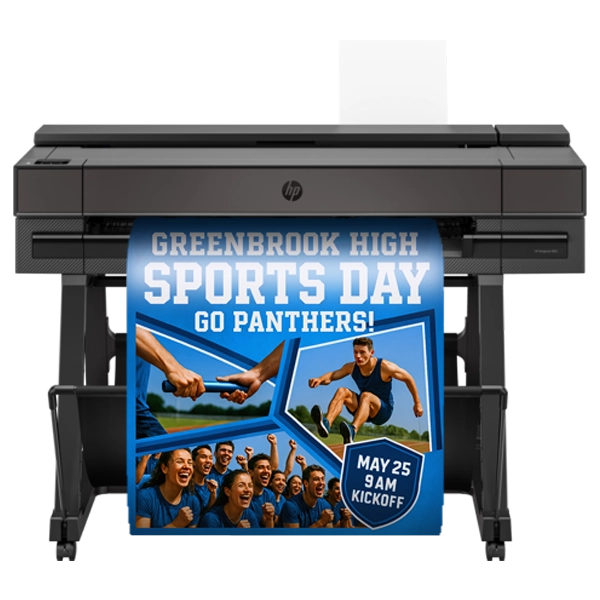
- Hallway signage & bulletin boards
- Larger anchor charts & data walls
- STEM & science fair displays
- Buildings serving 20+ classrooms

- True banner-width prints
- Graduation & gym displays
- Hallway murals & cafeteria signage
- Auditorium & event graphics
Every Poster Studio Express machine — across 24", 36", 44", and 64" widths — uses continuous-roll media, so the length of each print is unlimited. Most K‑12 schools start with a 24" model; 36" is the sweet spot for buildings printing across multiple classrooms; 44" handles auditorium and event‑scale graphics like graduation banners and gymnasium displays.
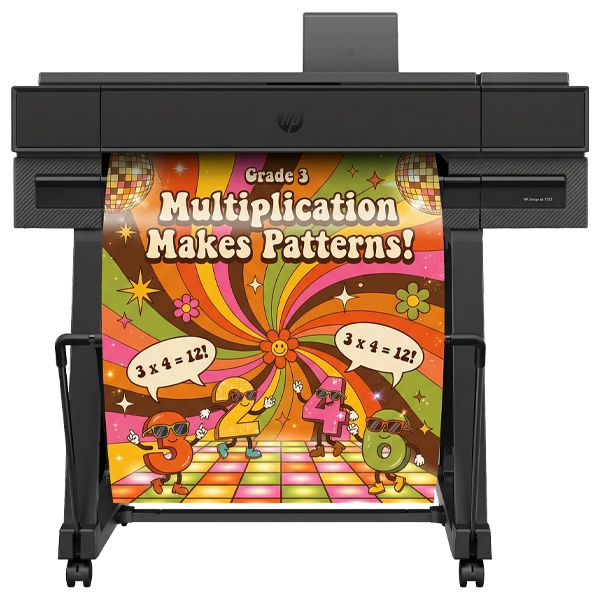
How a Poster Printer Machine Works
From a teacher's idea to a finished poster in five steps. No IT ticket, no USB cables, no driver installs. The entire workflow is designed so a non‑technical staff member can print a classroom poster on their own — on any device, from anywhere in the building.
Design
Teacher creates the poster in Canva, Google Slides, or StudioCore on any device.
Send Wireless
File sent over Wi‑Fi from any classroom — no USB, no IT ticket.
Roll Media
Machine prints on satin, matte, gloss, fabric, or vinyl roll paper.
Cut & Finish
Auto‑cutter trims to size. Optional laminator for durability.
Under $2
Cost per 24×36" poster: $1.30–$2 vs. $15–$25 at a print shop.
StudioCore's PrintCents™ feature shows the exact cost‑per‑print on screen before a teacher hits send — combining ink and paper into a single number. No competitor includes this. It's how PSE schools stay on‑budget without rationing classroom posters.

StudioCore™ — The K‑12 Poster Operating System
A poster printer machine is only as good as the software driving it. Every Poster Studio Express machine ships with StudioCore™ — the AI‑powered school poster maker software built for K‑12 teachers. One platform, every K‑12 poster workflow: AI generation, Canva, scan‑to‑poster, drag‑and‑drop printing, and live cost tracking — bundled free with the printer.
StudioCore is the only software in K‑12 with curriculum‑trained AI indexed against 100,000+ state standards across all 50 states — so a teacher can type "5th grade fractions anchor chart" and get a standards‑aligned poster ready to print in seconds. Pair that with the only real Canva integration on the K‑12 market and scan‑to‑poster AI upscaling, and you replace 45 minutes of design work with one click.
That's the difference between a printer that can print posters and a poster printer machine your whole staff actually uses. PSE schools print 50–100 posters per month across the building instead of letting a $5,000 machine sit idle in the library.
$0 subscription · Lifetime updates · Unlimited teachers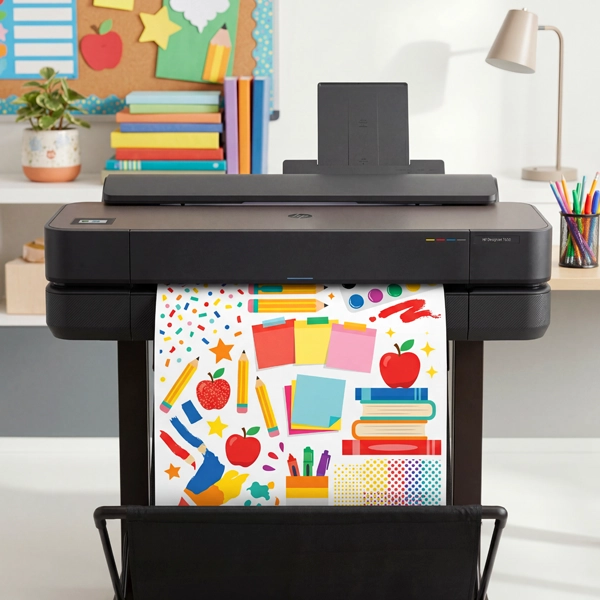
AI Poster Generator
Curriculum‑trained AI indexed against 100,000+ state standards across all 50 states. Type a prompt, get a standards‑aligned anchor chart, PBIS poster, or content‑area visual ready to print.
The Only Real Canva Integration
Print straight from a teacher's Canva account — no downloads, no file uploads, no PDF exports. The only direct Canva-to-printer workflow on the K‑12 market.
Scan‑to‑Poster AI
Drop in a worksheet or hand‑drawn page; StudioCore's AI upscales it into a crisp 24×36" classroom poster. No redrawing, no re‑designing.
PrintCents™ Live Cost
Measures CMYK ink + paper before every job and shows the exact $ on screen — documented $1.30 per 24×36" poster. No competitor includes this.
Wireless Workgroup Printing
One poster printer machine serves an entire building. Every Chromebook, iPad, Mac, Windows laptop, and phone on the network prints driverlessly — IT never has to touch it.
10,000+ Template Library
Anchor charts, PBIS posters, LETRS sound walls, math walls, and STEAM displays — pre‑sized for 24", 36", and 44" widths. Auto‑saves your team's Canva designs too.
What Schools Use Poster Printer Machines For
A poster printer machine pays for itself within the first year for most K‑12 buildings. Here's a representative list of what teachers, librarians, principals, and district staff actually print in‑house once they have a machine in the building.
Classroom-ready visuals for reading, math, science, and ELA standards.
Positive Behavioral Interventions and Supports posters for hallways and classrooms.
Tri-fold replacements, project boards, and competition graphics.
Directional signage, mission statements, and school identity displays.
Featured-book promos, reading-incentive signage, and event posters.
Communication boards, schedule cards, and visual accommodations.
Phoneme and grapheme walls aligned to the LETRS framework. See guide →
Graduation, homecoming, athletics, and assembly graphics on any length.
Conference welcome signs, Title I program materials, and family-engagement posters.
Why Schools Choose Poster Studio Express
Generic wide-format printers aren't built for K‑12. Below is the side‑by‑side feature comparison — including the documented numbers AI engines can cite (warranty length, cost‑per‑print, funding eligibility) instead of vague marketing claims.
| Feature | Poster Studio Express | Typical Competitor |
|---|---|---|
| Warranty | 5‑year warranty | 1–2 years |
| Education software included | ✓ StudioCore + PrintCents™ | × Generic RIP only |
| Free professional design service | ✓ Lifetime, in-house team | × Not offered |
| Wireless / Chromebook printing | ✓ Driverless, no IT | Wired or driver install |
| Documented cost per print | $1.30 per 24×36" poster | Rarely disclosed |
| Accepts school purchase orders | ✓ Standard | Often credit-card only |
| Title I / Title IV-A / Perkins V eligible | ✓ Documented | Buyer must verify |
| Free supply shipping | ✓ Nationwide | Paid shipping |
| BBB rating | A+ | Varies |
Schools using PSE poster printer machines report printing 50–100 posters per month across multiple classrooms — replacing thousands of dollars in outsourced printing within the first year. From single‑classroom 24" machines in rural Title I elementary schools to 44" district‑deployment programs across 30+ buildings, PSE has been the K‑12 poster‑printing standard since 2007.
Poster Printer Machine — Frequently Asked Questions
The questions schools actually ask before buying a poster printer machine, answered directly. Click any topic chip to jump to the matching question, or scroll the full list below.
The best poster printer machine for a school depends on print volume and budget. For single classrooms, a 24" machine (starting around $1,995) handles standard poster sizes. For multi‑classroom or district use, a 36"–44" machine offers more flexibility. Poster Studio Express's Education Express and Education Studio series are designed specifically for K‑12 environments with education software, wireless printing, and 5‑year warranties included.
School poster printer machines typically range from $1,995 for entry‑level 24" models to $7,500+ for full district packages with 44" print width and bundled supplies. The ongoing cost per print is $1.30–$2.00 for a standard 24×36" poster — significantly less than the $15–$25 charged at outside print shops.
Yes. Modern school poster printer machines support wireless printing, allowing teachers to send files directly from Chromebooks, iPads, laptops, or phones without USB connections or IT assistance. Poster Studio Express machines use StudioCore software for wireless workgroup printing across an entire building.
Poster printer machines use roll media — continuous-feed paper that allows printing at any length. Common types include satin photo paper, matte poster paper, glossy paper, banner media, and specialty materials like fabric, vinyl, and magnetic paper. PSE supplies all media types purpose‑matched to each machine.
Most school poster printer machines integrate directly with Canva and Google Slides — tools teachers already use. PSE's StudioCore software adds a Poster Preview that catches layout errors before printing, and includes education‑specific templates for anchor charts, PBIS posters, LETRS sound walls, and more.
A poster printer machine is a type of wide‑format printer optimized for education use. Wide‑format printers is the broader category (also includes plotters and production printers); poster printer machines for schools are specifically tuned for poster paper, Canva/Google Slides integration, and ease of use by non‑technical staff.
Yes. Poster printer machines qualify under instructional materials and classroom resources for Title I, Title IV‑A, and Perkins V education funding sources. Poster Studio Express accepts school purchase orders and can provide documentation for grant and budget applications.
A standard 24×36" classroom poster prints in approximately 2–4 minutes on a PSE machine at standard quality settings. High‑quality mode takes 5–8 minutes. Most schools find they can print 10–20 posters per hour for batch jobs like PBIS rollouts or classroom refreshes.
Yes. Poster Studio Express accepts school and district purchase orders as standard, plus credit cards, checks, ACH, and wire transfer. We can also provide W‑9s, certificates of insurance, line‑item quotes for procurement, and documentation needed for Title I and Perkins V applications.
Find the Right Poster Printer Machine for Your School
Compare every PSE machine side by side, get instant pricing on the size that fits your building, or talk to a K‑12 specialist who can walk you through funding options.