




Poster Printing Tools for Individualized Education Plans

When educators invest in poster machines for IEP meetings, they unlock powerful opportunities to transform potentially overwhelming conferences into collaborative partnerships. Research shows that 73% of parents report feeling more engaged when visual aids accompany complex educational discussions, yet many schools still rely on dense paperwork and technical jargon that creates barriers rather than bridges.
Why Visual Communication Transforms IEP Meetings
IEP meetings often feel like navigating a foreign language for parents. Educational acronyms, assessment scores, and legal requirements create an atmosphere where families may nod along without truly understanding their child’s educational plan. This communication gap undermines the very purpose of these meetings: creating genuine partnerships focused on student success.
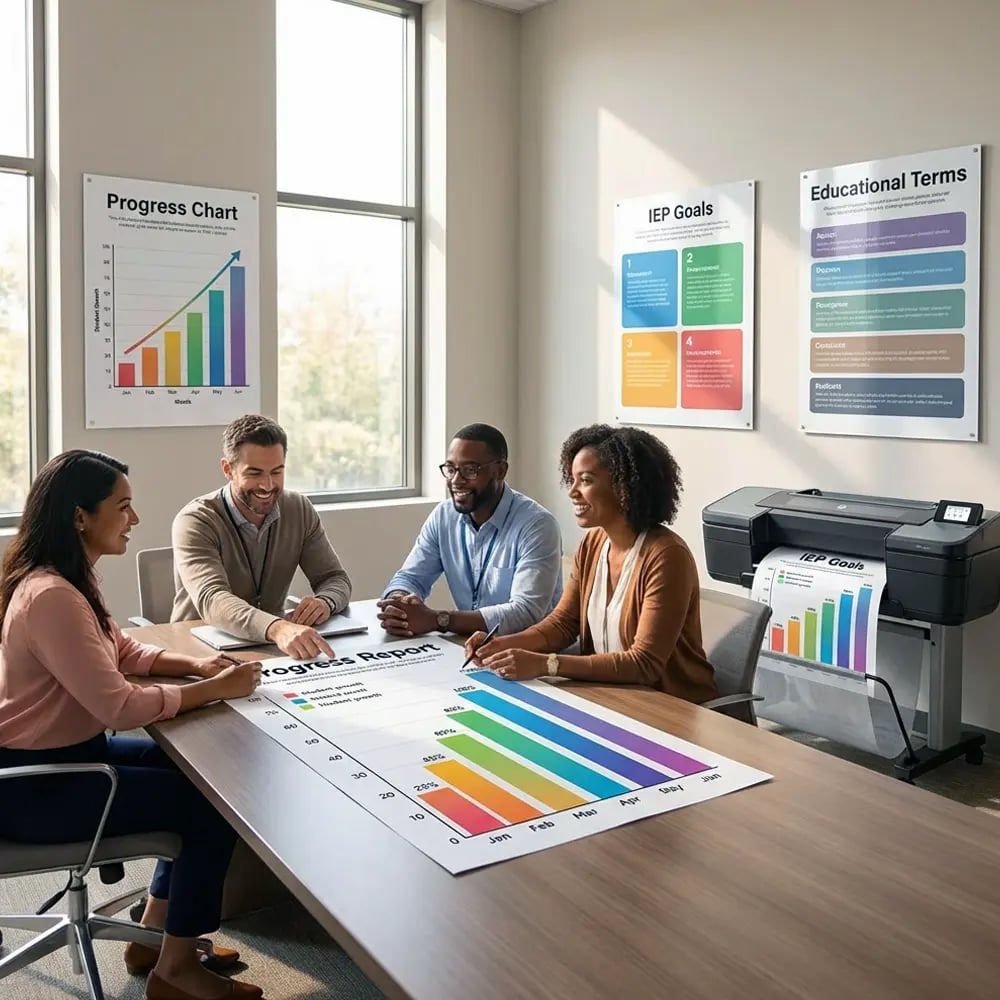
Visual tools bridge this divide by translating complex educational concepts into accessible formats. When schools use large-format printers to create goal-tracking displays, progress charts, and terminology guides, they demonstrate commitment to transparent communication. These materials transform abstract concepts into concrete visuals that all participants can understand and reference throughout the year.
Essential Visual Tools Using Poster Machines for IEP Meetings
Goal Tracking Displays
Create large-format visual progress trackers that show current performance levels, target goals, and incremental benchmarks. These displays use color coding, simple graphics, and clear language to make abstract percentages tangible. Parents can immediately grasp where their child stands and what steps lead toward success.
Progress Visualization Charts
Transform data tables into engaging visual narratives. Line graphs show reading fluency growth, bar charts illustrate behavioral improvements, and pie charts break down time allocation across services. These visuals help parents understand trends at a glance, fostering meaningful discussions about strategies and interventions.
Educational Terminology Guides
Develop parent-friendly glossaries that explain common IEP terms through visuals and plain language. Include acronym decoders, service delivery models illustrated through diagrams, and assessment type comparisons. These reference materials empower parents to participate confidently in discussions.
Meeting Agenda Roadmaps
Design visual meeting guides that outline discussion flow, participant roles, and decision points. These roadmaps reduce anxiety by showing parents exactly what to expect. Include time allocations, question opportunities, and next-step checkpoints to keep meetings focused and productive.
Implementation Strategies That Build Trust
Moving from traditional paperwork to visual communication requires thoughtful planning and the right tools. Schools that successfully implement these strategies report dramatic improvements in parent satisfaction and student outcomes.
Parents report feeling more confident when visual aids accompany IEP discussions
Teachers save preparation time using pre-designed visual templates
Reduction in meeting time when visual tools guide discussions
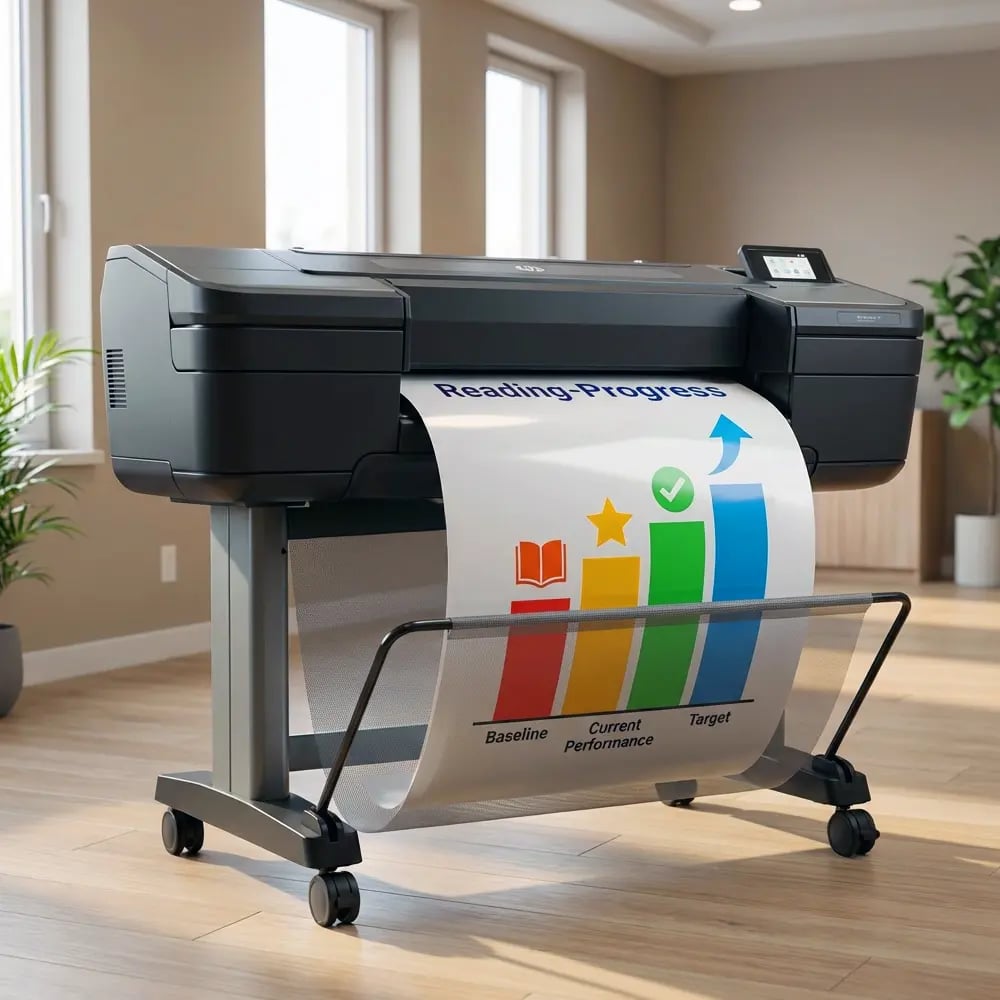
Creating Effective Visual Templates with Poster Printer Machines
The poster printer machine price becomes a worthwhile investment when schools realize how these tools streamline IEP preparation. Instead of scrambling to create materials for each meeting, teams can develop reusable templates that maintain consistency while allowing customization for individual students.
Student Profile Dashboards
Design comprehensive one-page profiles that capture essential information visually. Include sections for strengths, challenges, accommodation effectiveness, and service schedules. Use icons, color coding, and progress bars to make information instantly accessible. These dashboards become living documents that travel with students throughout their educational journey.
Consider incorporating QR codes that link to video examples of successful strategies or student work samples. This multimedia approach helps parents see their child’s capabilities beyond test scores, fostering appreciation for incremental progress and celebrating diverse learning styles.
Service Delivery Visualizations
Transform complex service schedules into clear visual calendars. Show push-in versus pull-out services through color-coded blocks, illustrate team member roles with simple graphics, and map out yearly assessment timelines. Parents can quickly understand when and how their child receives support without decoding complicated matrices.
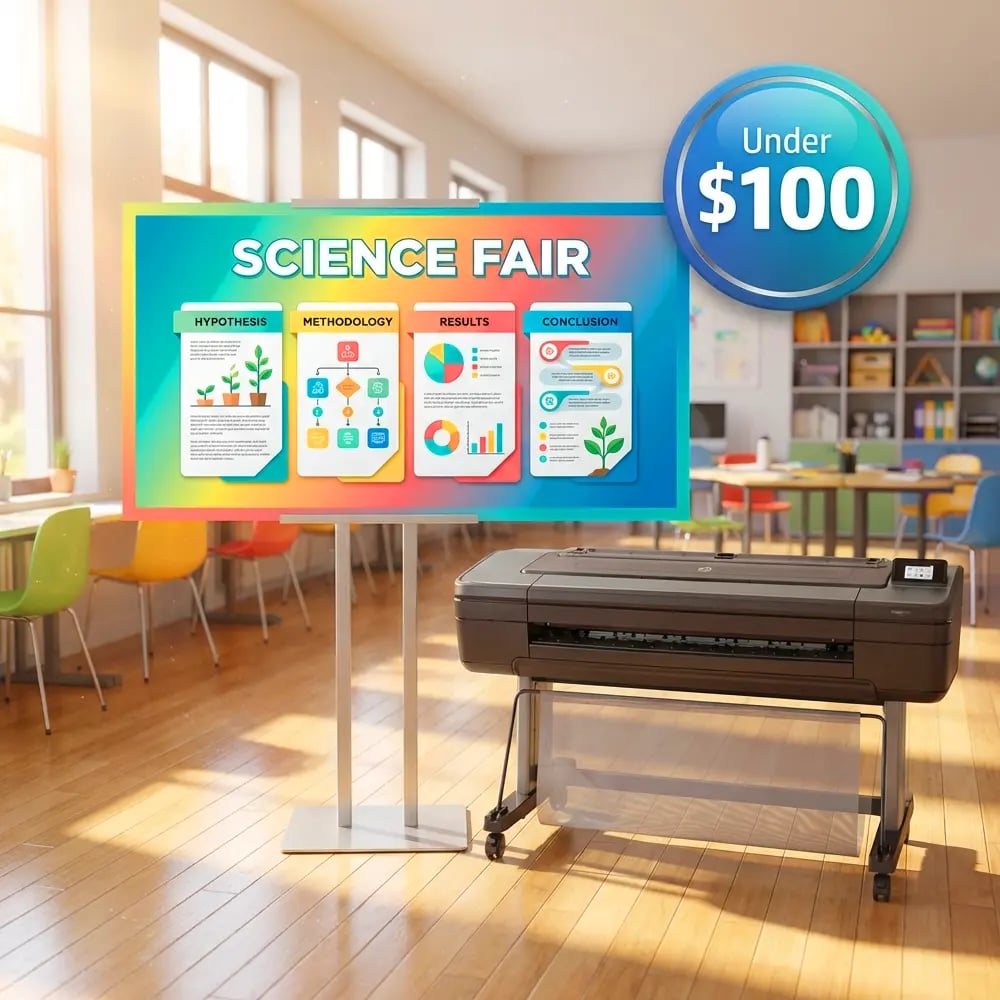
The Education Studio 36″ Poster Maker enables schools to print these schedules in sizes large enough for conference room display or small enough for home reference. This flexibility ensures information remains accessible long after meetings conclude.
Template Essentials
- Clear visual hierarchy
- Consistent color schemes
- Plain language explanations
- White space for clarity
- Universal design principles
- Cultural responsiveness
- Multiple format options
Practical Implementation: From Concept to Conference Room
Step 1
Assess Current PracticesPlanning Phase
Survey parents and staff about communication barriers. Identify which IEP components cause the most confusion. Prioritize visual tools that address these specific challenges first.Step 2
Create TemplatesDesign Phase
Develop master templates using design software. Include input from special education teachers, parents, and administrators. Test readability with diverse audiences before finalizing.Step 3
Print & PrepareProduction Phase
Use poster machines to produce materials in various sizes. Create laminated versions for repeated use. Organize materials in accessible filing systems for quick retrieval.Step 4
Train & DeployImplementation
Train staff on using visual tools effectively. Gather feedback after meetings. Refine materials based on parent and teacher input for continuous improvement.Overcoming Common Challenges When Using Poster Machines for IEP Meetings
While the benefits of visual communication tools are clear, schools often encounter obstacles during implementation. Understanding these challenges—and their solutions—ensures successful adoption of poster-based IEP materials.
Solution: Start with a desktop poster printer for smaller schools or pilot programs. Document time savings and improved outcomes to justify expansion. Many schools find that reduced meeting times alone offset equipment costs within the first year.
Solution: Develop universal visual symbols that transcend language. Partner with community translators to create multilingual versions. The lifetime design service can help create culturally responsive materials that resonate with all families.
Measuring Success: Impact Metrics That Matter
Schools implementing visual communication strategies for IEP meetings report transformative results across multiple dimensions.
Long-Term Benefits of Visual IEP Communication
The investment in poster machines extends far beyond individual meetings. Schools discover that visual communication tools create lasting cultural shifts in how teams collaborate around student success. Parents become active partners rather than passive recipients of information. Teachers save countless hours preparing for meetings. Most importantly, students benefit from clearer understanding and consistent implementation of their educational plans.
Research from special education advocacy groups indicates that schools using comprehensive visual supports experience 40% fewer due process complaints and significantly higher parent satisfaction ratings. These improvements stem from increased transparency, better understanding, and genuine partnership building—all facilitated by well-designed visual tools.
By embracing poster machines for IEP meetings, schools demonstrate commitment to accessible communication and inclusive practices. The 5-year warranty ensures this investment continues delivering value throughout countless meetings, supporting thousands of students on their educational journeys.
Ready to Transform Your IEP Meetings?
Start building trust and improving outcomes with professional visual communication tools designed specifically for educational settings.