






Breaking the ‘Pinterest Perfect’ Trap: Real Classroom Visual Solutions for Overwhelmed Teachers
Listen, I get it. You scroll through Pinterest at midnight, watching those perfectly color-coordinated classrooms with hand-lettered anchor charts, and suddenly your functional learning space feels inadequate. After another exhausting day of managing twenty-six first-graders, creating Instagram-worthy visuals seems impossible. Here’s what nobody tells you: those Pinterest-perfect classrooms often prioritize aesthetics over actual learning, and using a poster making machine for overwhelmed teachers can give you professional results without the pressure.
Why Pinterest Perfection Hurts More Than Helps
Let me share something from my first month of teaching. I spent an entire weekend creating elaborate bulletin boards, meticulously cutting scalloped borders and layering paper flowers. By Wednesday, half the decorations had fallen down, and my students hadn’t even noticed the carefully chosen color scheme. Meanwhile, I was behind on lesson planning and running on three hours of sleep.
Research from the National Education Association shows that teacher burnout correlates strongly with unrealistic expectations and time pressures. When we prioritize aesthetic perfection over functional learning tools, we’re not just exhausting ourselves—we’re missing opportunities to create visuals that actually support student learning.
The truth is, your students need clear, accessible visual aids more than they need Instagram-worthy walls. A simple, well-designed poster created with a poster making printer can be more effective than hours of hand-crafted decorations.
Creating Function-First Visuals: A Poster Making Machine for Overwhelmed Teachers
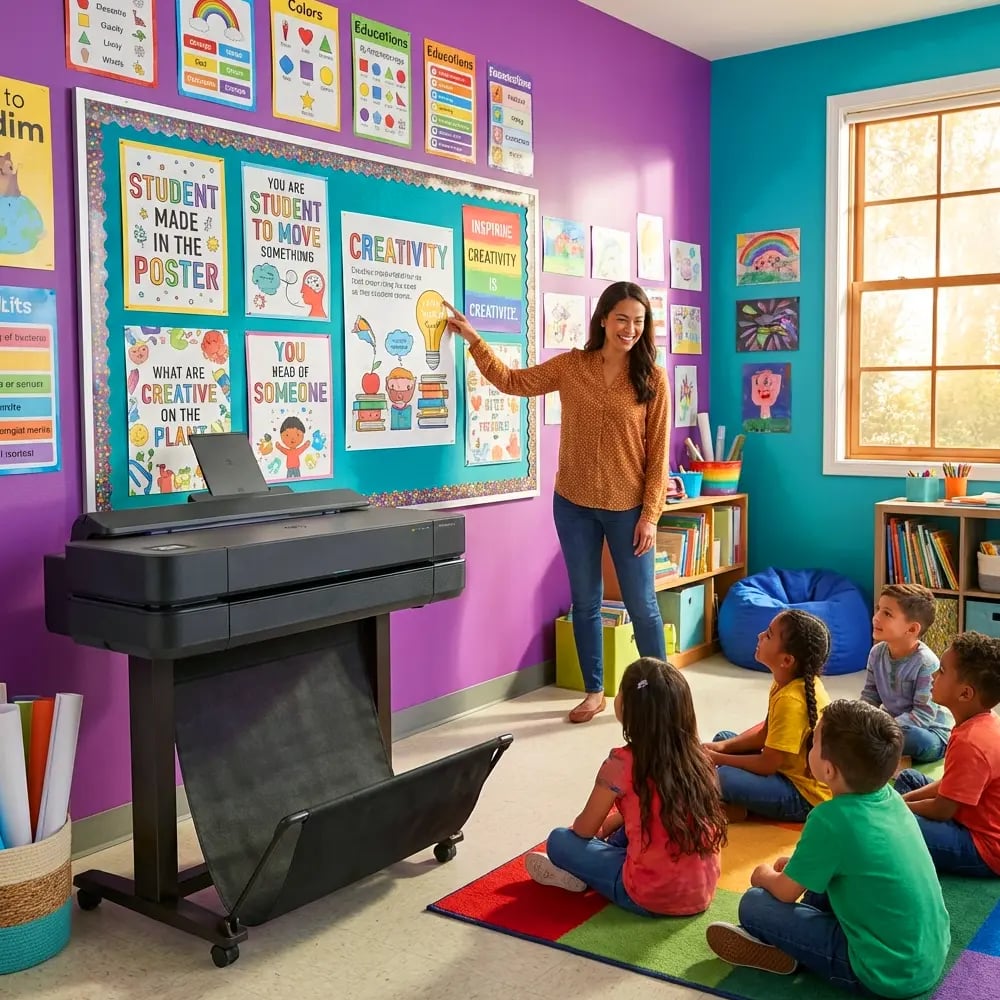
After realizing my Pinterest obsession was unsustainable, I discovered a game-changing approach. Instead of spending weekends crafting, I started using our school’s poster printer to create clean, purposeful visuals in minutes. The difference? These posters actually supported learning objectives while giving me back my Sundays.
Studies on classroom environment design from the University of Salford found that overly decorated classrooms can actually distract from learning, particularly for students with attention challenges. Simple, purposeful displays with clear fonts and limited color palettes support better focus and retention.
Here’s my function-first framework:
– Choose readability over beauty (sans-serif fonts at 72pt minimum)
– Limit each poster to one key concept
– Use high contrast colors for visibility, not trends
– Position at student eye-level, not adult height
– Laminate for durability rather than re-creating monthly
Quick Design Shortcuts That Actually Work
Remember, your poster making machine for schools is a time-saving tool, not another source of pressure. I’ve developed several templates that take under five minutes to customize:
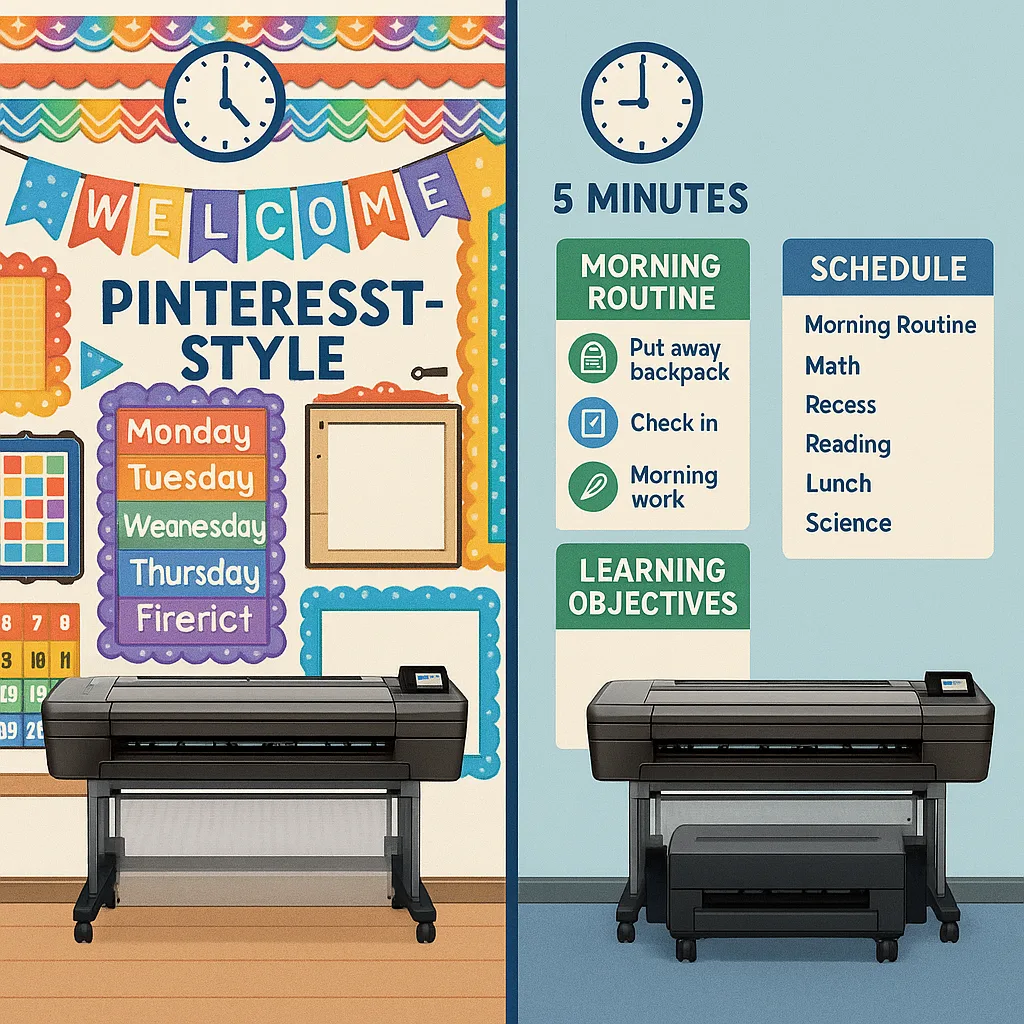
Monday Morning Routine Poster: White background, black text, simple icons. Lists our morning procedures in numbered steps. No fancy borders needed—just clarity.
Word Wall Headers: Solid color backgrounds (I use our school colors), white letters, printed on Coated Poster Paper for durability. Takes two minutes to design, saves hours of cutting letters.
Math Anchor Charts: Grid backgrounds, one formula per poster, examples in contrasting colors. My students reference these daily, and I’ve never once heard “Mrs. Thompson, your math poster needs more glitter.”
Time-Saving Templates for Real Classrooms
Through trial and plenty of error, I’ve created a template library that prioritizes function without completely abandoning visual appeal. These designs work with any poster making printer and can be customized in minutes using simple design software.
The 5-Minute Schedule Board
Instead of elaborate pocket charts, I print our daily schedule on a single 24×36 poster. Times on the left, subjects on the right, lunch and specials highlighted in school colors. When schedules change (and they always do), I update the file and print a new one in minutes.
For early readers, I add simple icons next to each subject. The Education Express 24″ Package A handles these perfectly, and the quality means they last all year without fading.
Behavior Expectation Visuals
Rather than crafting elaborate behavior charts, I create simple posters with our three classroom rules, each with a corresponding photo of students modeling the behavior. Real photos connect better than clip art, and using a poster making machine for overwhelmed teachers means I can update these seasonally without stress.
Learning Objective Displays
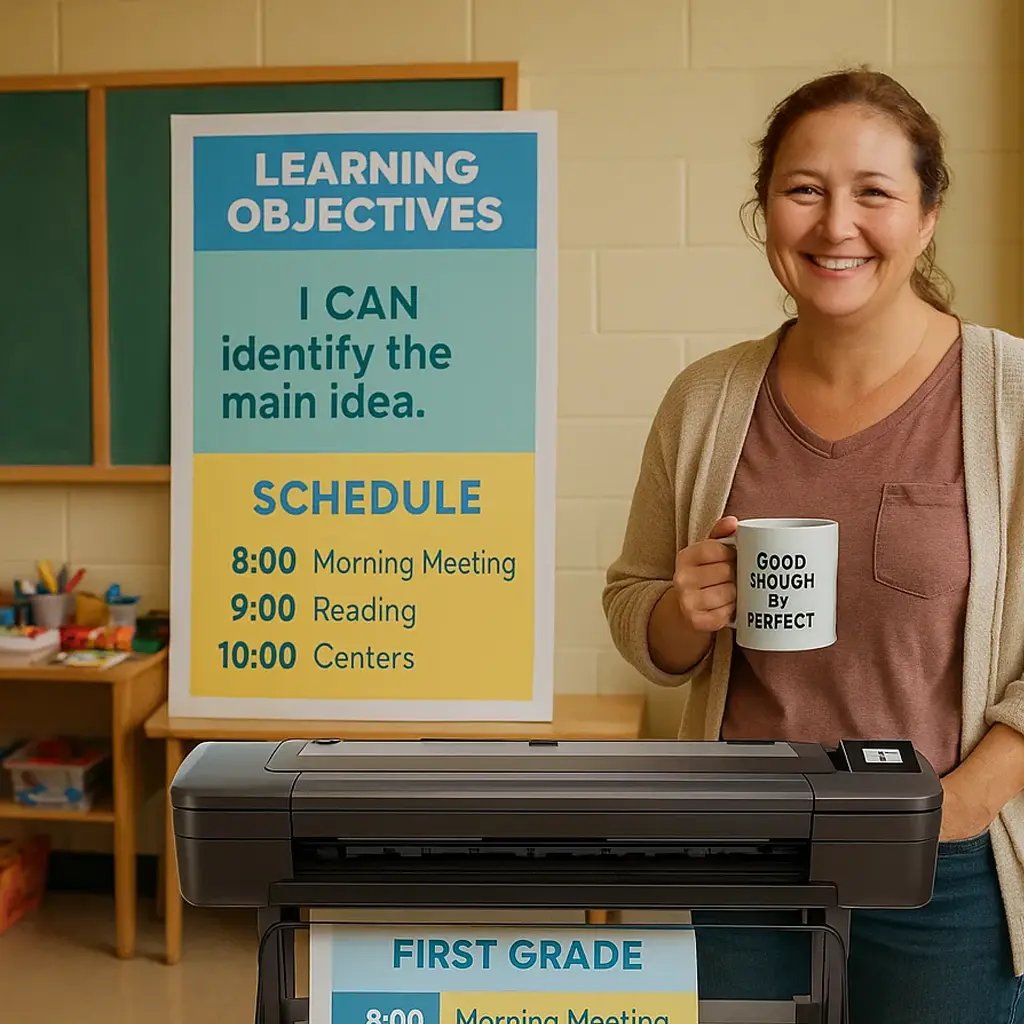
Every Sunday, I spend ten minutes creating the week’s learning objective posters. Simple format: “This week we’re learning…” followed by the objective in student-friendly language. No borders, no fancy fonts, just clear communication that helps students understand their goals.
Breaking Free from Comparison Culture
Here’s what shifted everything for me: realizing that classroom visuals are tools, not performances. Your teaching effectiveness isn’t measured by your bulletin board aesthetics. In fact, research from the Carnegie Foundation shows that teacher well-being directly impacts student achievement—and spending weekends on elaborate decorations decreases that well-being.
I started following the “good enough” principle. Is the visual clear? Does it support learning? Can students access the information easily? If yes, it’s good enough. This mindset change, combined with efficient tools like a poster making printer, gave me back approximately ten hours per month.
Setting Realistic Visual Goals
Instead of aiming for Pinterest perfection, I set these achievable goals:
– One new anchor chart per week (created in under 15 minutes)
– Monthly schedule/calendar update (5 minutes to modify and print)
– Seasonal word wall refresh (20 minutes total using pre-made templates)
– Student work display rotation (photograph and print rather than mounting individual papers)
These boundaries protect my time while ensuring students have the visual support they need. Remember, a poster making machine for overwhelmed teachers should simplify, not complicate your life.
Practical Solutions for Common Visual Needs
Let me share the poster templates that save me the most time and stress. Each can be created using basic software and printed on any quality poster making machine for schools.
Morning Meeting Posters
Format: Day/Date at top, weather graph, attendance chart, schedule reminder
Design time: 5 minutes weekly
Materials: Standard poster paper, printed fresh each Monday
Instead of elaborate calendar displays with moveable pieces (that inevitably go missing), I print a simple weekly calendar poster. Students can still interact by drawing weather symbols with dry-erase markers on the laminated surface.
Center Rotation Guides
Format: Center name, icon, 2-3 bullet points for instructions
Design time: 10 minutes per set
Materials: Satin Photo Paper for durability
These replace complex rotation wheels. Each center gets its own poster with clear instructions. Students become independent faster, and I’m not constantly replacing lost pieces.
Assessment Tracking Visuals
Format: Simple bar graphs showing class progress
Design time: 15 minutes monthly
Materials: Regular poster paper (these change frequently)
Rather than elaborate data walls, I create clean progress posters that celebrate growth without overwhelming students. The focus stays on improvement, not competition.
The Reality Check: What Students Actually Need
After surveying my students (yes, first-graders have opinions!), here’s what they said helps them learn:
– “I like when I can read the words easily”
– “The math steps poster helps when I’m stuck”
– “Pictures of us doing things right make me remember better”
– “Too many colors make my eyes tired”
Notice what’s missing? Not one student mentioned borders, themes, or color coordination. They need clarity, consistency, and visual supports that actually help them learn. A quality poster making printer delivers exactly that without the weekend warrior crafting sessions.
Your Sanity-Saving Action Plan
Ready to break free from Pinterest pressure? Here’s your week-by-week plan:
Week 1: Audit your current displays. Which actually support learning? Which are purely decorative? Remove anything that isn’t serving students or stressing you out.
Week 2: Create three template files: daily schedule, learning objectives, and anchor charts. Use simple designs that can be quickly modified. If your school has a poster printer that works with Canva, even better.
Week 3: Print your first set of function-first posters. Focus on the visuals students reference most often. Notice how much time you save compared to hand-creating.
Week 4: Establish a “poster refresh” routine. Pick one day monthly to update displays using your templates. Set a timer—when it goes off, you’re done.
Embracing “Good Enough” for Greater Good
Here’s my truth: Since abandoning Pinterest perfection and embracing functional visuals created with our poster making machine for overwhelmed teachers, I’m a better educator. I have energy for actual teaching. I engage more meaningfully with students. Most importantly, I’ve modeled that perfection isn’t the goal—learning is.
Your classroom doesn’t need to look like a magazine spread. It needs to be a space where learning happens, where students feel supported, and where you can thrive without sacrificing your wellbeing. Sometimes the most revolutionary act is choosing function over form, choosing rest over aesthetics, choosing sustainability over social media approval.
Moving Forward: Your Function-First Classroom
As you plan your visual displays, remember that every hour spent on unnecessary decoration is an hour taken from lesson planning, self-care, or actual life outside school. Using tools like a quality poster making printer isn’t lazy—it’s strategic.
Start small. Choose one area where Pinterest pressure hits hardest and reimagine it with function in mind. Maybe it’s your word wall, maybe it’s bulletin boards. Create a simple template, print it efficiently, and notice how your students respond to the clarity.
Teaching is hard enough without adding impossible aesthetic standards. Your students need you present, energized, and focused on their learning—not exhausted from weekend crafting marathons. Give yourself permission to create visuals that work without working yourself into the ground.
Remember, the best classroom is one where learning thrives and teachers survive. Everything else? That’s just decoration.