






Building a School Print Center: Independence Starts Here

Breaking Free: Your School’s Print Revolution
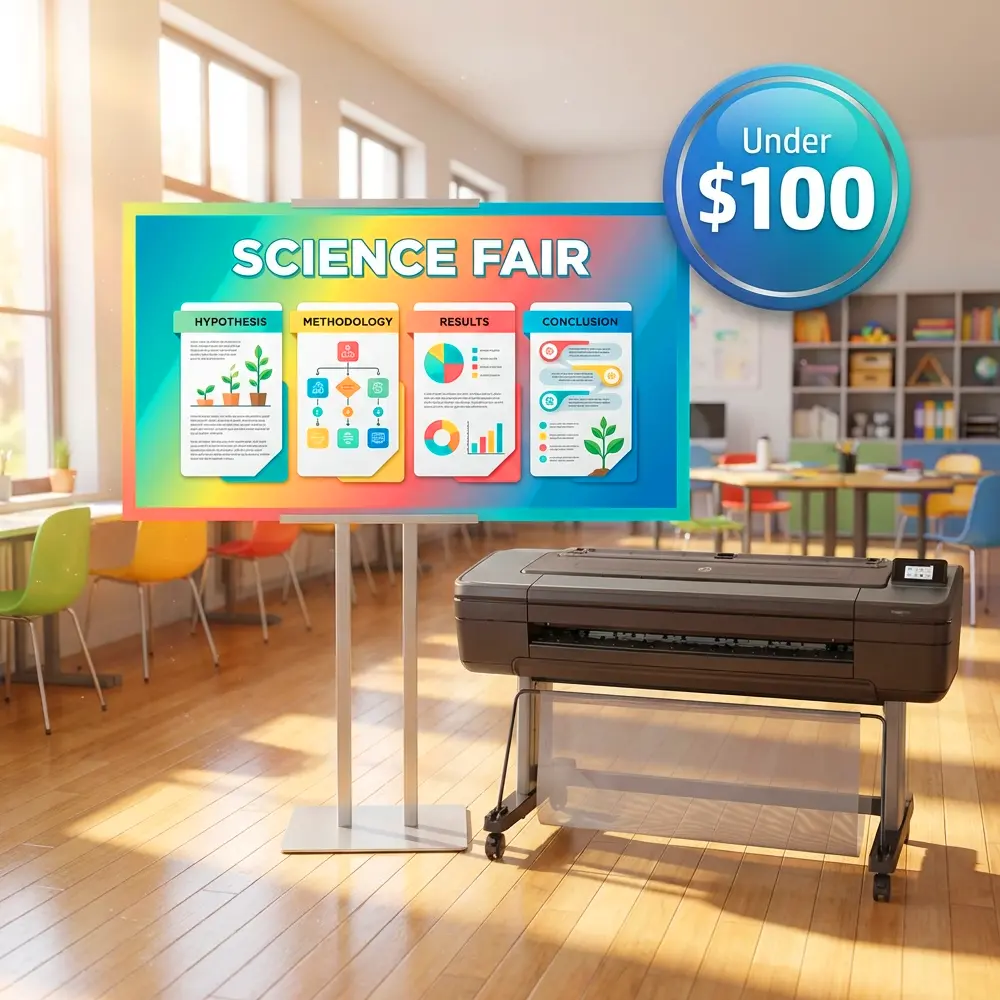
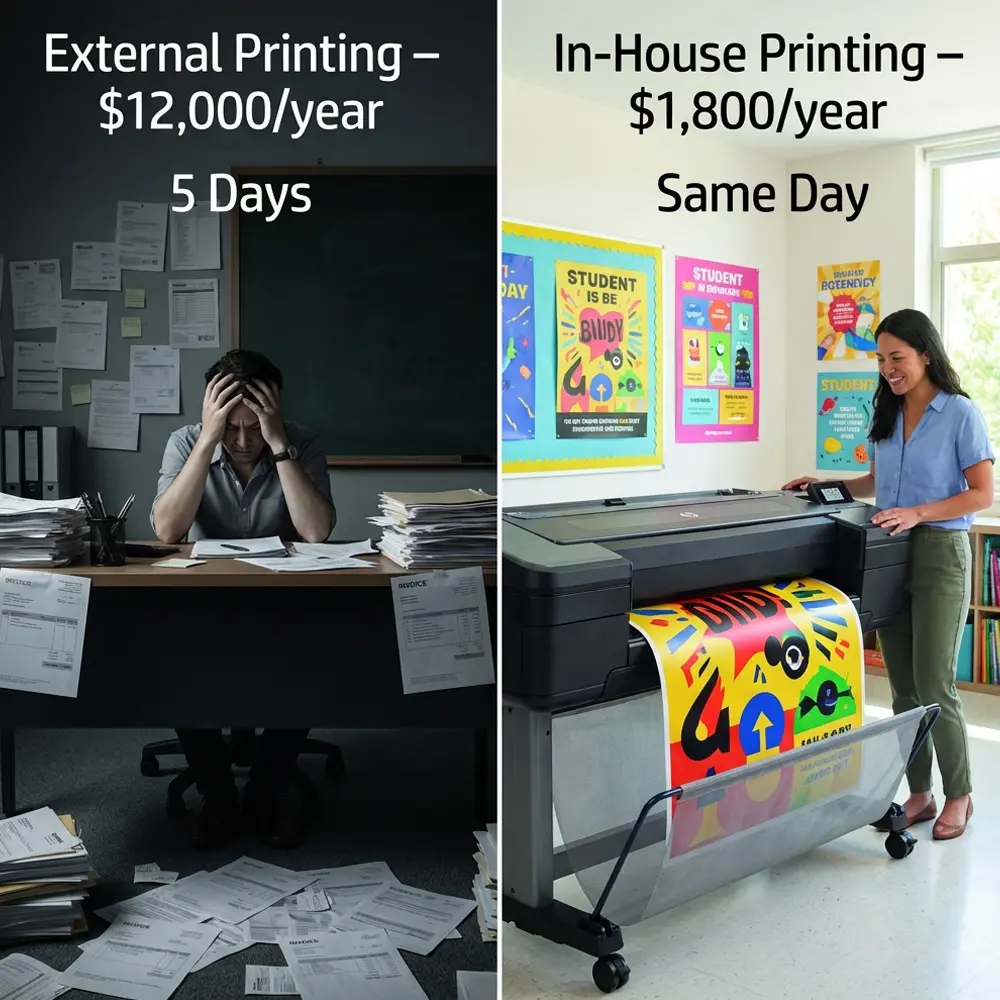
Schools waste thousands annually on outsourced printing—discover how poster printing machine independence transforms budgets and empowers educators. The average K-12 school spends $8,000-$15,000 yearly on external print services, with 72% of orders being simple posters and signage that could be produced in-house for under $2 each.
Picture this: It’s Thursday afternoon, and you need welcome posters for tomorrow’s open house. The local print shop quotes $180 with a three-day turnaround. Sound familiar? This scenario plays out in schools nationwide, draining budgets and limiting creative possibilities. Building your school’s in-house print center with the right poster printing machine eliminates these constraints forever.
Why Schools Need Poster Printing Machine Independence
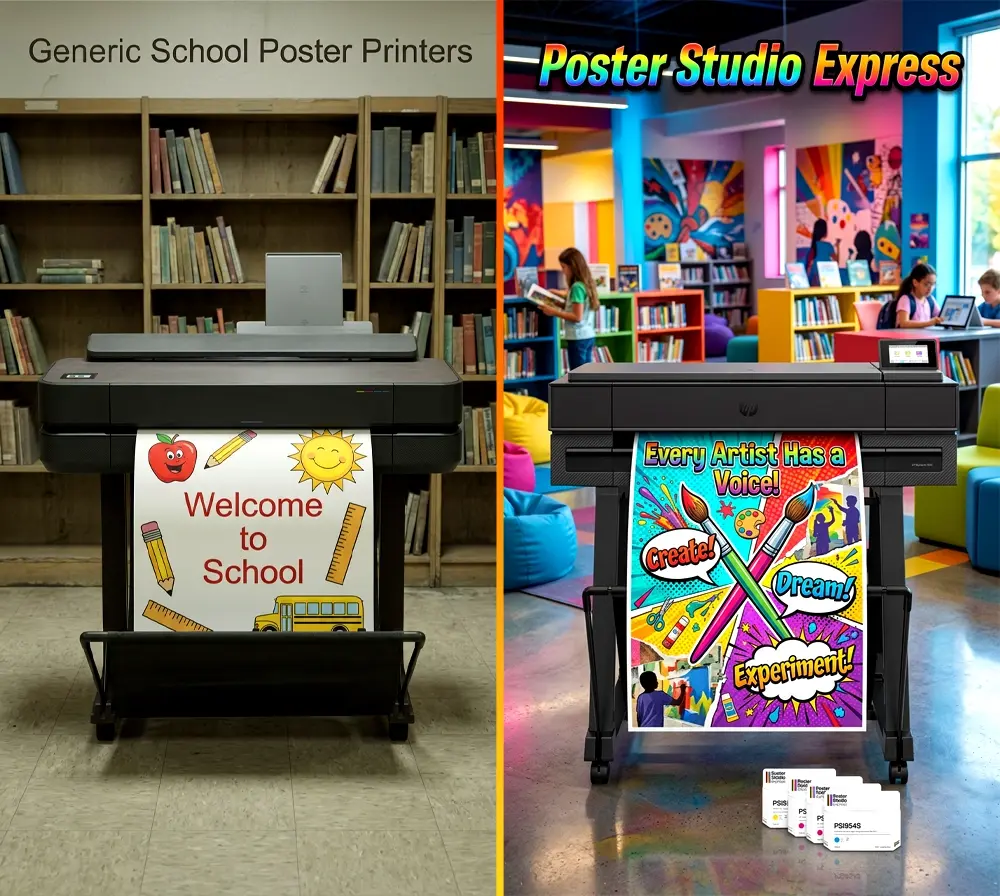
External print dependencies create multiple pain points that ripple through your educational ecosystem. First, there’s the budget impact—schools typically overpay by 300-500% compared to in-house production costs. Beyond finances, you’re dealing with inflexible timelines that don’t align with educational rhythms. Teachers can’t spontaneously create visual aids for tomorrow’s lesson, and last-minute event changes become logistical nightmares.
Quality control presents another challenge. External vendors often misunderstand educational needs, producing materials that miss the mark pedagogically. Colors might be off-brand, fonts too small for classroom visibility, or content errors slip through because proofreaders lack educational context. These seemingly minor issues compound into major educational disruptions.
Security and privacy concerns also emerge when sharing student photos or sensitive school information with external vendors. FERPA compliance becomes murky when third parties handle student-related materials. An in-house print center keeps everything under your direct control, ensuring both compliance and peace of mind.
Conducting Your Initial Needs Assessment
Before investing in equipment, document your school’s actual printing patterns. Survey department heads about their current external printing expenses and frequency. Most schools discover surprising patterns—the athletics department might spend $3,000 annually on game-day banners, while the counseling office allocates $2,000 for motivational posters.
Track these key metrics for 30 days: – Number of external print orders placed – Average cost per order – Typical turnaround times – Types of materials ordered (posters, banners, signage) – Reasons for rush orders – Quality issues or reprint requests
This data becomes your baseline for calculating ROI and selecting appropriate equipment. Schools typically find 80% of their print needs fall into standard poster sizes (24″-36″), making focused equipment selection straightforward.
Calculating Your ROI: The Numbers Don’t Lie
Let’s examine real-world ROI calculations based on typical school printing patterns. Consider Madison Elementary, which spent $12,000 last year on external printing. Their breakdown included: – 150 event posters at $25 each = $3,750 – 80 classroom banners at $45 each = $3,600 – 200 directional signs at $15 each = $3,000 – 40 large format displays at $41.25 each = $1,650
With an in-house poster printing solution, these same materials cost approximately $1.50 each to produce, totaling just $705 in materials. Even accounting for equipment financing at $200/month, they save $8,595 in the first year alone.
Selecting Your Poster Printing Machine: Features That Matter
Not all poster printers deliver equal value for schools. The best poster maker for schools combines reliability, ease of use, and comprehensive support. Essential features include:
Print Width Capabilities: Most schools find 36″ width optimal, handling everything from classroom posters to hallway banners. Smaller 24″ models work for budget-conscious starts, while 44″ systems suit high-volume district print centers.
Ink System Architecture: Look for printers using individual color cartridges rather than combined units. This reduces waste and allows precise color management. Water-resistant inks prove essential for longevity, especially in high-traffic areas.
Media Flexibility: Your printer should handle various media types—standard poster paper, photo paper, and vinyl for outdoor use. The Education Studio 36″ Package includes diverse media options, eliminating supplier research headaches.
Software Integration: Seamless workflow matters more than raw specifications. Teachers need drag-and-drop simplicity, not complex RIP software. Browser-based design tools that work on any device prevent IT bottlenecks and training barriers.
Building Your Workflow: From Request to Delivery
Submit Request
Online form captures project details and deadlines
Design Review
Staff checks files or creates designs as needed
Production
Print and finish materials per specifications
Delivery
Notify requestor or deliver to specified location
Creating Efficient Print Request Systems
Successful print centers operate on clear, documented workflows. Start with a simple online form—Google Forms works perfectly—that captures essential information: requester name, department, project type, quantity, size, deadline, and any special instructions. This standardization prevents miscommunication and enables accurate scheduling.
Establish service level agreements (SLAs) based on project complexity. Standard posters might guarantee 24-hour turnaround, while custom banner projects require 72 hours. Publishing these timelines manages expectations and reduces rush requests. Consider implementing priority tiers—routine requests follow standard timelines, while urgent needs (with department head approval) jump the queue.
For design services, offer three options: upload print-ready files, select from templates, or request custom design. The lifetime design service included with Poster Studio Express packages eliminates the need for in-house graphic design expertise, letting your team focus on production rather than creation.
Staff Training: Building Expertise Across Departments
Effective training transforms hesitant staff into print center champions. Structure your training program in three phases:
Phase 1: Core Operations (Week 1) Cover basic printer operation, media loading, and quality checks. Focus on building confidence with routine tasks before introducing complexity. Most staff master basic poster printing within two practice sessions. Document common procedures with visual guides posted near equipment.
Phase 2: Software Mastery (Week 2) Introduce design software and workflow tools. With intuitive platforms like Poster Studio Design Software, teachers learn to create professional posters without design experience. Practice modifying templates, importing images, and adjusting layouts for different purposes.
Phase 3: Advanced Techniques (Ongoing) Explore specialty media, lamination options, and complex projects. Share tips for maximizing visual impact—proper image resolution, effective color choices, and typography basics. Regular “lunch and learn” sessions maintain momentum and introduce new capabilities.
Cross-train multiple staff members to ensure coverage during absences. Designate departmental liaisons who can assist colleagues with basic design questions, reducing bottlenecks at the print center.
Managing Poster Printing Machine Independence Long-Term
Sustaining your print center requires proactive management strategies. Implement monthly usage reports showing department-level savings compared to external printing costs. This data justifies the program during budget discussions and identifies opportunities for expansion.
Maintain equipment properly to maximize longevity. Schedule weekly cleanings, monitor ink levels proactively, and address minor issues before they escalate. The 5-year warranty provides peace of mind, but preventive maintenance reduces downtime regardless.
Build strategic supply inventories based on usage patterns. Stock popular paper sizes and types, but avoid overbuying specialty media. Partner with reliable suppliers who understand educational needs and offer competitive pricing. Bulk purchasing during summer reduces costs and ensures availability during peak periods.
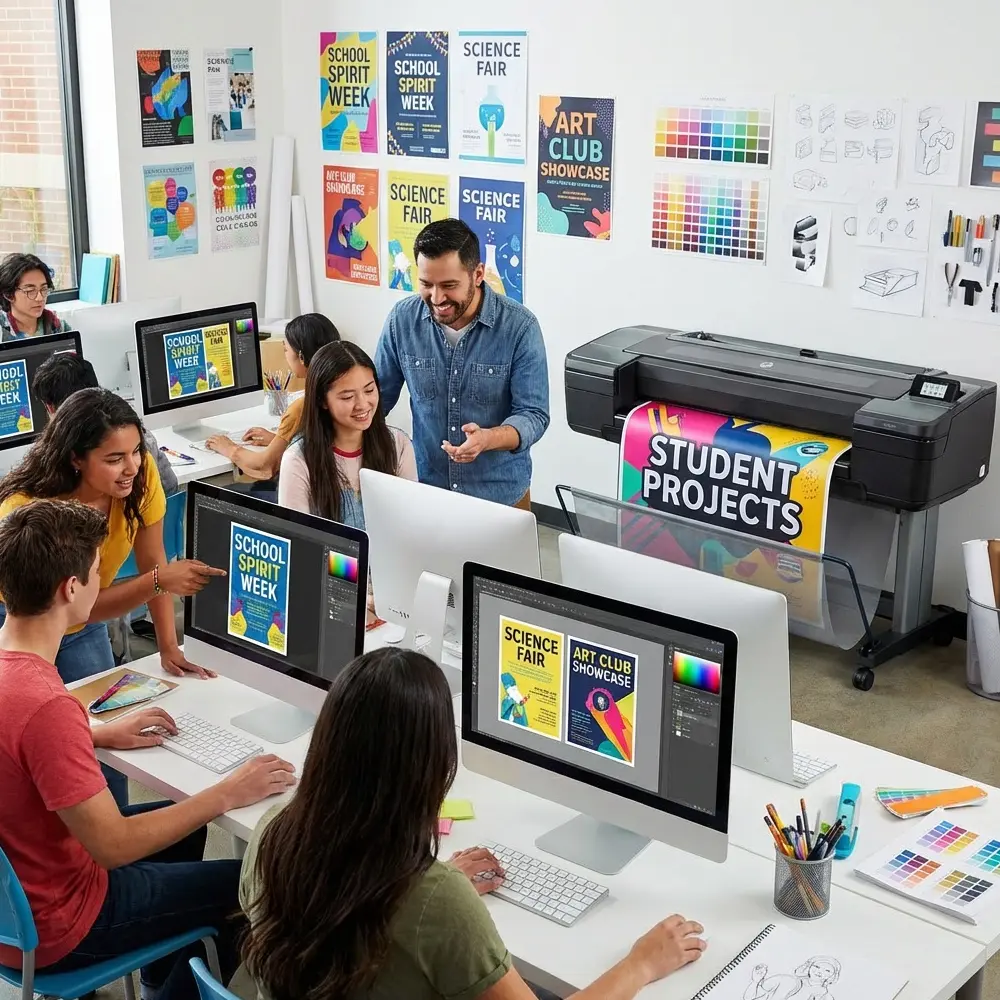
Foster innovation by encouraging creative applications. When teachers discover new uses—like printing student artwork for hallway galleries or creating interactive bulletin boards—document and share these ideas. Success stories spread organically, increasing adoption and justifying continued investment.
Ready to Achieve Print Independence?
Transform your school’s printing capabilities with the best poster maker for schools. Join 4,200+ schools nationwide who’ve eliminated print shop dependency and saved thousands annually.
Common Pitfalls and How to Avoid Them
Learning from others’ mistakes accelerates your success. Common pitfall #1: Underestimating demand. Schools often purchase entry-level equipment, then quickly outgrow capacity. Start with realistic projections based on your needs assessment, then add 30% growth buffer.
Pitfall #2: Neglecting workflow design. Simply placing a printer in a closet creates bottlenecks and frustration. Dedicate appropriate space with proper ventilation, storage for supplies, and finishing areas for trimming or laminating. Consider traffic flow—can staff easily deliver completed projects without disrupting the workspace?
Pitfall #3: Limiting access unnecessarily. Some schools restrict print center use to specific departments or require multiple approvals. This bureaucracy stifles adoption and limits ROI. Instead, implement simple guidelines that empower responsible use while maintaining accountability.
Pitfall #4: Forgetting about marketing. Your print center needs internal promotion to reach full potential. Share success stories in staff meetings, display sample projects prominently, and celebrate creative uses. When teachers see colleagues’ innovative posters, they envision their own possibilities.
Measuring Success Beyond Savings
While financial metrics matter, true success encompasses broader educational impact. Track how in-house printing enables spontaneous learning opportunities—teachers creating timely visual aids responding to student interests or current events. Document increased parent engagement when professional-quality materials communicate school initiatives more effectively.
Monitor teacher satisfaction through periodic surveys. Most report reduced stress knowing they can produce materials quickly without budget concerns. This peace of mind translates to more creative lesson planning and increased willingness to try visual learning strategies.
Student achievement provides the ultimate success metric. Schools with robust visual learning environments consistently show improved engagement and retention. When every classroom features current, relevant, professionally produced visual aids, learning environments transform from static to dynamic spaces that inspire curiosity and achievement.
Your print center becomes more than equipment—it’s an enabler of educational excellence. By removing barriers between ideas and implementation, you empower educators to create the visual-rich environments that today’s learners need. That transformation justifies every investment and validates your journey toward true poster printing machine independence.